How to Run LLMs on a Laptop with LM Studio
TL;DR
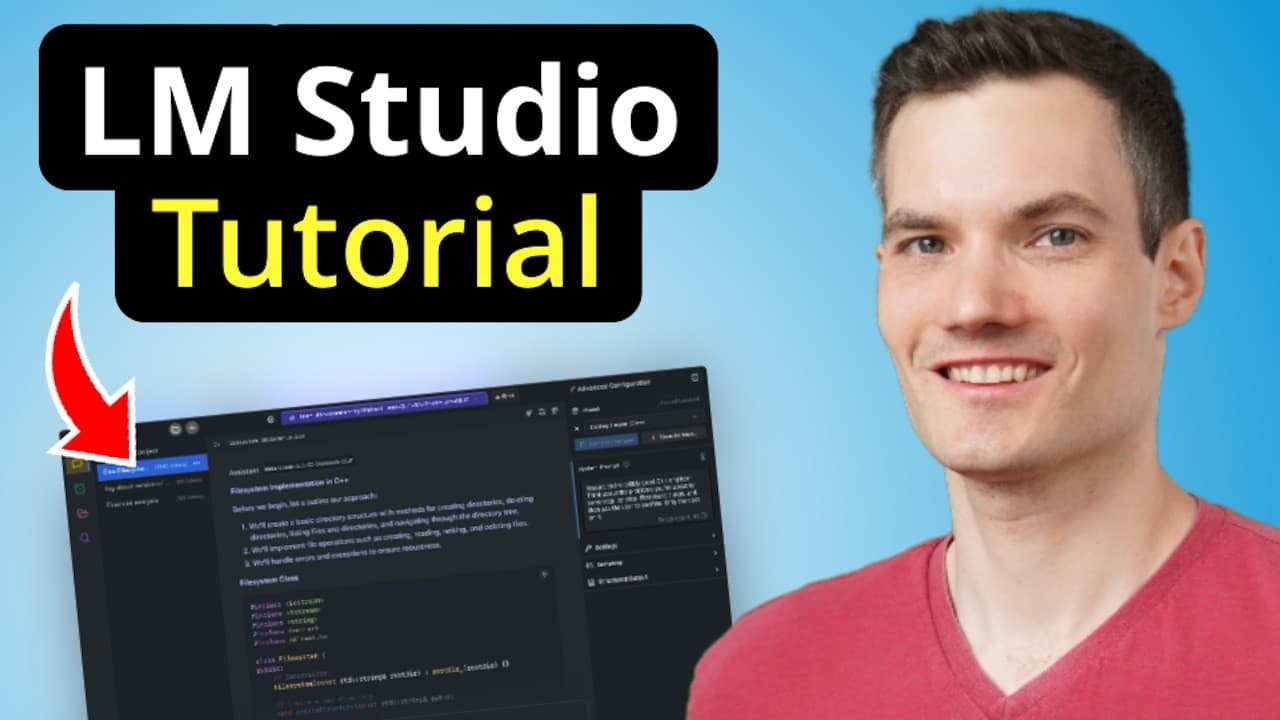
LM Studio lets you run large language models locally on your PC with GPU offloading. Install LM Studio, download Llama 3.2 1B, load the model, and start a chat to generate responses. You can upload documents for analysis and switch between multiple models offline.
Transcript
Today, we're going to learn how you can run large language models or LLMs right on your laptop using LM Studio. Typically, to be able to run a large and complex LLM, you would need at least 16 gigabytes of VRAM like you'd get with the GeForce RTX 4080 Super Desktop GPU or a GeForce RTX 4090 which helps break the model's data into smaller pieces... Read More
Key Insights
- LM Studio offloads processing to the GPU to run LLMs on a laptop, enabling faster performance and local inference.
- A minimum of 16 GB RAM is recommended to install and run LM Studio effectively, ensuring sufficient memory for models and prompts.
- The tutorial uses Llama 3.2 1B as the first downloadable model, showing how to load and chat with it.
- Users can interact with LM Studio in a dedicated chat window after loading a model.
- Document uploads are supported, allowing questions about the content and receiving answers based on the uploaded file.
- The Discover panel offers multiple LLM options such as Mistral and Gemma for experimentation.
- Model switching is done via a dropdown, enabling task-specific model selection for different needs.
- All data and prompts stay on the user’s PC, with no internet connection required after installation.
- More videos from this channel:
- More from this channel: Kevin Stratvert
Install to Summarize YouTube Videos and Get Transcripts
Explore YouTube Video Summarizer or Get YouTube Transcript Extractor
Questions & Answers
Q: How can LM Studio run LLMs on a laptop without cloud services?
LM Studio runs LLMs locally on a laptop by offloading processing to the GPU, which allows handling larger models directly on the machine. This eliminates dependence on cloud services, enabling offline use, preserving privacy, and ensuring that prompts and responses stay on the PC. Users simply download LM Studio, install it, and load a model.
Q: What is the minimum RAM recommended for LM Studio according to the video?
The video recommends having at least 16 gigabytes of RAM to install and run LM Studio smoothly. With 16 GB of RAM, the software can load the chosen LLM, process prompts, and manage model-related tasks without excessive swapping. This baseline helps maintain responsive interaction in the chat interface.
Q: Which model is demonstrated first for loading in LM Studio?
The tutorial demonstrates loading Llama 3.2 1B as the first model. After downloading LM Studio, the user selects this model, loads it into the chat interface, and begins interacting by typing prompts. This example shows the end-to-end process from download to model interaction.
Q: How does the chat interaction work after loading a model in LM Studio?
Once a model is loaded, you can type prompts into the chat window and press send to receive model-generated responses. The interface presents the output in the same window, allowing you to iteratively refine prompts, experiment with different tasks, and evaluate model performance directly on your laptop.
Q: Can LM Studio work with documents uploaded by the user?
Yes, LM Studio supports uploading documents for analysis. You can upload a file, then ask questions about its content and receive answers grounded in the uploaded material. This enables document-based querying and helps extract information without leaving the local environment.
Q: What other models can be loaded besides Llama 3.2 1B?
Beyond Llama 3.2 1B, the Discover panel shows other models such as Mistral and Gemma, and you can download and load these models. Installing multiple LLMs gives you flexibility to compare performance and choose the best model for a given task.
Q: How can you switch between different models during use?
You can switch between installed models by selecting the desired model from a dropdown menu. This lets you compare different models for specific tasks, such as technical help or creative writing, and choose the one that provides the best results for your needs.
Q: What is the privacy and data handling benefit highlighted in the video?
A key benefit highlighted is that all data, prompts, and conversations stay on your PC, with no internet or cloud service required once LM Studio is installed. This preserves privacy and ensures complete local control over your AI interactions.
Summary & Key Takeaways
-
LM Studio enables running large language models directly on a laptop by offloading processing to the GPU, which can improve speed and enable local inference without cloud calls. The video guides installation, model loading, and basic usage, including testing prompts and reviewing outputs. It also covers loading different models for comparison.
-
The tutorial emphasizes hardware requirements, recommending at least 16 GB of RAM to install and operate LM Studio smoothly. It demonstrates creating a chat session, loading Llama 3.2 1B, and running prompts such as a chocolate chip cookie recipe. It also highlights offline data handling and privacy benefits.
-
Users learn how LM Studio supports uploading documents, querying them, and interacting with multiple models like Gemma and Mistral. The guide explains model management, switching between models, and harnessing local processing to maintain data on the PC without internet access.
Read in Other Languages (beta)
Share This Summary 📚
Summarize YouTube Videos and Get Video Transcripts with 1-Click
Try YouTube Summary with ChatGPT & Claude or YouTube Transcript Generator
Explore More Summaries from Kevin Stratvert 📚






Summarize YouTube Videos and Get Video Transcripts with 1-Click
Try YouTube Summary with ChatGPT & Claude or YouTube Transcript Generator