How to Use AI in Excel for Faster Finance Work
TL;DR
AI can turn raw spreadsheet data into organized financial models and analyses far faster than manual Excel workflows, provided the input data and instructions are clear. Collect the required data up front, divide complex work into staged prompts, define cleaning and categorization rules precisely, and require notes or review flags wherever the model encounters ambiguity.
Transcript
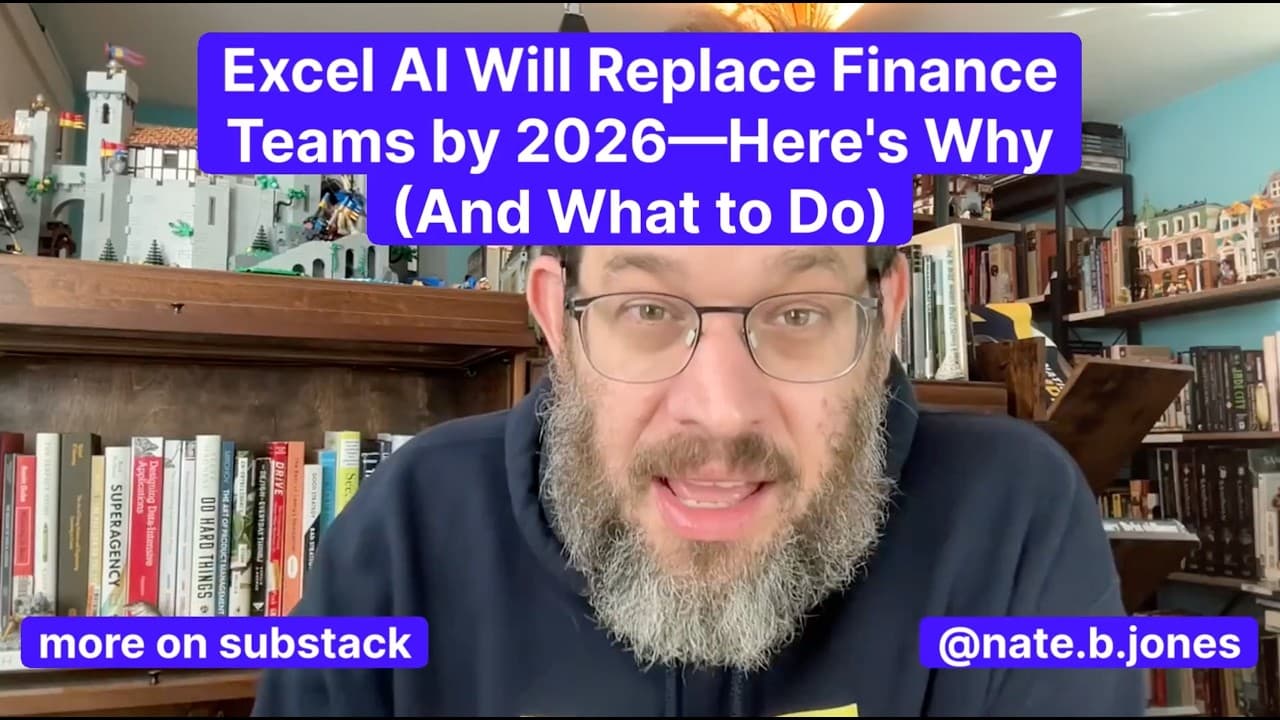
If you are not using AI for Excel, you are sleeping on the power of what it can do. It is one of the biggest changes I have seen in the last year for AI. This video is all about AI and Excel. It's about Claude. It's about C-Pilot. It's about what we can do that we couldn't do before. And I go farther than that. I'm going to talk about specific prom... Read More
Key Insights
- AI spreadsheet tools are now capable of working with numbers and models, not only generating text. Claude and Copilot can build or edit Excel files, enabling users to create financial statements, models, attribution analyses, ROI calculations, dashboards, and other standard business spreadsheet deliverables.
- Claude is presented as the stronger Excel option when it receives a well-designed prompt. Sonnet 4.5 reportedly completed a complex analysis from a screenshot containing four or five currencies with one mistake, which the presenter corrected quickly, while Copilot ranked second in his comparison.
- Excel automation is a multiplied accelerator because it handles formulas, organization, and computation across complete models. The presenter says standard business spreadsheet tasks can be completed 30 to 40 times faster than manual work, although the tools do not match a CFO with 25 years of experience.
- The return on premium AI tools can be evaluated through time recovered rather than money recovered alone. The relevant choice is whether immediate access justifies a higher-priced plan or whether waiting for the capabilities to reach other plans better fits the user's needs.
- Accurate source data is still essential because AI does not remove the need to collect correct inputs. The workflow instead moves data gathering earlier, requiring users to assemble the necessary information before prompting the system to clean, categorize, analyze, and present it.
- Complex Excel prompts are safer when divided into stages that each create a deliverable. Returning cleaned data in a worksheet named "Clean Data," for example, preserves completed work and lets the user continue if a larger prompt reaches its context limit.
- Data-cleaning instructions are most effective when they define the intended result explicitly. Useful rules include standardizing dates, formatting amounts as currency, removing duplicates, adding a month column, flagging missing fields, and adapting the organization's existing data-hygiene procedure into reusable prompt instructions.
- Ambiguous categorization is best handled with examples, counterexamples, tie-breaking rules, and review flags. Language models can interpret transaction descriptions more flexibly than rigid if-then rules, while notes explaining uncertain decisions give people a practical way to inspect and correct the output.
Install to Summarize YouTube Videos and Get Transcripts
Explore YouTube Video Summarizer or Get YouTube Transcript Extractor
Questions & Answers
Q: How can AI make Excel finance work faster?
AI can clean raw exports, categorize transactions, construct financial statements, build models, perform attribution analysis, calculate ROI, and organize supporting notes. The presenter says standard business spreadsheet work can run 30 to 40 times faster, with board-level analysis potentially taking about 60 minutes instead of eight days of work by a three-person team.
Q: How do Claude and Copilot compare for Excel work?
Claude is presented as the stronger tool when used with a detailed prompt, particularly after the launch of Sonnet 4.5. The presenter says Copilot ranks second in his testing, but remains a useful embedded assistant that can build and edit spreadsheets directly in Excel. Both demonstrate that language models can now perform serious numerical workflows.
Q: Is Claude Max worth paying for to use Excel capabilities?
The suggested evaluation focuses on recovered time and urgency rather than direct financial payback alone. Claude's Excel capabilities were available through its expensive Max plan in the period discussed, so users should ask whether they need the functionality immediately or can wait for it to reach another plan. Value also depends on knowing how to prompt effectively.
Q: What data should be prepared before using AI in Excel?
Users should collect all required source numbers before asking AI to build an analysis, and those inputs must be accurate. The automation does not eliminate data collection. It shifts that burden to the beginning of the process. Messy inputs may still work, including screenshots and multiple currencies, but reviewing the extracted information and correcting errors remains necessary.
Q: How should a complex Excel AI prompt be structured?
A complex request should be divided into separate stages, with every stage producing a usable deliverable. A first prompt might clean raw data and return it in a new worksheet named "Clean Data." Later prompts can categorize and analyze that worksheet. This structure preserves progress, reduces context-limit problems, and makes mistakes easier to identify and correct.
Q: How can AI clean a raw accounting CSV export?
The prompt should declare the available columns and define what clean data means for the specific organization. Instructions can require properly formatted dates, currency-formatted amounts, removal of duplicate transactions, a new month column, and flags for missing data. Duplicate criteria should be stated carefully to reduce false positives, especially when the dataset is already known.
Q: How can AI categorize transactions from descriptions?
After cleaning the data, users can provide categories and ask the model to classify each transaction from its description. Examples help define expected classifications, while counterexamples and tie-breaking rules clarify difficult boundaries. If a transaction remains uncertain, the prompt should require a review flag and a note explaining exactly why the classification is ambiguous.
Q: Will AI completely replace experienced finance professionals?
The presenter does not claim that current spreadsheet AI matches a CFO with 25 years of experience or an employee who has maintained a 20-sheet workbook for 15 years. Instead, it functions as a highly capable professional assistant that completes standard work rapidly. People remain responsible for accurate inputs, prompt design, ambiguity resolution, corrections, and informed review.
Summary & Key Takeaways
-
Claude and Copilot can now build and edit spreadsheets, moving large language models beyond writing assistance into numerical analysis. The presenter considers Claude stronger when paired with a detailed prompt, while Copilot is a capable embedded alternative. These tools can prepare standard business models, financial statements, attribution analyses, and ROI calculations.
-
AI spreadsheet workflows provide greater leverage than faster document drafting because they produce usable models rather than merely accelerating writing. The presenter compares completing board-level analysis in about 60 minutes with work that previously required eight days from a three-person team, although experienced finance professionals still provide deeper expertise and institutional knowledge.
-
Successful automation shifts the workflow toward gathering accurate inputs before spreadsheet construction begins. Prompts should separate cleaning, categorization, and analysis into stages, with each stage producing a named worksheet. Clear formatting rules, duplicate definitions, category examples, ambiguity rules, review flags, and explanatory notes make outputs more reliable, auditable, and easier to continue.
Read in Other Languages (beta)
Share This Summary 📚
Summarize YouTube Videos and Get Video Transcripts with 1-Click
Try YouTube Summary with ChatGPT & Claude or YouTube Transcript Generator
Explore More Summaries from AI News & Strategy Daily | Nate B Jones 📚






Summarize YouTube Videos and Get Video Transcripts with 1-Click
Try YouTube Summary with ChatGPT & Claude or YouTube Transcript Generator