How to Set Up Facebook Ads for Beginners 2024
TL;DR
To set up Facebook ads effectively, start by creating a Business Manager account and setting up your ad account with your brand's name and region. Ensure your ad account is verified and your payment information is accurate. Use Shopify to integrate Facebook Pixel for tracking, and focus on conversion campaigns for better results.
Transcript
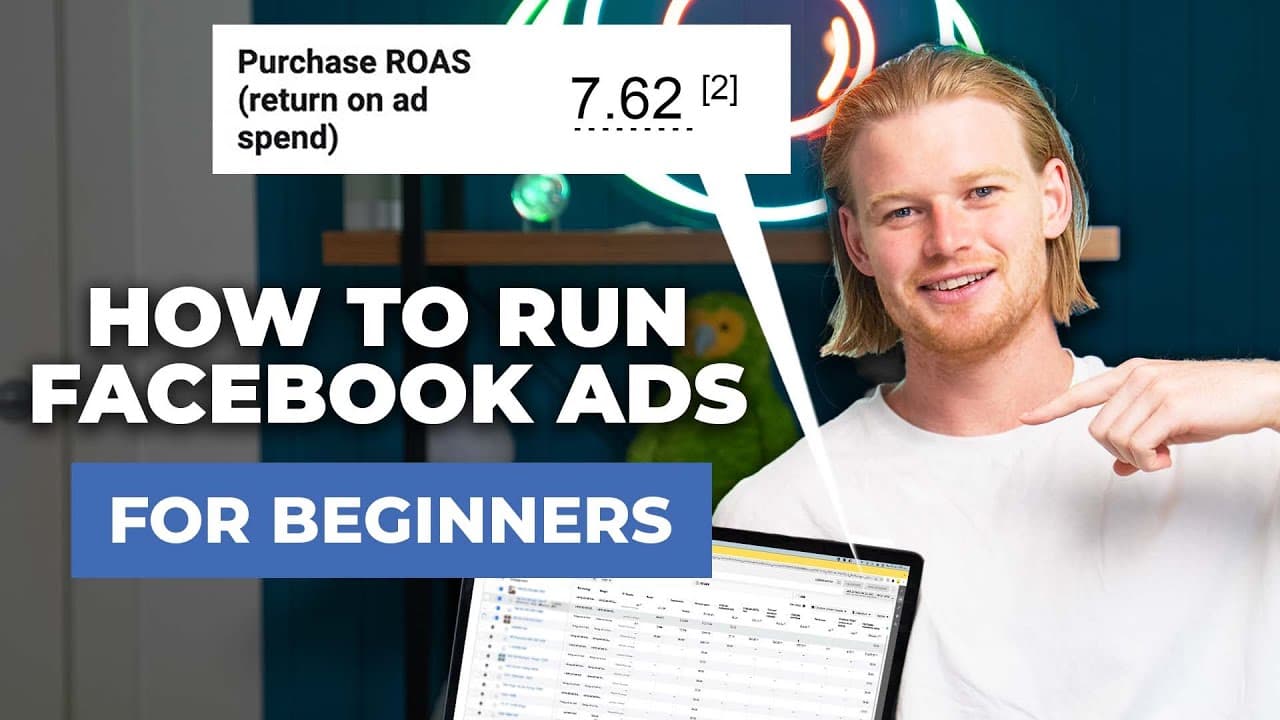
- Over the past four years, I spent 40 million on Facebook ads. Today, I'm gonna give you a complete walkthrough on Facebook ads and set it up for our new brand, The Lemon Scrub. This is gonna be everything that you need to know to get at the basic structure set up and get your first sale. It's been a long journey here. We've found the product. We'... Read More
Key Insights
- Creating a Business Manager account is essential for managing and scaling Facebook ads effectively.
- Ad account naming should include the brand's name and region for better organization and potential future expansion.
- Slowly ramping up your ad budget is crucial to avoid being flagged as a scam by Facebook.
- Integrating Facebook Pixel with Shopify allows for effective tracking of user behavior and retargeting.
- Conversion campaigns are recommended for beginners to target audiences with buying intent.
- Facebook's automatic placements and broad targeting are effective for reaching a wide audience.
- Retargeting involves targeting users who have interacted with your brand, such as website visitors or video watchers.
- Regularly monitor key metrics like ROAS, cost per purchase, and audience engagement to optimize ad performance.
Install to Summarize YouTube Videos and Get Transcripts
Explore YouTube Video Summarizer or Get YouTube Transcript Extractor
Questions & Answers
Q: How to create a Facebook Business Manager account?
To create a Facebook Business Manager account, visit business.facebook.com and follow the prompts to set up an account. Ensure you provide accurate business information for verification. This account will help manage ad accounts, pages, and other assets efficiently, supporting long-term scaling of your advertising efforts.
Q: Why is integrating Facebook Pixel with Shopify important?
Integrating Facebook Pixel with Shopify is crucial for tracking user behavior on your website. It allows you to collect data on actions such as page views, add-to-cart events, and purchases. This data helps optimize ad targeting and retargeting strategies, improving conversion rates and ad performance.
Q: What is the best type of Facebook ad campaign for beginners?
For beginners, conversion campaigns are recommended as they target audiences with purchasing intent. These campaigns leverage Facebook's data to find users likely to convert, optimizing ad spend and increasing the chances of achieving sales. Avoid traffic or awareness campaigns initially, as they may attract non-buying audiences.
Q: How should I name my Facebook ad campaigns?
Name your Facebook ad campaigns using a clear and consistent naming convention. Include the campaign objective, product name, and any specific targeting details. For example, use 'Conversions - Lemon Scrub Cleaner' for a conversion-focused campaign. This helps keep your ad account organized and makes tracking performance easier.
Q: What budget should I start with for Facebook ads?
When starting with Facebook ads, begin with a modest daily budget of $5 to $10. This allows you to test and learn without significant financial risk. As you gain experience and identify successful strategies, gradually increase your budget to scale your campaigns and achieve better results.
Q: What metrics should I monitor in Facebook Ads Manager?
Monitor key metrics such as return on ad spend (ROAS), cost per purchase, and audience engagement. These metrics help evaluate the effectiveness of your ads and inform optimization decisions. Additionally, track funnel metrics like cost per click, view content, and add-to-cart to understand user interactions and improve targeting.
Q: How can I effectively retarget users on Facebook?
To retarget users effectively, create custom audiences based on interactions such as website visits, video views, or previous purchases. Use Facebook's ad manager to set up campaigns targeting these audiences, ensuring your ads are relevant and engaging. Retargeting helps re-engage interested users, increasing the likelihood of conversions.
Q: What is the role of ad creative in Facebook advertising?
Ad creative plays a crucial role in capturing user attention and driving engagement. Use visually appealing images or videos and compelling copy to convey your message. Test different creatives to identify what resonates with your audience. Effective ad creative can significantly impact click-through rates and conversion success.
Summary & Key Takeaways
-
Start by setting up a Facebook Business Manager account and creating an ad account with a clear naming convention. Integrate Facebook Pixel with your Shopify store to track user interactions and conversions effectively.
-
Focus on conversion campaigns to target audiences with buying intent, and use automatic placements for broader reach. Retargeting can enhance engagement by focusing on users who have previously interacted with your brand.
-
Regularly monitor key metrics such as ROAS and cost per purchase to optimize your ad strategy. Remember to test different ad creatives and audiences to identify what works best for your brand.
Read in Other Languages (beta)
Share This Summary 📚
Summarize YouTube Videos and Get Video Transcripts with 1-Click
Try YouTube Summary with ChatGPT & Claude or YouTube Transcript Generator
Explore More Summaries from Davie Fogarty 📚






Summarize YouTube Videos and Get Video Transcripts with 1-Click
Try YouTube Summary with ChatGPT & Claude or YouTube Transcript Generator