What Are the Best Features of InShot for Video Editing?
TL;DR
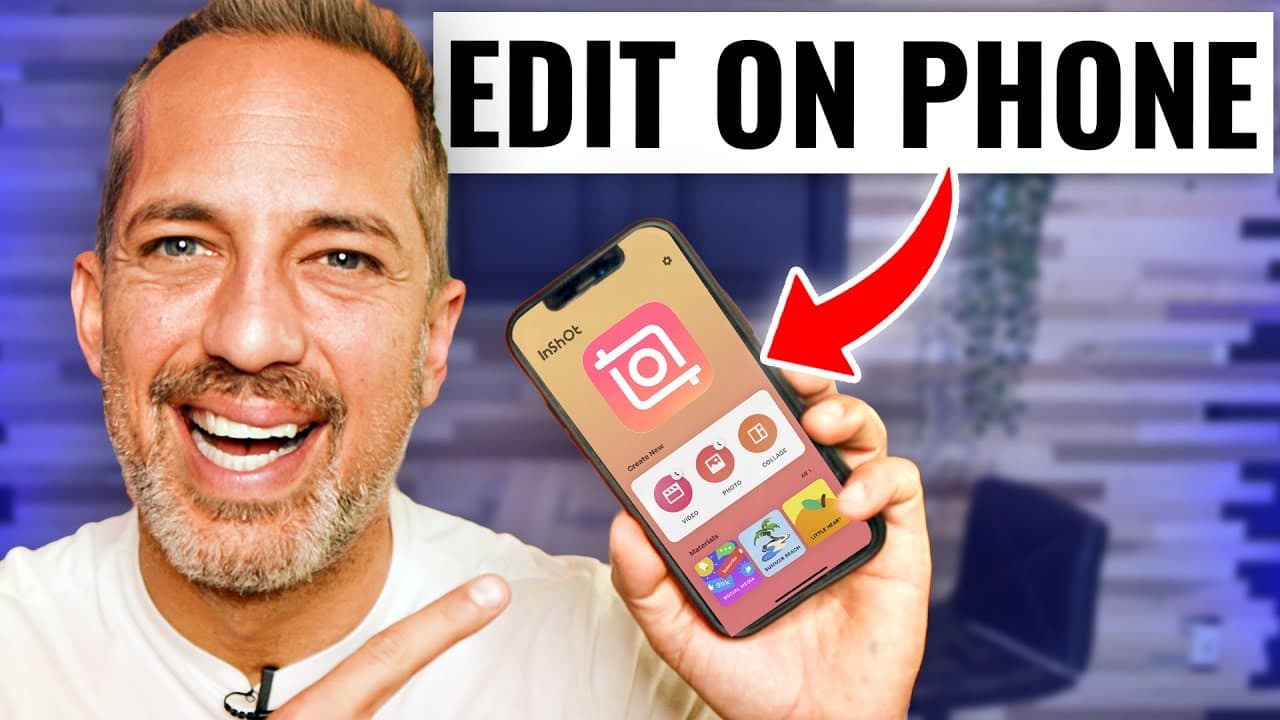
InShot is a powerful mobile app that simplifies video editing with features like filters, effects, and customizable text overlays. Users can easily trim clips, change canvas sizes, and add background music to create engaging videos for social media and YouTube.
Transcript
editing video on your mobile phone is easy with an app called in shot inshot is available on apple or on google play has a ton of cool features including filters and effects they provide you with copyright free music that you can use with no penalties they also give you access to stickers and video text effects that you're going to love today i'm g... Read More
Key Insights
- 😀 InShot app offers a range of editing tools like stickers, text effects, and background music for creating engaging videos.
- 🥳 Users can quickly change canvas sizes and aspect ratios to fit different video platforms like vertical or widescreen.
- 👏 The tutorial demonstrates how to use features like split, delete, and zoom to edit videos effectively within the app.
- 🎮 InShot simplifies the video editing process on mobile phones, making it accessible for content creators to produce quality videos for social media and YouTube.
- 👤 With InShot, users can customize text styles, colors, borders, and effects to add informative and visually appealing text overlays in their videos.
- 😀 The app allows for precise trimming and editing of video clips to ensure a polished final product for sharing online.
- 🎼 InShot's background music feature enables users to enhance their videos with copyright-free music options, making the editing process more engaging and enjoyable.
Install to Summarize YouTube Videos and Get Transcripts
Explore YouTube Video Summarizer or Get YouTube Transcript Extractor
Questions & Answers
Q: What features does InShot offer for video editing on mobile phones?
InShot provides filters, effects, stickers, text effects, and copyright-free music to enhance video editing on mobile devices, making it convenient and versatile for users.
Q: How does InShot help in basic video editing tasks like trimming and splitting clips?
InShot allows users to easily trim off the beginning and ends of video clips by splitting and deleting unwanted portions, ensuring a precise editing process for creating professional-looking videos.
Q: Can users add text overlays and zoom effects to their videos using InShot?
Yes, InShot offers text features to add informative text overlays at various points in the video and allows users to create zoom effects for emphasizing specific parts of the content, enhancing the visual appeal of the videos.
Q: What export options are available in InShot for saving edited videos?
InShot provides export settings for users to choose video quality, frame rate, and format (e.g., MP4), ensuring flexibility in saving and sharing edited videos seamlessly across multiple platforms.
Summary & Key Takeaways
-
InShot is a mobile app for video editing that provides various features like filters, effects, and stickers.
-
The tutorial demonstrates basic editing steps, such as changing canvas size, adding stickers, splitting clips, and trimming.
-
Users can enhance videos with zoom effects, text overlays, background music, and export options in InShot.
Read in Other Languages (beta)
Share This Summary 📚
Summarize YouTube Videos and Get Video Transcripts with 1-Click
Try YouTube Summary with ChatGPT & Claude or YouTube Transcript Generator
Explore More Summaries from Owen Video 📚






Summarize YouTube Videos and Get Video Transcripts with 1-Click
Try YouTube Summary with ChatGPT & Claude or YouTube Transcript Generator