How to Live Stream on Facebook Using OBS
TL;DR
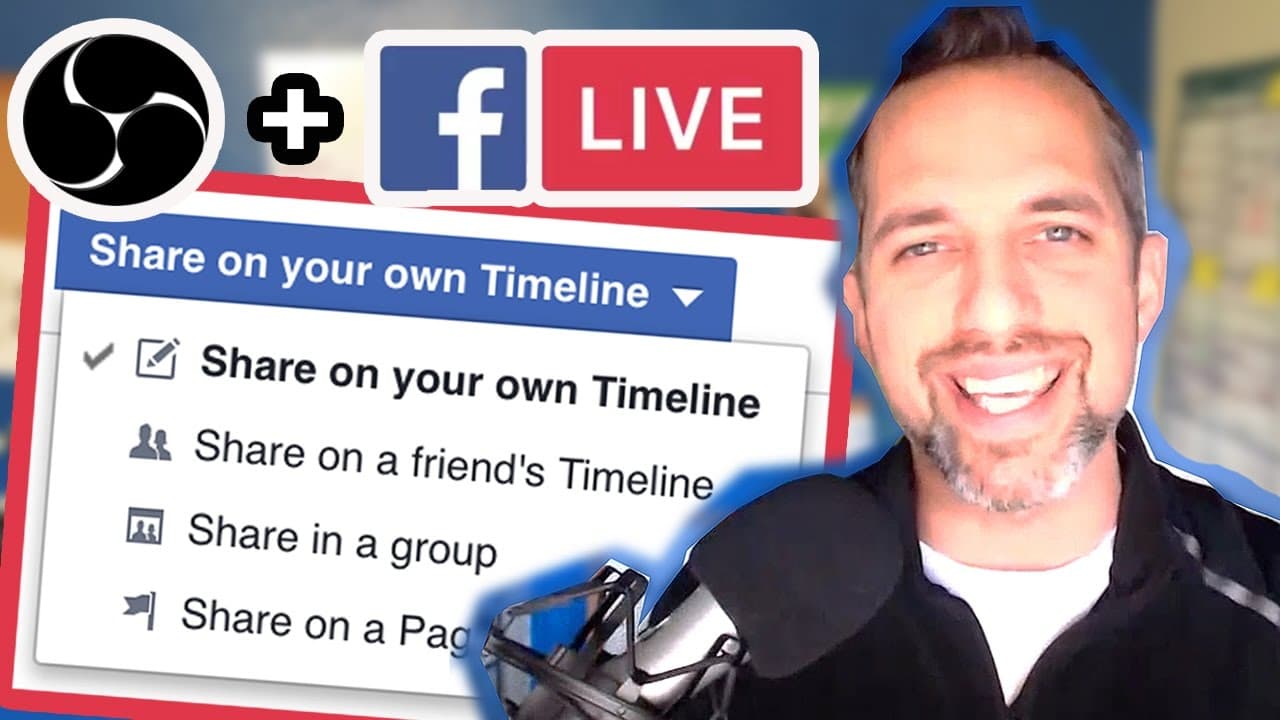
To live stream on Facebook using OBS, first access the free app at epiclivevideo.com, create your live stream, and get your stream key. Enter this key in OBS under stream settings, then start streaming to share live updates with your friends and followers. You can edit your video afterward and share the recorded URL for wider reach.
Transcript
so you want to go live from your Facebook profile using OBS well it just so happens I'm going to show you exactly how to do it and that's going to happen right now this is Owen video hey guys welcome back to the only channel on YouTube where you'll learn video marketing tactics that drive sales drive leads and drive traffic I'm Owen video and look ... Read More
Key Insights
- 🫒 Live streaming on Facebook from your profile using OBS can increase engagement and reach.
- 😀 Accessing a free app is crucial for setting up the live stream on Facebook.
- 🎏 The process involves copying the stream key, launching the broadcast on OBS, and verifying the live stream on Facebook.
- 🫵 Advanced editing options like adding titles, tags, thumbnails, and descriptions further enhance the viewer experience.
- 👨🦱 Sharing the recorded live video URL across platforms can extend its reach and viewership.
- 😀 Joining Owen Video's private Facebook group provides a platform for discussing live streaming, free apps, and Facebook Live/OBS usage.
- 💁 Enhancing video marketing skills through tutorials and tips can significantly impact business growth and online presence.
Install to Summarize YouTube Videos and Get Transcripts
Explore YouTube Video Summarizer or Get YouTube Transcript Extractor
Questions & Answers
Q: How can I stream live on Facebook from my profile using OBS?
Owen Video demonstrates how to access a free app, set up the live stream, copy the stream key, and launch the broadcast on Facebook through OBS.
Q: What advantages does streaming live from your Facebook profile offer?
Going live from your profile can boost viewer count, engagement, and reach, providing a competitive advantage over others in the online space.
Q: How can I access and share the recorded live video after the stream ends?
You can retrieve the video URL from your Facebook Timeline, edit it with titles and tags, and share it across various platforms for extended viewership.
Q: What advanced editing options are available for live videos on Facebook?
You can customize your live videos by adding titles, tags, thumbnails, captions, and adjusting privacy settings to enhance the viewer experience and engagement.
Summary & Key Takeaways
-
Owen Video provides a step-by-step guide on how to use a free app to stream live on Facebook from your profile using OBS.
-
The tutorial showcases the process of setting up the live stream, copying the stream key, and launching the broadcast on Facebook.
-
Advanced editing options such as adding titles, tags, thumbnails, and sharing the video URL are also covered.
Read in Other Languages (beta)
Share This Summary 📚
Summarize YouTube Videos and Get Video Transcripts with 1-Click
Try YouTube Summary with ChatGPT & Claude or YouTube Transcript Generator
Explore More Summaries from Owen Video 📚






Summarize YouTube Videos and Get Video Transcripts with 1-Click
Try YouTube Summary with ChatGPT & Claude or YouTube Transcript Generator