How to Optimize Your ChatGPT Experience Effectively
TL;DR
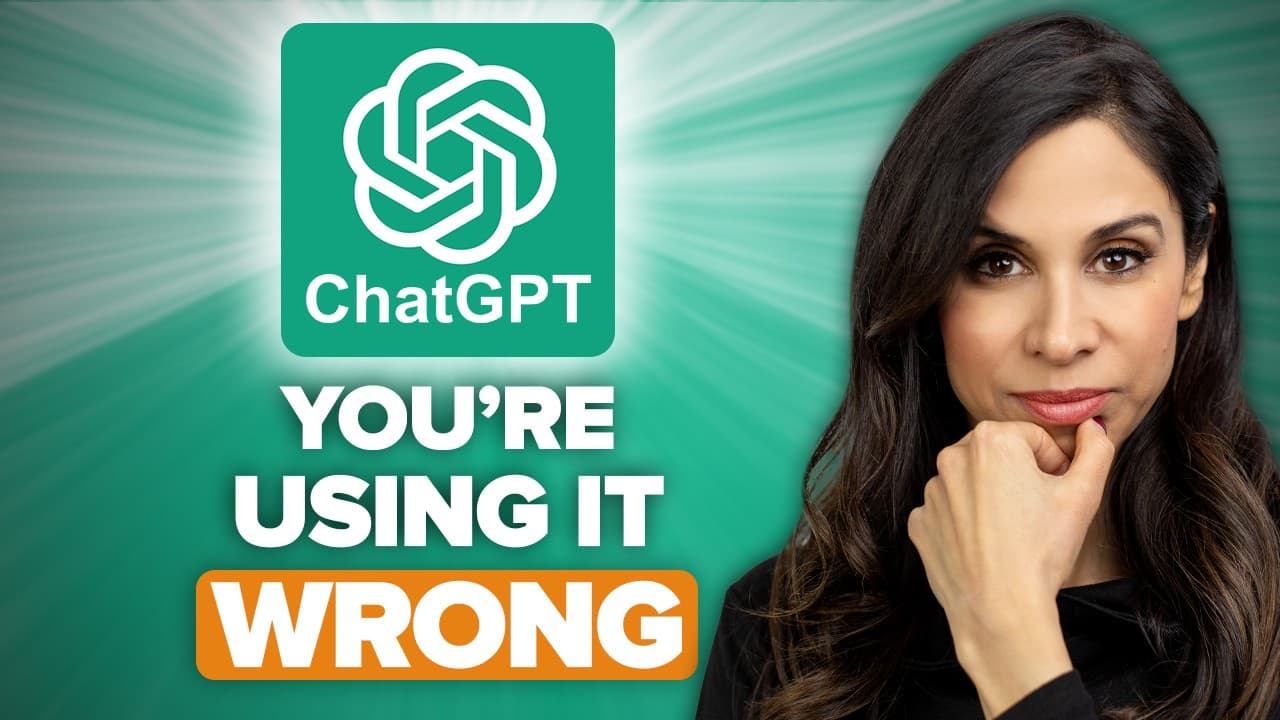
To optimize your ChatGPT experience, use custom instructions to provide context about yourself and your preferences. Specify the response style, tone, and desired length to improve interaction quality, and teach ChatGPT your writing style with examples for more personalized outputs.
Transcript
By now, you've probably started using ChatGPT, right? It's not rocket science. Anyone can ask questions, and it's going to give you answers. In school, we learned that there are no bad questions. In ChatGPT world, there are. It's not going to tell you that, but it's going to give you poor quality answers, and you're just going to waste a... Read More
Key Insights
- ⌛ Custom instructions help personalize ChatGPT's responses, saving time and improving relevance.
- ❓ Specifying language style, formality, and response length enhances efficiency in conversations.
- ❓ Providing examples and soliciting feedback from ChatGPT improves the quality of generated text.
- 🤳 Optimizing prompts by providing specific instructions and self-prompting results in better outputs.
- 👻 Controlling the length and format of responses allows for customized and usable text.
- 💁 Contextual information and regional preferences can further refine ChatGPT's answers.
- ℹ️ Transparency and source verification can be requested for factual responses.
Install to Summarize YouTube Videos and Get Transcripts
Explore YouTube Video Summarizer or Get YouTube Transcript Extractor
Questions & Answers
Q: How can you use custom instructions to enhance your experience with ChatGPT?
Custom instructions allow you to provide information about yourself, your preferences, and relevant details that help ChatGPT generate more personalized and relevant responses. This saves time and reduces back and forth in conversations.
Q: How can you specify the language style and response length for ChatGPT?
By setting preferences for language style, formality, opinionation, and response length, you can control the nature of ChatGPT's replies. This helps eliminate unnecessary explanations or lengthy responses, providing you with the desired information quickly.
Q: How can you improve prompts for more accurate and customized results?
You can teach ChatGPT to write in your own style by giving it examples from your writing. Additionally, you can ask ChatGPT to review its own text and provide feedback, further refining its responses. Self-prompting can optimize the prompts by providing relevant details and specific objectives.
Q: How can you control the length and format of the generated text?
By setting a maximum word count, you can restrict the length of ChatGPT's responses. You can also ask ChatGPT to make the text more concise, reducing word count while maintaining clarity. Moreover, you can specify the output format, such as tables, CSV, JSON, XML, or even Pandas data frames, to suit your needs.
Summary & Key Takeaways
-
Custom instructions: Use the custom instructions feature to provide ChatGPT with context about yourself, your preferences, and relevant information, saving time in future conversations.
-
Tailor ChatGPT's responses: Specify the language style, tone, and response length that you prefer to receive from ChatGPT to improve efficiency.
-
Improve prompt quality: Teach ChatGPT to write in your own style by providing examples, solicit its feedback on generated text, and optimize prompts for better results.
Read in Other Languages (beta)
Share This Summary 📚
Summarize YouTube Videos and Get Video Transcripts with 1-Click
Try YouTube Summary with ChatGPT & Claude or YouTube Transcript Generator
Explore More Summaries from Leila Gharani 📚
Summarize YouTube Videos and Get Video Transcripts with 1-Click
Try YouTube Summary with ChatGPT & Claude or YouTube Transcript Generator