How to Learn React JS: A Step-by-Step Crash Course
TL;DR
To learn React JS effectively, start with foundational concepts like components, props, and state. Build a simple task tracker application to apply your knowledge, utilizing React hooks for state management and fetching data from APIs. Understanding JavaScript fundamentals is essential, as React is built on top of JavaScript.
Transcript
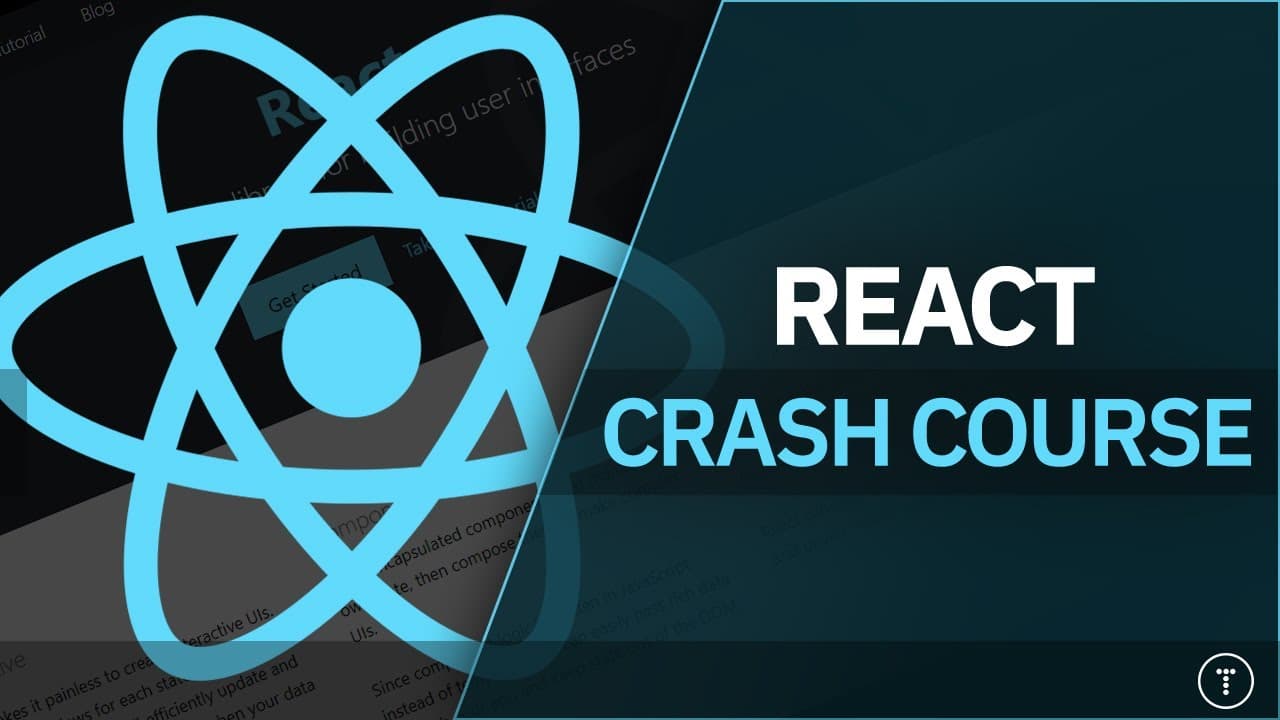
hey guys welcome to my 2021 react crash course so it's been about two years or so since my last one and i wanted to create an updated version and this course is meant for beginners i'll be explaining some of the core concepts and fundamentals of react we're going to be building a task tracker application looking at components props state we're goin... Read More
Key Insights
- 🈸 React is a popular JavaScript library for building user interfaces and can be used to create single-page applications or full stack applications.
- 💨 React components are reusable and provide a way to structure the view layer of an application using a virtual DOM for efficient updates.
- 👻 React hooks, such as useState and useEffect, allow for state management and handling side effects in function components.
- 👋 React can be used in combination with other technologies to create full stack applications, and it is important to have a good understanding of JavaScript fundamentals before diving into React.
Install to Summarize YouTube Videos and Get Transcripts
Explore YouTube Video Summarizer or Get YouTube Transcript Extractor
Questions & Answers
Q: What is React and how is it different from other frameworks?
React is a JavaScript library for building user interfaces and is often referred to as a framework. It is front-end focused and runs in the browser, enabling the creation of single-page applications. Unlike other frameworks, React provides a simpler and more focused approach to building UI components.
Q: How does React handle state management and data binding?
React uses one-way data binding, meaning that data flows from parent components to child components. State management is handled through the use of React hooks, such as useState, which allows for the creation and modification of state variables. React also provides immutability for state variables to improve performance and debugging.
Q: How can React be used to create full stack applications?
While React is primarily a front-end library, it can be combined with other technologies to create full-stack applications. For example, the MERN stack includes MongoDB, Express, React, and Node.js, allowing for the development of both front-end and back-end components. React can communicate with a server or API to fetch or update data.
Q: What are the key benefits of using React?
Some key benefits of using React include its ability to create reusable and modular components, its virtual DOM for faster rendering and updates, its extensive ecosystem of packages and libraries, and its popularity and community support in the industry.
Q: What prerequisites or knowledge are required for learning React?
Before learning React, it is recommended to have a solid understanding of JavaScript, including concepts like variables, functions, loops, and asynchronous programming. Familiarity with concepts like promises and array methods (e.g., forEach, map, filter) will also be helpful. Additionally, knowledge of HTML and CSS is essential for building user interfaces with React.
Summary & Key Takeaways
-
This crash course provides an updated version of React for beginners, covering core concepts and building a task tracker application.
-
React is a JavaScript library for building user interfaces and is commonly used with other technologies to create full-stack applications.
-
React components are reusable and can hold their own state and data, allowing for dynamic and interactive interfaces.
-
The crash course covers important topics such as routing, handling asynchronous code, working with APIs, and using React hooks.
Read in Other Languages (beta)
Share This Summary 📚
Summarize YouTube Videos and Get Video Transcripts with 1-Click
Try YouTube Summary with ChatGPT & Claude or YouTube Transcript Generator
Explore More Summaries from Traversy Media 📚
Summarize YouTube Videos and Get Video Transcripts with 1-Click
Try YouTube Summary with ChatGPT & Claude or YouTube Transcript Generator