How to Automate Business Tasks with OpenClaw on Discord
TL;DR
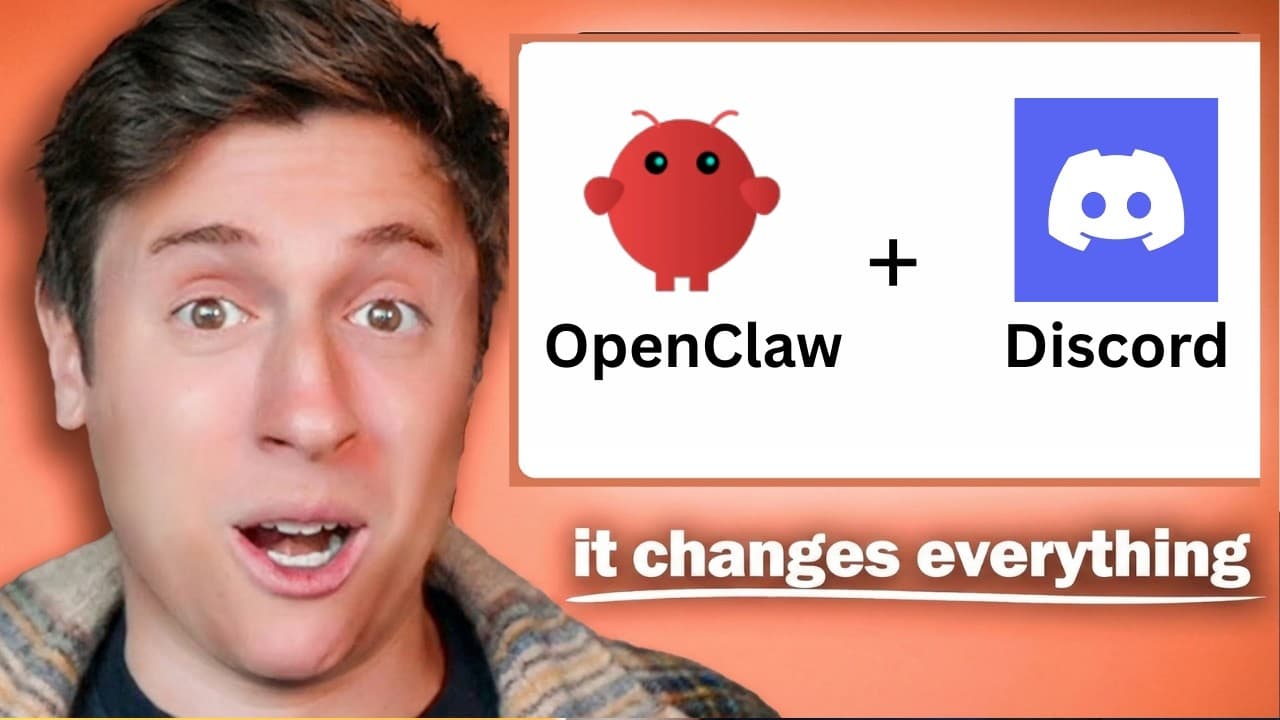
Automate business tasks with OpenClaw on Discord by assigning specialized AI agents to separate channels and connecting their outputs into multi-step workflows. One example checks every two hours for trending tweets, then passes promising stories through research, scriptwriting, approval, and thumbnail-concept stages. The system can run 24 hours a day, seven days a week, while a private server and dashboard help maintain control. Read on for the workflow details and safeguards.
Transcript
What I'm about to show you is how I have an army of AI agents working for me in Discord 24 hours a day, seven days a week, all autonomously running my business and making me money. They're building me apps. They're writing me scripts. They're researching competitors. They're finding trending content. They're researching me stocks to invest in an AI... Read More
Key Insights
- OpenClaw can be integrated into Discord to create a multi-agent operating system that automates various tasks.
- Users can set up channels in Discord for different projects, allowing agents to perform specific tasks autonomously.
- Automated workflows can include content creation, stock research, and competitor analysis, among others.
- Using local AI models reduces costs and allows for continuous operation without rate limits.
- Security is crucial; keep the Discord server private and avoid giving agents access to sensitive communication channels.
- Reverse prompting can help discover personalized workflows tailored to individual needs and goals.
- Different AI models can be used for orchestrating tasks and performing specific actions, with Anthropic being recommended for orchestration.
- A custom dashboard in Discord can help monitor agent activity and efficiency, providing insights into the overall workflow.
Install to Summarize YouTube Videos and Get Transcripts
Explore YouTube Video Summarizer or Get YouTube Transcript Extractor
Questions & Answers
Q: How do you automate business tasks with OpenClaw on Discord?
Create a private Discord server with separate channels for projects or stages of work, then assign OpenClaw agents to specific tasks in those channels. Connect their outputs so that one agent’s completed work triggers the next step, creating an automated multi-agent workflow.
Q: Why use Discord as the interface for OpenClaw?
Discord supports multiple channels where different agents can perform distinct tasks and exchange outputs. The speaker says this enables advanced multi-agent workflows that are not possible in Telegram, iMessage, or WhatsApp.
Q: How does the multi-agent workflow in Discord work?
Agents operate in separate channels and pass information between stages. For example, one agent identifies trending tweets, another researches the underlying stories, Quill writes scripts, and Pixel proposes thumbnail concepts after a script is approved.
Q: What business tasks can OpenClaw agents perform?
The agents can build apps, write scripts, research competitors, identify trending content, and research stocks. The demonstrated content workflow also covers story research and thumbnail concepts.
Q: How does the automated trending-content workflow operate?
An agent checks every two hours for tweets gaining traction in the speaker’s niches, including vibe coding, OpenClaw, and AI. Another agent researches each story and suggests angles, after which Quill creates scripts in the speaker’s voice based on prior YouTube videos.
Q: How can feedback improve OpenClaw’s script output?
The speaker reviews each generated script and marks it with a check when approved or an X when rejected. That feedback trains the model on what the speaker likes and dislikes, making later scripts more relevant.
Q: How are thumbnail concepts generated in the workflow?
Approving a script triggers another AI agent, Pixel, to produce text-based thumbnail concepts for that video. The speaker then feeds those concepts into Gemini and Nano Banana Pro to create the thumbnail.
Q: What security precautions should you take with OpenClaw on Discord?
Keep the Discord server private and do not let other people access it. Avoid allowing agents to send emails or messages autonomously, so sensitive communications remain under your control.
Summary & Key Takeaways
-
Integrating OpenClaw with Discord creates a multi-agent system that automates business tasks, enhancing productivity. This setup involves creating channels for different projects, allowing AI agents to autonomously manage tasks like content creation and research. Users can leverage local AI models to reduce costs and maintain continuous operation, while a custom dashboard helps monitor agent activity.
-
Security is key when using OpenClaw with Discord. Keep the server private and avoid allowing agents to autonomously send communications. Reverse prompting can uncover personalized workflows, and different AI models can be used for orchestrating tasks and performing specific actions, with Anthropic recommended for orchestration.
-
OpenClaw's integration with Discord offers a powerful way to automate business processes. By setting up channels and agents, users can streamline tasks such as content creation and stock research. Local AI models offer cost-effective solutions, and a custom dashboard provides insights into agent activity, making this setup highly efficient and secure.
Read in Other Languages (beta)
Share This Summary 📚
Summarize YouTube Videos and Get Video Transcripts with 1-Click
Try YouTube Summary with ChatGPT & Claude or YouTube Transcript Generator
Explore More Summaries from Alex Finn 📚




Summarize YouTube Videos and Get Video Transcripts with 1-Click
Try YouTube Summary with ChatGPT & Claude or YouTube Transcript Generator