How to Quickly Create Engaging Content Using AI
TL;DR
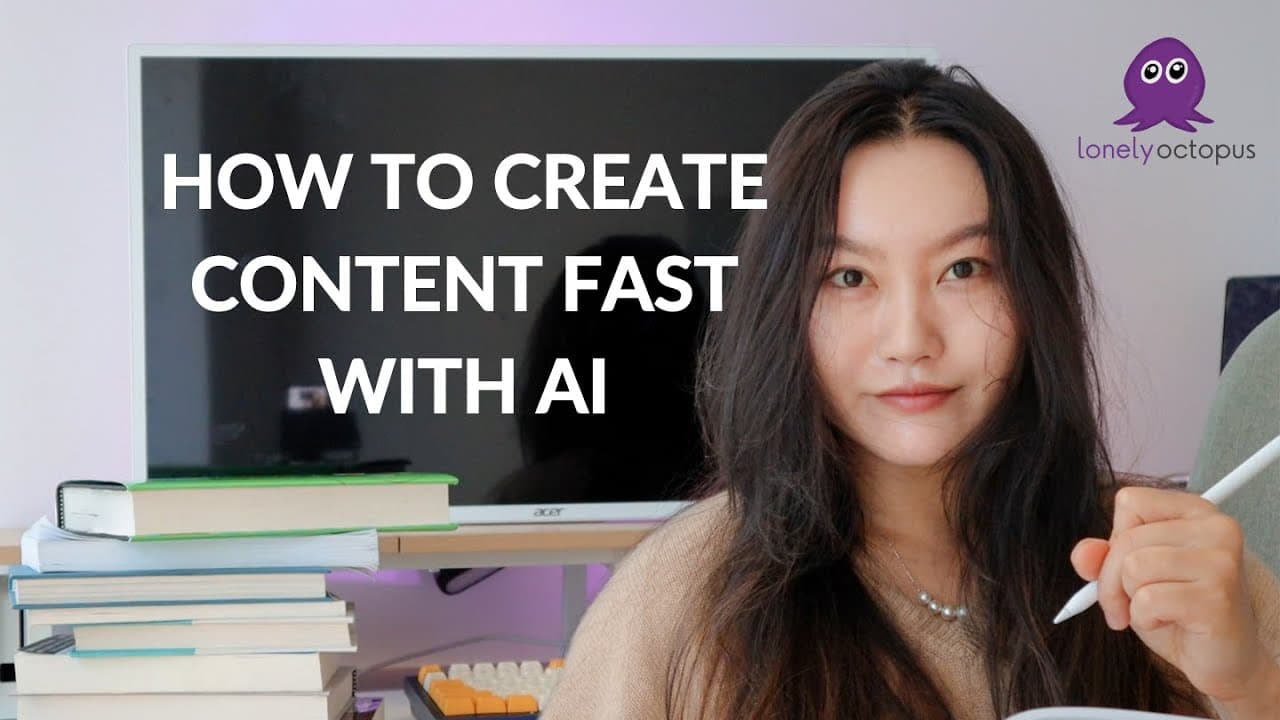
To create engaging content quickly with AI, leverage tools for research, scriptwriting, and editing. Start by generating ideas with AI and use software like Premiere Pro or Descript to streamline the editing process. AI can also assist in crafting thumbnails and social media posts, allowing content creators to repurpose long-form videos into shorter clips efficiently.
Transcript
okay wait can you hear me now yes okay I was saying I am so sorry I am late I am I was six minutes late I apologize and I was saying does anybody know where I am now if anybody had checked my Instagrams check my Ig any guesses hello Abby hello ismo um hello Roman ibraim go to sleep I it like 400 a.m. go to sleep hey ya yay period what sound is low ... Read More
Key Insights
- AI tools can significantly speed up the content creation process by aiding in research, scriptwriting, and editing.
- Content creators can utilize AI to generate video scripts, although personal input is necessary to refine the output.
- The editing process can be streamlined with AI tools like Premiere Pro and Descript, which offer features like automatic space removal and text-based video editing.
- AI can generate b-roll and other video elements, reducing the need for original footage and making content creation more accessible.
- Platforms like InVideo allow for the creation of AI-generated videos, which can be used for educational or marketing purposes.
- AI can also assist in creating thumbnails and titles, providing inspiration and initial drafts that can be refined by the creator.
- Repurposing long-form content into short-form or written content is made easier with AI, enabling creators to maximize their content's reach.
- Despite the advantages of AI, maintaining a personal touch and unique voice in content is crucial to stand out in the crowded digital space.
Install to Summarize YouTube Videos and Get Transcripts
Explore YouTube Video Summarizer or Get YouTube Transcript Extractor
Questions & Answers
Q: How can AI help in the content research phase?
AI can assist in content research by providing summaries of relevant videos and articles, which can serve as a starting point for deeper exploration. Tools like harpa can parse video content and offer summaries, while ChatGPT can generate research ideas and suggest sources.
Q: What are some AI tools that can aid in video editing?
Premiere Pro and Descript are two AI tools that can significantly enhance video editing. Premiere Pro offers features like automatic space removal and audio correction, while Descript allows for text-based video editing, making it easier to refine and polish video content.
Q: How can AI-generated b-roll benefit content creators?
AI-generated b-roll can save content creators time and effort by providing relevant video clips that can be overlaid on top of a-roll footage. This eliminates the need to film additional content or search extensively for stock footage, streamlining the editing process.
Q: What is InVideo and how does it help in content creation?
InVideo is a platform that allows users to create AI-generated videos quickly. It can generate scripts, find relevant footage, and produce videos suitable for various formats, such as YouTube shorts or marketing videos. It's particularly useful for creating educational content or promotional materials.
Q: Can AI assist in creating thumbnails and titles for videos?
Yes, AI can help generate ideas for thumbnails and titles by providing drafts and visual concepts. While AI-generated suggestions might not be perfect, they can serve as inspiration and be refined by the creator to better fit their content's style and message.
Q: How can content creators repurpose their content using AI?
Content creators can use AI to convert long-form videos into short-form content or written articles. Tools like harpa can summarize video content into text, which can then be adapted for platforms like LinkedIn or Instagram, maximizing the reach and impact of the original content.
Q: What are the potential challenges of using AI in content creation?
One potential challenge is ensuring that content retains a personal touch and unique voice, as AI-generated content can sometimes lack originality. Creators need to balance efficiency with creativity to stand out in a crowded digital space. Additionally, ethical considerations around content authenticity and deep fakes are also important.
Q: How is AI expected to influence the future of content creation?
AI is expected to revolutionize content creation by making it more accessible and efficient. As AI tools continue to improve, they will raise the standard for quality, pushing creators to innovate and leverage AI to enhance their content while maintaining authenticity and originality.
Summary & Key Takeaways
-
In this live stream, the speaker discusses how AI can be leveraged to create content more efficiently. They cover various tools and techniques that can aid in the different stages of content creation, from idea generation to publishing.
-
The speaker emphasizes the importance of using AI as a tool to augment the content creation process, rather than relying on it entirely. They share insights into how AI has helped improve their video quality and output speed.
-
Throughout the session, the speaker offers practical advice and examples of AI applications in content creation, such as using InVideo for video generation and Premiere Pro for editing. They also highlight the potential for AI to revolutionize content creation in the future.
Read in Other Languages (beta)
Share This Summary 📚
Summarize YouTube Videos and Get Video Transcripts with 1-Click
Try YouTube Summary with ChatGPT & Claude or YouTube Transcript Generator
Explore More Summaries from Tina Huang 📚



Summarize YouTube Videos and Get Video Transcripts with 1-Click
Try YouTube Summary with ChatGPT & Claude or YouTube Transcript Generator