How to Direct Consistent 30-Second AI Videos
TL;DR
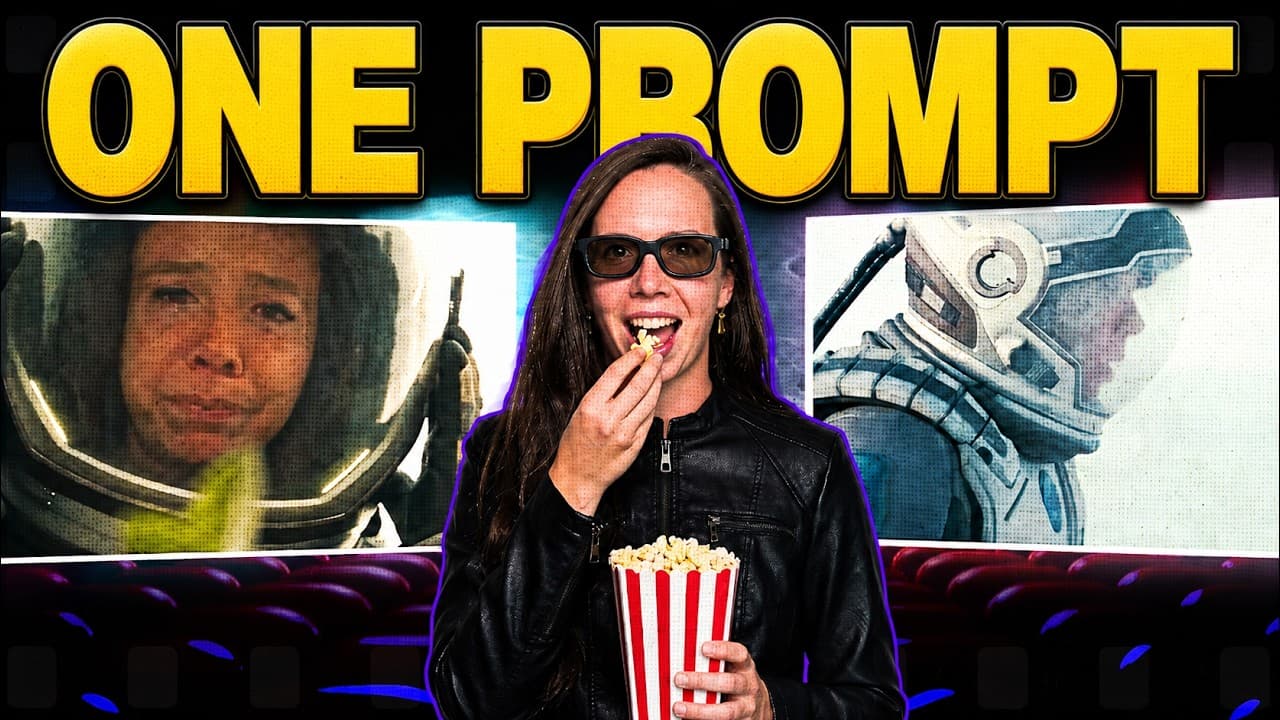
Build reference assets and a detailed storyboard before generating video, then repair only flawed sections instead of rerendering the entire sequence. Seedance 2.5 can produce a continuous 30-second scene while Topview Canvas handles story development, shot planning, generation, editing, and reusable workflows. Precise camera and character directions improve results, while storyboard previews help protect generation credits.
Transcript
Every AI video model I've tested this year taps out around 10 seconds. Then you're stitching clips together and hoping your character's face survives the cut. It usually doesn't. ByteDance just shipped a model that generates 30 seconds of video [music] in one continuous shot. Same face, same lighting the entire way through. >> Not a run, an exhaust... Read More
Key Insights
- Seedance 2.5 generates a continuous 30-second scene in one pass, reducing the consistency problems that can appear when several short AI-generated clips are stitched together.
- The model accepts up to 50 reference assets in one generation: 30 images, 10 video clips, and 10 audio files. These references help keep products, characters, lighting, environments, and visual styles consistent.
- Topview Canvas can automate an entire production workflow from one prompt, including story writing, character-card creation, scene planning, framing, lighting direction, sound-design notes, image generation, and video generation.
- The 3D shot composer provides a staging reference with a figure, objects, and a movable camera. It guides composition, but the model may require several attempts and explicit instructions before matching the intended framing.
- Precise direction is essential for controlled results. Describing both camera movement and character action helps the agent interpret staged references, while plain-English revisions can update one storyboard card without changing the rest of the sequence.
- Storyboard structure determines whether a 30-second generation feels usable. When too many shots or narrative beats are packed into one scene, splitting them into separate scenes gives each moment more space and reduces unnecessary rerolls.
- Storyboard previews protect generation credits by exposing timing, framing, and continuity problems before video rendering begins. The recommended discipline is to test and revise the storyboard first, then generate after the full sequence matches the intended direction.
- Clip edit repairs or regenerates only a selected flawed section while leaving the remainder untouched. The timeline also supports basic trimming, reordering, combining, and replacing clips, reducing the need to rerender an otherwise usable sequence.
Install to Summarize YouTube Videos and Get Transcripts
Explore YouTube Video Summarizer or Get YouTube Transcript Extractor
Questions & Answers
Q: How can Seedance 2.5 create consistent 30-second AI videos?
Seedance 2.5 generates the full 30-second scene in one continuous pass instead of requiring several short clips to be stitched together. It can also use up to 50 reference assets in one generation, including 30 images, 10 video clips, and 10 audio files. These references help preserve the character, product, lighting, environment, and style throughout the generated material.
Q: How does Topview Canvas turn one prompt into a short film?
Topview Canvas can take a story concept and manage the surrounding production process automatically. The agent writes the story, creates a character card, divides the narrative into scenes, specifies framing and lighting, adds sound-design directions, generates reference images, and produces video scene by scene. Initial results may still need targeted instructions and revisions, particularly when the original prompt contains only a brief overview.
Q: How should creators prepare assets before generating AI video?
Creators should build and organize the main production elements before starting video generation. Character, environment, and style references can be uploaded to the canvas as named assets, then called from storyboard instructions with an at sign. Establishing these pieces first gives the agent clearer visual anchors and makes it easier to maintain continuity across storyboard cards and generated scenes.
Q: What is the Topview Canvas 3D shot composer used for?
The 3D shot composer is used to establish blocking and camera placement before a scene is generated. It provides a three-dimensional space containing stand-in elements, including a figure, objects, and a camera that the creator can position. A screenshot of that staging becomes a strong visual reference, although the model may still require explicit camera and character directions plus multiple attempts.
Q: Why should complex 30-second scenes be split into smaller scenes?
A 30-second generation can become crowded when it contains too many shots, actions, or story beats. Splitting an overloaded sequence into separate scenes gives each shot room to develop and makes the intended structure easier for the agent to follow. In the demonstrated workflow, this structural revision turned a compressed storyline into distinct cards and reduced the need to reroll the output.
Q: How can storyboard previews reduce AI video generation costs?
Storyboard previews let creators inspect the entire sequence before spending credits on video generation. They can evaluate timing, framing, shot order, asset references, and continuity, then revise individual cards in plain English. The workflow recommends testing ideas in the storyboard and generating only after the planned sequence matches the intended result, which reduces avoidable renders caused by structural or directional problems.
Q: How can a flawed section of an AI-generated video be fixed?
Topview's clip edit feature allows the creator to select only the broken portion of a longer generation and repair or regenerate that section. The rest of the video remains untouched, so a single problem, such as an unusual hand late in a clip, does not require rerendering everything. The corrected section can then be inserted using the built-in editing timeline.
Q: How can Topview Canvas create reusable ad production workflows?
Topview Canvas includes marketing-oriented skills that can guide formats such as a UGC-style advertisement. The agent can generate variations from the same setup using new hooks and framing while preserving the same character. Once a workflow works, it can be saved as an editable markdown skill containing the agent's rules, then called again for another product or future production.
Summary & Key Takeaways
-
Seedance 2.5 generates up to 30 seconds of continuous video and accepts as many as 50 reference assets, including 30 images, 10 video clips, and 10 audio files. These inputs help preserve character, product, lighting, and visual consistency without relying on multiple short clips stitched together.
-
Topview Canvas supports both automated and manually directed workflows. Its agent can develop a story, character card, shot structure, lighting, sound design, images, and video from one prompt. Creators wanting more control can upload named assets, compose staging in 3D, and revise individual storyboard cards using plain English.
-
The recommended production method is to finalize assets and storyboard structure before spending credits on video generation. Overloaded scenes should be divided so each moment has room to develop. After rendering, clip edit can repair only a flawed section, while the built-in timeline supports trimming, reordering, combining, and exporting clips.
Read in Other Languages (beta)
Share This Summary 📚
Summarize YouTube Videos and Get Video Transcripts with 1-Click
Try YouTube Summary with ChatGPT & Claude or YouTube Transcript Generator
Explore More Summaries from Julia McCoy 📚



Summarize YouTube Videos and Get Video Transcripts with 1-Click
Try YouTube Summary with ChatGPT & Claude or YouTube Transcript Generator