How to replace a $4K/month workload with a $7 automation system
TL;DR
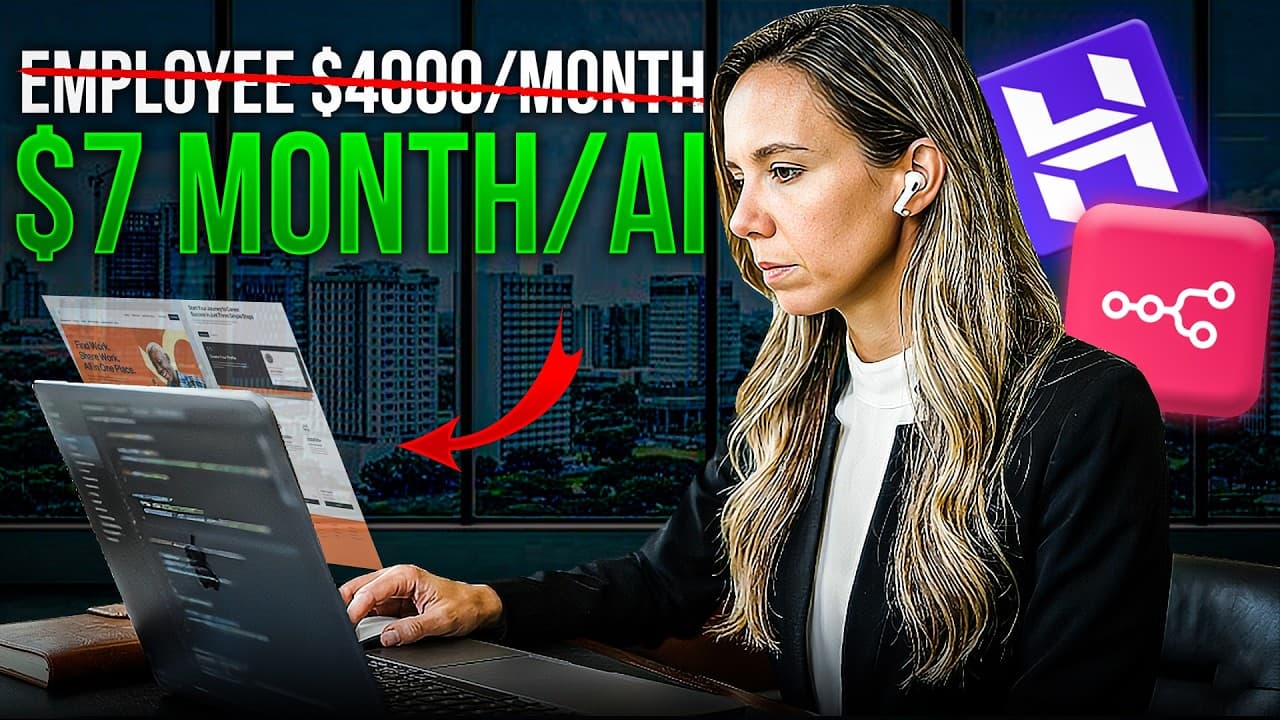
The video shows replacing a $4,000 monthly VA and tools with an automated workflow that costs about $7 per month on a Hostinger VPS. It automates lead generation, outreach, and invoicing, reclaiming 780 hours per year and freeing the creator to focus on higher-value work.
Transcript
Last year, I was spending $4,000 a month on three things. A virtual assistant, a handful of SAS tools, and my own time, which, if I'm being honest, is the most expensive thing on that list. Three processes eating $48,000 a year. Lead generation, client follow-up, invoicing. I replaced all of it with one system. It cost me $7 a month to run. It took... Read More
Key Insights
- Automation can replace repetitive manual work with a single system that runs continuously.
- The key to savings is combining data gathering, AI-assisted outreach, and invoicing into one workflow.
- A VPS with a one-click setup can drastically reduce hosting costs and give you control over automation runtimes.
- Lead generation can be automated by pulling fresh data from Google Maps and enriching it with context.
- Personalized outreach generated by AI can outperform hurried human messages.
- Follow-up sequences can be triggered automatically after form submissions to prevent leads from slipping away.
- Invoicing and payment reminders can be automated to improve cash flow without manual intervention.
- The real value is time regained for high-value work, not just the dollar amount saved.
Install to Summarize YouTube Videos and Get Transcripts
Explore YouTube Video Summarizer or Get YouTube Transcript Extractor
Questions & Answers
Q: What is the core change the video advocates for business operations
The core change is replacing three time consuming processes lead generation, client follow up, and invoicing with one automated workflow that runs on a Hostinger VPS for about $7 per month. This setup runs continuously, handles data gathering, outreach, and payments, and returns a large amount of time to the operator each week.
Q: How much was spent monthly before automation and what was the annual cost
Before automation, the owner spent $4,000 per month on a virtual assistant, tools, and the owner's time. The annual cost of these recurring expenses totaled about $48,000, representing a substantial outlay for repetitive operational tasks.
Q: What platform is used to run the automation system
The automation system runs on a Hostinger VPS, using n8n as the automation platform. The setup claims a one-click install for n8n and a dedicated server that runs continuously, enabling automation to occur while the user sleeps or travels.
Q: How is lead generation automated in the described workflow
Lead generation is automated by a scheduled trigger that runs every morning. It scrapes Google Maps for new leads based on a defined search, loops through results to extract name, website, phone, address, review count, and rating, then enriches the data with company size, revenue, tech stack, and news.
Q: What ensures leads are not contacted multiple times
The workflow checks contact history to determine if a lead has been contacted before and when. If a lead is new, a warm, personalized first touch is sent; otherwise, follow ups are scheduled to avoid duplicate emailing or annoyance.
Q: How are invoices generated and sent
When a ClickUp task is completed, a webhook triggers a flow that pulls client details, project scope, price, and time logged, then uses Stripe to generate a payment link or invoice and sends it automatically. Reminders are issued at 7, 14, and 21 days if payment is not received.
Q: What is the impact on time by automating these workflows
Automating the three workflows reduces about 15 hours of weekly manual work, which amounts to 780 hours per year. This time is shifted away from repetitive tasks toward more strategic activities and customer relationship building.
Q: What financial and lifestyle benefits does automation claim to provide
The automation is presented as saving $4,000 per month in direct costs and returning 780 hours yearly. Beyond money, the owner emphasizes regained mornings and the ability to focus on thinking, creating, and building relationships while the machine handles routine tasks.
Summary & Key Takeaways
-
The video demonstrates a low-cost automation setup that scales from manual tasks to a fully automated workflow on a private server, reducing reliance on a personal assistant and multiple tools.
-
It explains the math behind the savings, noting $4,000 per month in costs and 780 hours saved annually, with a focus on time back for strategic thinking and relationship building.
-
The system runs on a Hostinger VPS, uses n8n for automation, and includes AI-enhanced outreach and automatic invoicing, all orchestrated without coding.
Read in Other Languages (beta)
Share This Summary 📚
Summarize YouTube Videos and Get Video Transcripts with 1-Click
Try YouTube Summary with ChatGPT & Claude or YouTube Transcript Generator
Explore More Summaries from Julia McCoy 📚






Summarize YouTube Videos and Get Video Transcripts with 1-Click
Try YouTube Summary with ChatGPT & Claude or YouTube Transcript Generator