How to Use DeepSeek for Beginners and Choose a Local R1 Model in 2025
TL;DR
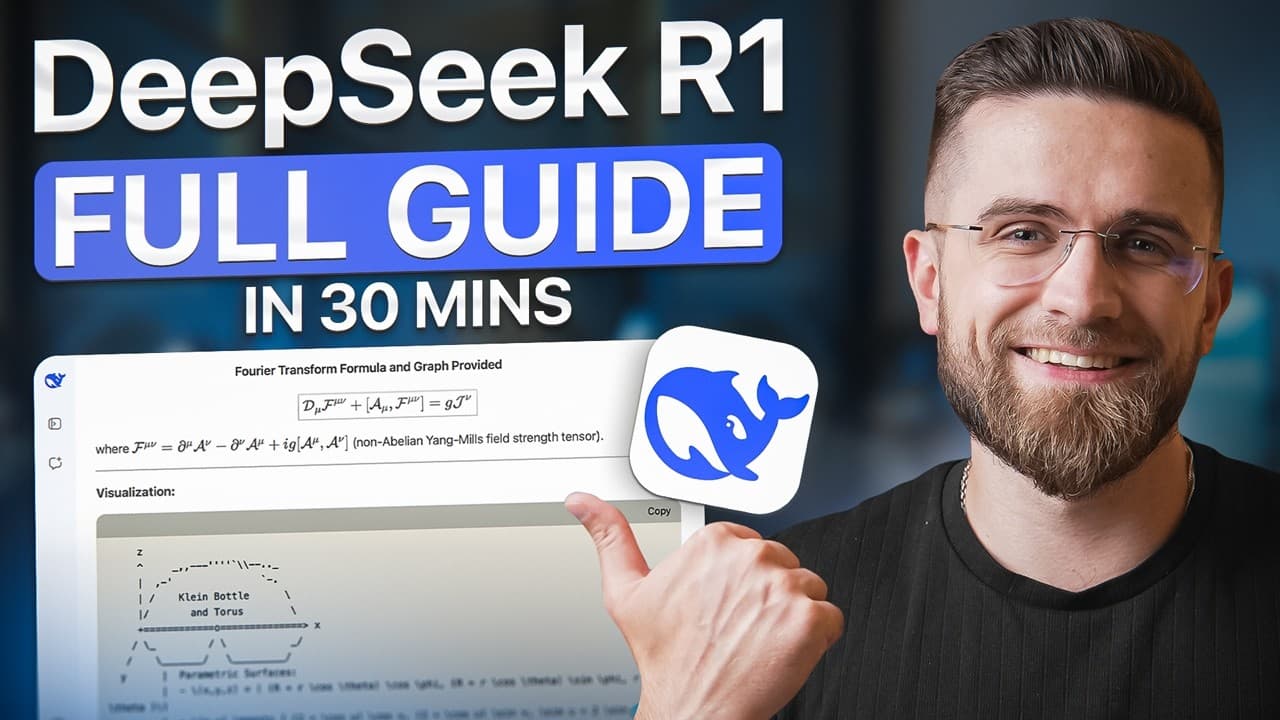
Use DeepSeek by entering conversational or structured prompts, optionally enabling R1 reasoning, web search, or supported file analysis, then choose a local model based on your computer’s memory and storage. The tutorial identifies 14B as a practical balance on a base 14-inch M4 Pro MacBook Pro and explains the interface, prompting methods, model sizes, and hardware requirements worth reviewing.
Transcript
deep seek pretty much took Chad gbt out in one swift move it's got all the same killer reasoning but it's totally free the catch is prompton Works a bit differently than what we're used to with Chad gbt and in this video I'm going to give you the full rundown how deep seek Works show you how to run it locally pick the right model and of course drop... Read More
Key Insights
- DeepSeek’s web interface includes separate controls for advanced R1 reasoning and web search. The controls can be enabled individually or together, although the tutorial reports that web search was unavailable while the recording was being made.
- DeepSeek displays responses in two sections: a gray reasoning section and a black final-answer section. Users can hide the reasoning display, copy the answer, regenerate it, or submit a rating through the controls beside each response.
- DeepSeek can analyze selected document and image formats, including text files, DOCX files, Excel spreadsheets, and images. Its file workflow extracts text and then works with that text, while the tutorial says video and audio uploads are not yet supported.
- DeepSeek can generate several kinds of code, including HTML page layouts, Python code for graphs, and JavaScript games. The tutorial demonstrates that a generated snake game can be previewed and played directly within the DeepSeek interface without installing additional libraries or applications.
- DeepSeek R1 models are available in 1.5B, 7B, 14B, 32B, and 70B sizes. The tutorial characterizes smaller models as faster and less demanding, while larger models provide greater capability for complex or heavy workloads but require substantially more computer resources.
- Local model storage ranges from about 1.1 GB for 1.5B to about 43 GB for 70B. The intermediate figures given are approximately 4.7 GB for 7B, 9 GB for 14B, and 20 GB for 32B.
- Local memory requirements rise with model size. The tutorial associates 8 GB of RAM with 1.5B, 16 GB with 7B, 32 GB with 14B, and 64 GB or more with the 32B and 70B models.
- DeepSeek prompting can use conversational requests, labeled Markdown sections, or think-and-answer tags. The tutorial recommends adding structured sections when a request contains multiple constraints or requires a technical style, while simple questions can be written naturally without elaborate formatting.
Install to Summarize YouTube Videos and Get Transcripts
Explore YouTube Video Summarizer or Get YouTube Transcript Extractor
Questions & Answers
Q: How do beginners start using DeepSeek?
Open the DeepSeek chat website, create an account, and enter a request in the central prompt box. The tutorial selects Google sign-in to avoid creating another password. R1 advanced reasoning, web search, and file upload controls appear near the prompt box.
Q: What files can DeepSeek analyze?
DeepSeek can analyze text files, DOCX documents, Excel spreadsheets, and images. It extracts text from supported files and images, then works with that text. The tutorial says video and audio files are not supported yet.
Q: How does DeepSeek display its reasoning and final answer?
DeepSeek separates its response into a gray reasoning section and a black final-answer section. Users can hide the reasoning, copy the response, regenerate it, or rate it using the nearby controls.
Q: What should I do when DeepSeek says the server is busy?
Try regenerating the response once. If the servers remain busy, the tutorial recommends waiting roughly 3 to 5 minutes. Pressing regenerate too quickly can produce a warning about making too many requests.
Q: Which DeepSeek R1 model should I run locally?
Choose a model according to the workload and your computer’s available memory and storage. The tutorial presents 1.5B as lightweight, while 32B and 70B are intended for heavier workloads. It identifies 14B as a practical balance on a base 14-inch M4 Pro MacBook Pro.
Q: How much storage do local DeepSeek R1 models need?
The tutorial lists about 1.1 GB for 1.5B, 4.7 GB for 7B, 9 GB for 14B, 20 GB for 32B, and 43 GB for 70B. Larger models therefore require substantially more storage.
Q: How much RAM is needed to run DeepSeek locally?
The tutorial associates 8 GB of RAM with 1.5B, 16 GB with 7B, and 32 GB with 14B. It recommends 64 GB or more for the 32B and 70B models.
Q: How should prompts be formatted for DeepSeek?
Simple requests can be written in ordinary conversational language. For requests with multiple constraints or a technical style, the tutorial recommends labeled Markdown sections. It also demonstrates separating background instructions from the requested output with think-and-answer tags.
Summary & Key Takeaways
-
Definition: DeepSeek supports writing, rewriting, ideation, file analysis, text extraction from images, and code generation.
-
Tool: The main chat includes controls for R1 advanced reasoning, web search, file uploads, and chat management.
-
Definition: Responses separate visible reasoning in a gray section from the final answer in a black section.
-
When: If the server remains busy after regeneration, the tutorial suggests waiting 3 to 5 minutes.
-
Tool: Supported uploads include text files, DOCX documents, Excel spreadsheets, and images, but not video or audio.
-
Tool: DeepSeek can generate HTML layouts, Python graphs, and JavaScript games, including a playable snake game preview.
-
Number: Local R1 models are available in 1.5B, 7B, 14B, 32B, and 70B sizes.
-
Number: Model storage is about 1.1 GB, 4.7 GB, 9 GB, 20 GB, and 43 GB as size increases.
-
Number: Suggested RAM rises from 8 GB for 1.5B to 64 GB or more for 32B and 70B.
-
Compare: The tutorial identifies 14B as a practical quality and performance balance on a base 14-inch M4 Pro MacBook Pro.
-
Step 1: Write simple requests conversationally, or use labeled Markdown sections when the prompt has multiple constraints.
-
Step 2: Separate background instructions and the required final output with think-and-answer tags when more structure is needed.
Read in Other Languages (beta)
Share This Summary 📚
Summarize YouTube Videos and Get Video Transcripts with 1-Click
Try YouTube Summary with ChatGPT & Claude or YouTube Transcript Generator
Explore More Summaries from AI Master 📚




Summarize YouTube Videos and Get Video Transcripts with 1-Click
Try YouTube Summary with ChatGPT & Claude or YouTube Transcript Generator