How to Automate Workflows With Claude Cowork
TL;DR
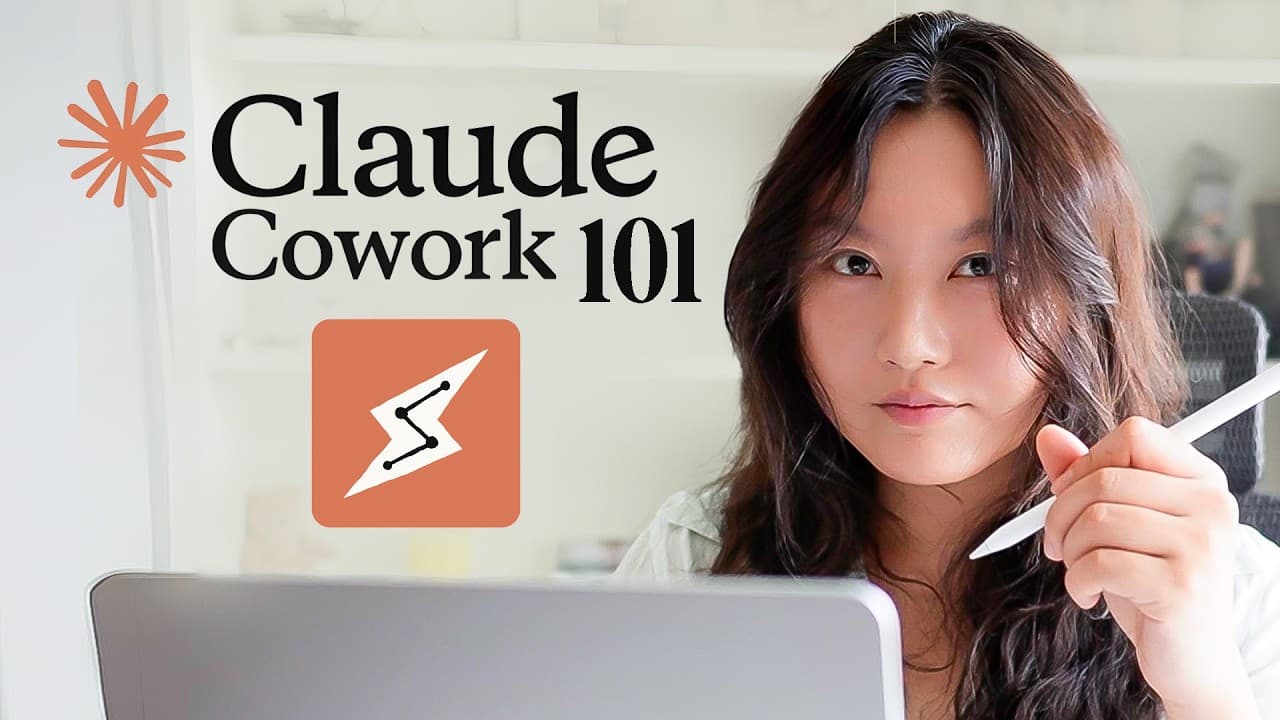
Claude Cowork can organize local files, analyze documents, build interactive dashboards, and turn repeated instructions into reusable skills. Start by configuring capabilities and global instructions, grant access only to the folders needed for each task, review proposed actions before approval, and save recurring preferences such as brand guidelines for consistent future outputs.
Transcript
I learned all about Claude Co-work for you. You can use it to automate workflows for you, like plan your day, triage and draft your emails for you, even automatically do bookkeeping. But that is just scratching the surface. I have it automating and building things across my business and my personal life. Like, here's a dashboard that automatically ... Read More
Key Insights
- Claude Cowork is a local AI agent that can autonomously work with files, applications, and tools on the user’s computer, unlike the standard web chatbot, which does not directly modify local files.
- The Claude desktop application contains three distinct areas: Chat provides the familiar chatbot and past threads, Cowork handles local agent tasks, and Claude Code serves as the coding agent.
- Global instructions are persistent directions that apply across Cowork sessions, allowing users to describe who they are, how the agent should collaborate, preferred building practices, and actions it should never take.
- Folder permissions define Cowork’s immediate working scope, and folder-specific instructions can supplement global preferences. The interface also displays task progress, the active folder, tools, and other contextual information used during execution.
- Cowork can inspect a disorganized folder, count and classify its contents, propose a structure, identify exposed sensitive files, ask targeted questions, and perform approved moves or deletions when file-system permissions allow them.
- Model selection can reflect task importance and complexity. The presenter uses Sonnet for desktop organization and chooses Opus for credit card analysis, describing Opus as slower but more meticulous in planning and execution.
- Local document analysis can exceed the chatbot’s demonstrated upload workflow. Cowork processes 24 CSV exports spanning 2024 to 2026, separates business and personal spending, and builds a local interactive HTML dashboard with trends, subscriptions, categories, merchants, fees, and interest.
- A Cowork skill is a reusable set of instructions for repeated work. The presenter converts a brand book into a local, generic brand-application skill so future visual outputs can consistently reuse its colors, fonts, and broader design guidance.
Install to Summarize YouTube Videos and Get Transcripts
Explore YouTube Video Summarizer or Get YouTube Transcript Extractor
Questions & Answers
Q: What is Claude Cowork and how does it work?
Claude Cowork is described as a local AI agent that operates on a user’s computer and can autonomously work with authorized files, applications, and tools. A user selects a folder, grants access, describes a task, and reviews the agent’s questions or proposed plan. Cowork then performs approved actions while displaying its progress, active folder, instructions, and relevant context.
Q: How do you set up Claude Cowork for local tasks?
Install the Claude desktop application from the Cowork product page, then open Claude Settings and review the available capabilities. The presenter enables artifacts, AI-powered artifacts, and inline visualizations, adds global working instructions, and optionally activates Dispatch and Claude in Chrome. After opening the Cowork tab, select a local folder and grant the access needed for the intended task.
Q: How can Claude Cowork organize files on a desktop?
Select the desktop as Cowork’s working folder and ask it to help organize the files. In the demonstration, Cowork examines 376 files, proposes a folder structure, asks whether screenshots should be merged into an existing folder, and flags an exposed OpenAI text file. After receiving approval, it organizes the files and reports any action blocked by file-system permissions.
Q: Can Claude Cowork delete sensitive files automatically?
Claude Cowork can propose deleting a sensitive file and attempt the action after the user approves it, but success depends on file-system permissions. In the desktop example, Cowork identifies an exposed API key in an OpenAI text file and recommends deleting or securing it. The deletion fails because of permissions, so the presenter removes the file manually instead.
Q: How can Claude Cowork analyze credit card statements?
Point Cowork to a folder containing the statements and ask it to analyze spending, create an interactive dashboard, and surface insights. In the example, it finds 24 CSV exports covering 2024 to 2026, asks about output format, business versus personal treatment, and priority insights, then creates a local HTML dashboard showing spending totals, trends, subscriptions, categories, merchants, fees, and interest.
Q: Why use Claude Cowork instead of the regular chatbot?
Claude Cowork can directly operate on approved local folders and modify files, while the regular web chatbot cannot modify material on the user’s computer. The presenter also states that the chatbot upload workflow accepts only 20 documents at a time, whereas Cowork processes a folder containing 24 credit card exports and builds the resulting dashboard locally.
Q: How can brand assets guide Claude Cowork’s designs?
Add a folder containing brand references, such as logo and website screenshots, and ask Cowork to create a brand book. The presenter requests a comprehensive PDF focused on the Lonely Octopus brand, then uses that guidance to revise the spending dashboard’s colors and overall visual style. The resulting dashboard is described as more consistent with the established branding.
Q: What is a reusable skill in Claude Cowork?
A skill is presented as a reusable set of instructions that teaches Cowork how to perform a recurring type of work. The presenter turns the brand book into a generic brand-application skill, keeps it local, and configures it to cover all output types. Cowork can then apply the same color scheme, fonts, and brand guidance to future visual projects.
Summary & Key Takeaways
-
Claude Cowork is presented as a local AI agent that can work with files, applications, and tools on a user’s computer. The setup involves installing Claude, enabling suitable capabilities, configuring global instructions, optionally turning on Dispatch and Chrome access, and selecting a local folder where each task can operate.
-
The beginner examples demonstrate how Cowork differs from a standard chatbot. It reviews a desktop containing 376 files, proposes an organizational structure, asks how to handle sensitive material, and moves approved files. A failed deletion caused by file-system permissions also shows that some actions may still require manual intervention.
-
More advanced examples combine document analysis, visual artifacts, brand assets, and reusable skills. Cowork analyzes 24 months of CSV credit card exports, creates a local interactive spending dashboard, generates a comprehensive PDF brand book from reference images, restyles the dashboard, and converts the branding process into reusable local instructions.
Read in Other Languages (beta)
Share This Summary 📚
Summarize YouTube Videos and Get Video Transcripts with 1-Click
Try YouTube Summary with ChatGPT & Claude or YouTube Transcript Generator
Explore More Summaries from Tina Huang 📚





Summarize YouTube Videos and Get Video Transcripts with 1-Click
Try YouTube Summary with ChatGPT & Claude or YouTube Transcript Generator