How to Screen Record Using Edpuzzle for Free
TL;DR
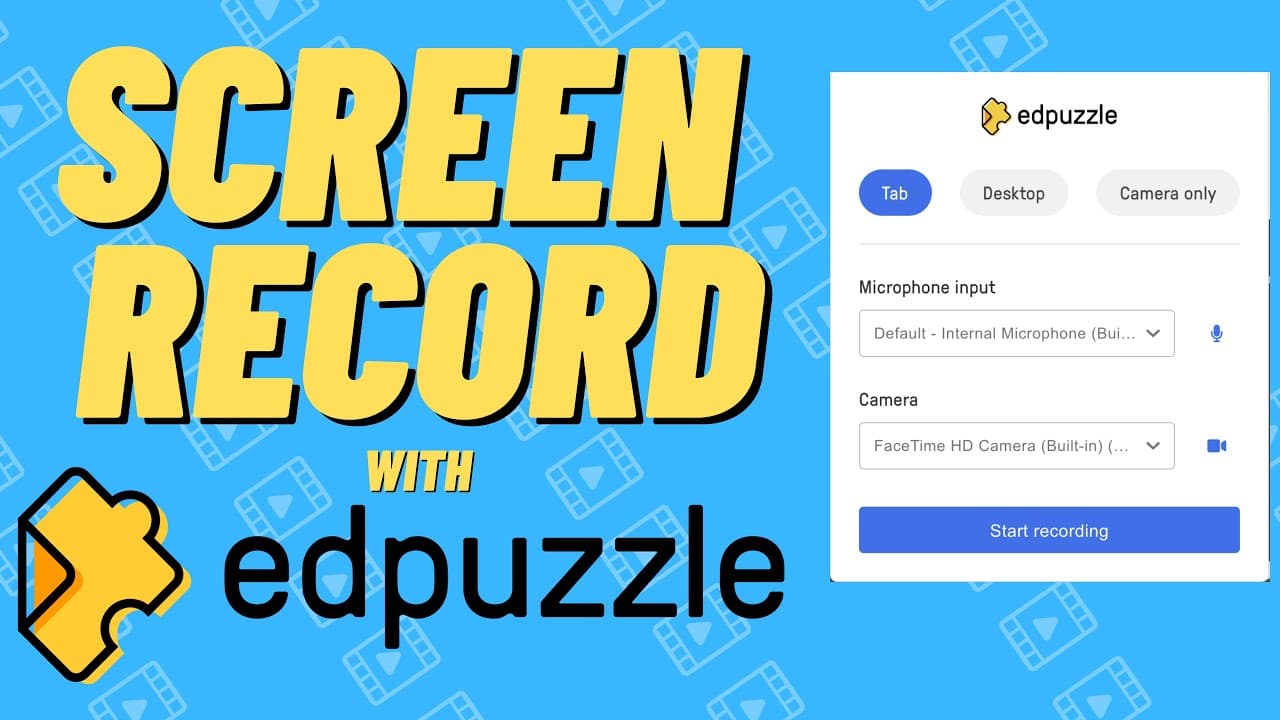
To screen record with Edpuzzle for free, download the Edpuzzle Chrome extension, select your recording option (tab, desktop, or camera), and hit 'start recording.' After recording, you can edit, trim, and add interactive elements to your video directly within Edpuzzle, making lesson creation quick and efficient.
Transcript
in the past if you found the process of screen recording to be challenging and if you're an ad puzzle user then i have a workflow that i think is going to work really well for you and that's using the add puzzle chrome extension to create a screen recording video so the first step for creating a screen recording inside that puzzle is to go to the c... Read More
Key Insights
- 💻 Edpuzzle Chrome extension simplifies screen recording and lesson creation.
- 💻 The extension offers options to record browser tabs, desktop screens, and camera footage.
- 🧘 Users can easily edit, trim, and enhance recorded videos with interactive elements.
- 💍 Educators can create engaging lessons with tailored content and embedded questions.
- ⌛ The tool streamlines the process of creating educational videos, saving time and adding value to lessons.
- 😒 Edpuzzle extension integrates seamlessly with the Edpuzzle platform for educational use.
- 🤩 Adding voiceovers, segmenting videos, and incorporating interactive elements are key features.
Install to Summarize YouTube Videos and Get Transcripts
Explore YouTube Video Summarizer or Get YouTube Transcript Extractor
Questions & Answers
Q: How can Edpuzzle Chrome extension streamline the screen recording process?
The Edpuzzle Chrome extension simplifies screen recording by providing easy-to-use options for capturing browser tabs, desktop screens, or even utilizing a camera for recordings. This streamlines the process and eliminates the need for complex software.
Q: What editing features are available after creating a screen recording with Edpuzzle?
Edpuzzle allows users to trim the recording, add voiceovers, segment the video, and integrate interactive elements like multiple-choice questions. These features enhance the educational value of the video content and engage viewers effectively.
Q: How can teachers benefit from using the Edpuzzle extension for lesson creation?
Teachers can create engaging and interactive lessons by recording screen tutorials, adding educational content, and embedding questions within the video. This fosters active learning and allows for personalized instruction tailored to students' needs.
Q: Why is the Edpuzzle extension a valuable tool for educators and content creators?
The Edpuzzle extension offers a user-friendly interface, seamless integration with the Edpuzzle platform, and a variety of editing options to enhance educational videos. It simplifies the screen recording process and enriches lessons with interactive features.
Summary & Key Takeaways
-
Edpuzzle Chrome extension simplifies screen recording and lesson creation.
-
Download the extension from Chrome web store and select recording options.
-
Edit, trim, and add interactive elements to the recorded video within Edpuzzle.
Read in Other Languages (beta)
Share This Summary 📚
Summarize YouTube Videos and Get Video Transcripts with 1-Click
Try YouTube Summary with ChatGPT & Claude or YouTube Transcript Generator
Explore More Summaries from EdTech Hustle 📚






Summarize YouTube Videos and Get Video Transcripts with 1-Click
Try YouTube Summary with ChatGPT & Claude or YouTube Transcript Generator