Products
Features
YouTube Video Summarizer
Summarize YouTube videos
Web & PDF Highlighter
Highlight web pages & PDFs
Chat with PDF
Ask any PDF questions with AI
Ask AI Clone
Chat with your highlights & memories
Audio Transcriber
Transcribe audio files to text
Glasp Reader
Read and highlight articles
Kindle Highlight Export
Export your Kindle highlights
Idea Hatch
Hatch ideas from your highlights
Integrations
Obsidian Plugin
Notion Integration
Pocket Integration
Instapaper Integration
Medium Integration
Readwise Integration
Snipd Integration
Hypothesis Integration
Apps & Extensions
Chrome Extension
Safari Extension
Edge Add-ons
Firefox Add-ons
iOS App
Android App
Discover
Discover
Ideas
Discover new ideas and insights
Articles
Curated articles and insights
Books
Book recommendations by great minds
Posts
Essays and notes from readers
Quotes
Inspiring quotes collection
Videos
Curated videos and summaries
Explore Glasp
Glasp Newsletter
Weekly insights and updates
Glasp Talk
Interview series with great minds
Glasp Blog
Latest news and articles
Glasp Use Cases
Learn how others use Glasp
Build & Support
Glasp API
Access Glasp's API for developers
MCP Connector
Connect Glasp to Claude & ChatGPT
Community
Glasp Reddit Community
Students
Student discount and benefits
FAQs
Frequently Asked Questions
AboutPricing
DashboardLog inSign up

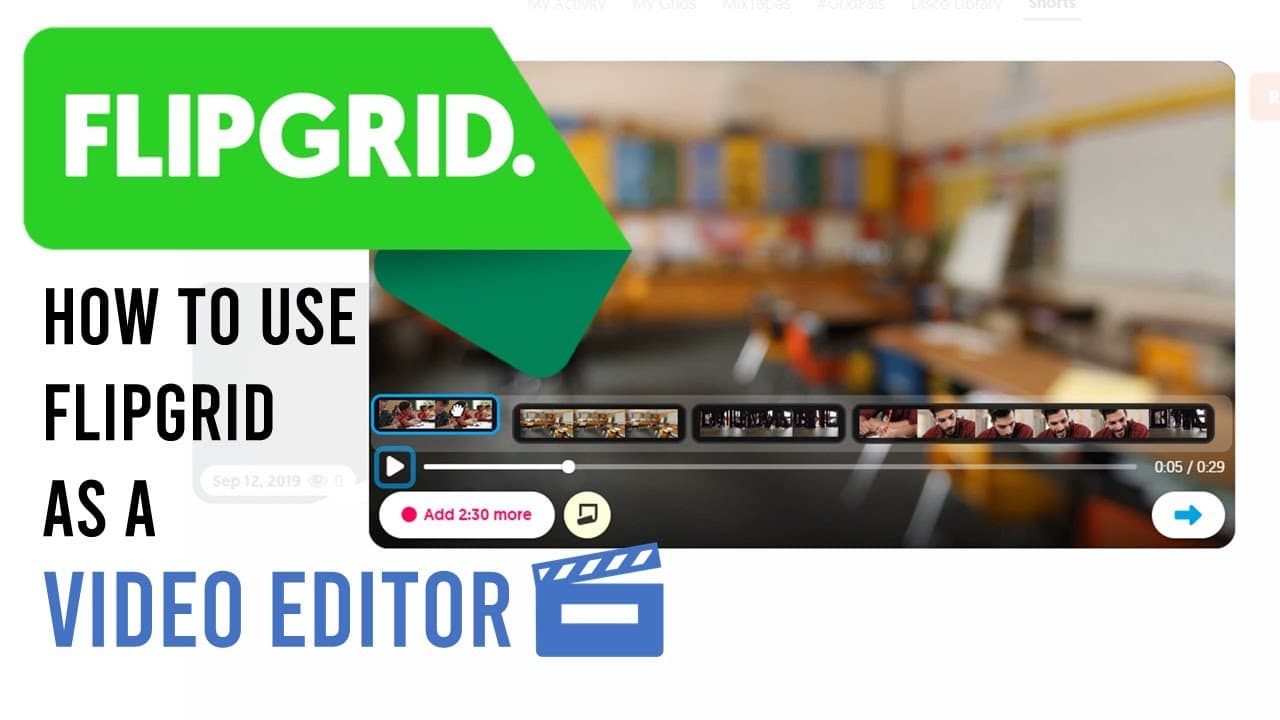
How To Use Flipgrid As A Video Editor
27.0K views
•
January 27, 2020
by
EdTech Hustle
YouTube video player
How To Use Flipgrid As A Video Editor

TL;DR

Learn how to use Flipgrid's Shorts feature to easily edit and trim video clips, creating shorter and more concise videos.

Transcript

here is a video that I have it has some great images from school but it's a little bit long this video clip is about one minute long what I'd like to do is trim this down a lot shorter maybe to 30 seconds or even less than that there's a number of different ways that I can do this but a lot of them are probably dependent on what computer or what de... Read More

Key Insights

  • 💨 Flipgrid's Shorts feature provides an easy and intuitive way to edit and trim video clips.
  • 🧑‍🎓 Teachers can utilize Flipgrid Shorts to create concise and engaging educational videos for their students.
  • 👶 Users have the option to record a new video directly or upload an existing one for editing.
  • 👻 Flipgrid allows for the isolation and selection of specific segments from a video clip.
  • 🎮 The order of selected clips can be rearranged to customize the sequence of the final video.
  • 👨‍💻 Flipgrid offers various sharing options, including the ability to generate a QR code, embed the video, or download it.

Install to Summarize YouTube Videos and Get Transcripts

Explore YouTube Video Summarizer or Get YouTube Transcript Extractor

Questions & Answers

Q: What is Flipgrid's Shorts feature used for?

Flipgrid's Shorts feature allows users, specifically teachers, to record or upload videos and perform basic editing tasks like trimming and rearranging clips.

Q: Can Flipgrid Shorts be used to shorten video clips?

Yes, Flipgrid Shorts enables users to trim video clips, removing unnecessary parts and creating shorter, more concise videos.

Q: Is it possible to rearrange the order of video clips in Flipgrid Shorts?

Absolutely. Flipgrid allows users to easily rearrange the order of their selected clips, giving them control over the sequence of their video.

Q: How much shorter can a video clip be edited using Flipgrid Shorts?

The tutorial demonstrates how a one-minute video clip can be edited down to just 29 seconds using Flipgrid's editing features.

Summary & Key Takeaways

  • The video tutorial demonstrates how to use Flipgrid's Shorts feature to edit and trim video clips.

  • It explains the process of recording or uploading a video, isolating specific segments, and rearranging them to create a new video.

  • The tutorial showcases how to shorten a one-minute clip to just 29 seconds using Flipgrid.


Read in Other Languages (beta)

English

Share This Summary 📚

Summarize YouTube Videos and Get Video Transcripts with 1-Click

Download browser extensions on:

Try YouTube Summary with ChatGPT & Claude or YouTube Transcript Generator

Explore More Summaries from EdTech Hustle 📚

Generate ANY Lesson Plan in Seconds with MagicSchool.ai! thumbnail
Generate ANY Lesson Plan in Seconds with MagicSchool.ai!
EdTech Hustle
How to Create 3D Models from Text Prompts with Meshy.ai thumbnail
How to Create 3D Models from Text Prompts with Meshy.ai
EdTech Hustle
How I Made This Video:  w/ ChatGPT, Synthesia, DeepBrain, Colossyan & Yepic AI thumbnail
How I Made This Video: w/ ChatGPT, Synthesia, DeepBrain, Colossyan & Yepic AI
EdTech Hustle
Seesaw gets HACKED! What happed to The Learning Journal? thumbnail
Seesaw gets HACKED! What happed to The Learning Journal?
EdTech Hustle
Create Songs with AI using Splash Pro! thumbnail
Create Songs with AI using Splash Pro!
EdTech Hustle
Keynote:  Remove The Background of Any Photo [Using Instant Alpha] thumbnail
Keynote: Remove The Background of Any Photo [Using Instant Alpha]
EdTech Hustle

Summarize YouTube Videos and Get Video Transcripts with 1-Click

Download browser extensions on:

Try YouTube Summary with ChatGPT & Claude or YouTube Transcript Generator

Apps & Extensions

  • Chrome Extension
  • Safari Extension
  • Edge Add-ons
  • Firefox Add-ons
  • iOS App
  • Android App

Key Features

  • YouTube Video Summarizer
  • Web & PDF Summarizer
  • Web & PDF Highlighter
  • Chat with PDF
  • Ask AI Clone
  • Audio Transcriber
  • Glasp Reader
  • Kindle Highlight Export
  • Idea Hatch

Integrations

  • Obsidian Plugin
  • Notion Integration
  • Pocket Integration
  • Instapaper Integration
  • Medium Integration
  • Readwise Integration
  • Snipd Integration
  • Hypothesis Integration

More Features

  • APIs
  • MCP Connector
  • Blog & Post
  • Embed Links
  • Image Highlight
  • Personality Test
  • Quote Shots

Company

  • About us
  • Blog
  • Community
  • FAQs
  • Job Board
  • Newsletter
  • Pricing
Terms

•

Privacy

•

Guidelines

© 2026 Glasp Inc. All rights reserved.



