How I Made This Video: w/ ChatGPT, Synthesia, DeepBrain, Colossyan & Yepic AI
TL;DR
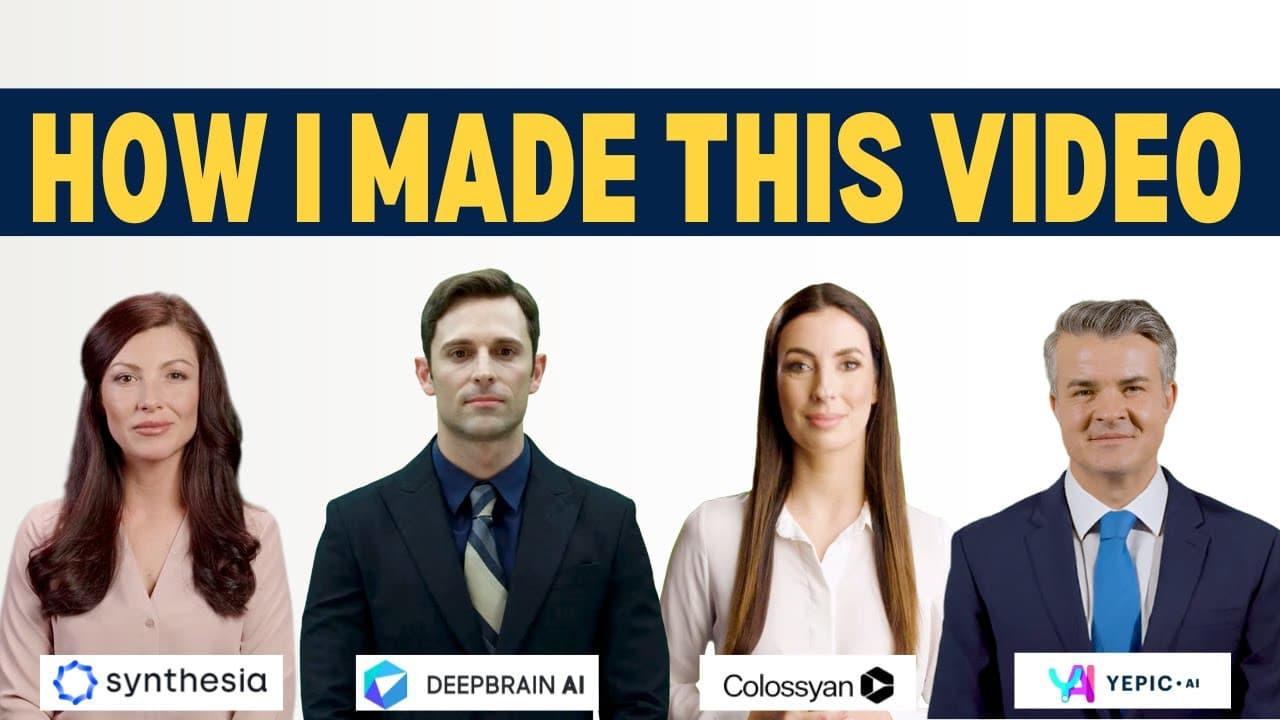
The video was made by generating a four-person dialogue with ChatGPT, creating avatar clips in Synthesia, DeepBrain AI Studios, Yepic AI, and Colossyan Creator, then combining them in Final Cut Pro. Pauses of about 20 and 55 seconds kept inactive avatars onscreen, while short sections were looped when pauses were unavailable. Read on for the complete workflow and the mistake that caused two avatars to look jittery.
Transcript
if you're watching this video right now my guess is that you saw my AI Smackdown video featuring video avatars from four different platforms in this video I'm going to show you how I created this and the first thing we need is a script but if you've seen my videos before you know that rather than writing the script I went to chat GPT and I just sai... Read More
Key Insights
- 👊 Utilizing chat GPT to generate dialogue scripts saves time and effort in the scripting process.
- 🎮 Different AI video avatar platforms have varying features, such as the ability to add pauses.
- ⏯️ Looping certain parts can be a workaround to create the illusion of pauses in avatars that don't have pause features.
- 🎮 Final Cut Pro is a recommended video editor for combining multiple video tracks and creating a cohesive video.
- 🎮 Experimentation and exploration with different video avatar platforms can lead to unique and creative video productions.
- 🎮 Adding graphics and intros can enhance the overall visual appeal of the video.
- ⏯️ Effective use of pauses can make the conversations between avatars appear more natural.
Install to Summarize YouTube Videos and Get Transcripts
Explore YouTube Video Summarizer or Get YouTube Transcript Extractor
Questions & Answers
Q: How was the four-avatar AI video created?
ChatGPT generated a four-person dialogue about the impact of AI in society, and each role was assigned to an avatar platform. The resulting clips from Synthesia, DeepBrain AI Studios, Yepic AI, and Colossyan Creator were exported, downloaded, and layered in Final Cut Pro.
Q: How did ChatGPT help create the dialogue script?
The prompt asked ChatGPT to “write a four-person dialogue that discusses the impact of AI in our society.” The generated dialogue was copied, and each part was assigned to one of the four avatar platforms.
Q: How were the avatar clips prepared on each platform?
The appropriate lines were copied and pasted into each avatar platform. After the platforms finished generating the clips, the files were exported and downloaded for editing.
Q: How were pauses added when an avatar was not speaking?
Synthesia allowed a pause of about 20 seconds, while DeepBrain AI Studios used a 55-second pause. These paused sections were reused whenever the corresponding avatar needed to sit onscreen and appear to wait while another avatar spoke.
Q: What was done when Yepic AI could not add a pause?
Yepic AI did not provide a way to pause the video in this workflow. A two- or three-second section at the beginning of a line was therefore looped repeatedly to keep the avatar visible while others spoke.
Q: Could Colossyan Creator add pauses?
Yes, Colossyan Creator provided directions for adding a pause through a link, but that option was missed during production. The clip was looped instead, which contributed to a jittery appearance because the avatar started and ended in different positions.
Q: What video editor was used to combine the AI avatars?
Final Cut Pro was used to place the downloaded avatar files on multiple video tracks. The same workflow could be completed with any video editor that allows multiple video tracks to be stacked.
Q: How were the backgrounds, intro, and outro finished?
The avatar clips used green-screen backgrounds, which were removed in Final Cut Pro and replaced with graphics. An intro, on-screen title, and outro were also added, with the host introducing each avatar before the discussion began.
Summary & Key Takeaways
-
I used chat GPT to generate a four-person dialogue script discussing the impact of AI in our society.
-
I assigned each platform avatar a role and copied text from Synthesia, deep brains AI Studios, and colossian Creator.
-
Some platforms allowed for pauses, while others required looping to create the appearance of pauses.
Read in Other Languages (beta)
Share This Summary 📚
Summarize YouTube Videos and Get Video Transcripts with 1-Click
Try YouTube Summary with ChatGPT & Claude or YouTube Transcript Generator
Explore More Summaries from EdTech Hustle 📚



![Keynote: Remove The Background of Any Photo [Using Instant Alpha] thumbnail](/_next/image?url=https%3A%2F%2Fi.ytimg.com%2Fvi%2F0Ji-uTffzJE%2Fhqdefault.jpg&w=750&q=75)


Summarize YouTube Videos and Get Video Transcripts with 1-Click
Try YouTube Summary with ChatGPT & Claude or YouTube Transcript Generator