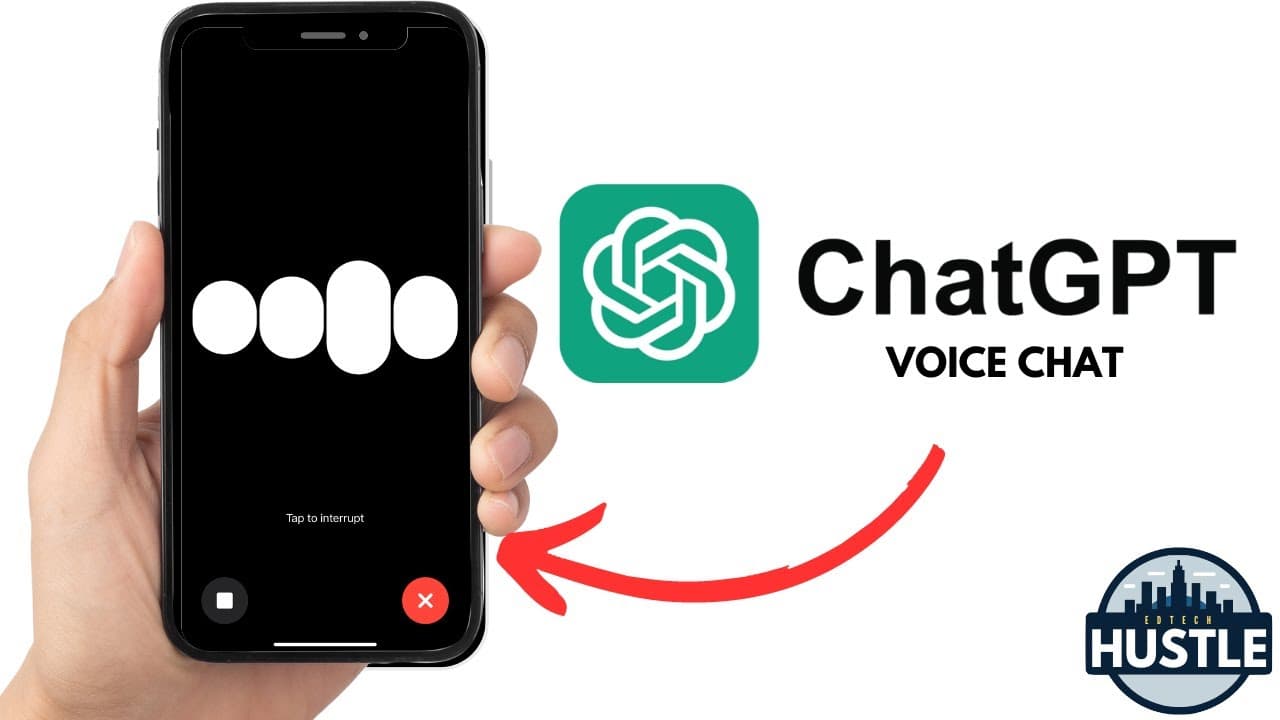
How to Replace Siri with ChatGPT on Your iPhone (...kind of)
TL;DR
Learn how to set up Chat GPT to work like Siri on your iPhone for easier voice conversations.
Transcript
hey everyone and welcome to edtech hustle my name is Rich and today I'm going to show you the process of setting up chat GPT to work just like Siri on your iPhone I'll guide you through the process of setting up chat GPT to work just like Siri on your iPhone so if you own an iPhone you likely know that if you push the side button Siri pops up on yo... Read More
Key Insights
- 👊 Chat GPT can complement Siri on an iPhone for more specific voice interactions.
- 👊 The action button on an iPhone can be customized to launch Chat GPT for voice conversations.
- 👊 Using Siri shortcuts, Chat GPT can easily be integrated into the iPhone for quick access.
- 👊 Chat GPT offers a powerful feature for handling specific questions and lists of queries effectively.
- 😫 Setting up Chat GPT like Siri on an iPhone can enhance the voice assistant experience on the device.
- 😷 Users can ask Chat GPT various questions and engage in voice conversations seamlessly.
- 👊 Leveraging Chat GPT alongside Siri on an iPhone provides a more versatile voice assistant experience.
Install to Summarize YouTube Videos and Get Transcripts
Explore YouTube Video Summarizer or Get YouTube Transcript Extractor
Questions & Answers
Q: How can you make Chat GPT work similarly to Siri on an iPhone?
By setting up the action button in iPhone settings to launch Chat GPT for voice conversations, you can use it in a similar manner to Siri but with better handling of specific questions.
Q: What is the benefit of using Chat GPT alongside Siri on an iPhone?
While Siri is great for iOS tasks, Chat GPT excels at handling specific questions and lists of queries, making it a valuable addition to enhance voice interactions on an iPhone.
Q: How do you assign tasks to the action button on an iPhone for quick access?
By navigating to settings, choosing the action button, and selecting a shortcut like Chat GPT, you can easily assign tasks to the action button for convenient access.
Q: What can users do after setting up Chat GPT to work like Siri on an iPhone?
Once Chat GPT is configured to the action button, users can start voice conversations smoothly by pressing the button, opening up new possibilities for voice interactions on the device.
Summary & Key Takeaways
-
Rich demonstrates how to set up Chat GPT to function like Siri on an iPhone.
-
By assigning the action button to launch Chat GPT, voice conversations become more accessible.
-
Chat GPT can handle specific questions better than Siri for voice interactions.
Read in Other Languages (beta)
Share This Summary 📚
Summarize YouTube Videos and Get Video Transcripts with 1-Click
Try YouTube Summary with ChatGPT & Claude or YouTube Transcript Generator
Explore More Summaries from EdTech Hustle 📚
![Keynote: Remove The Background of Any Photo [Using Instant Alpha] thumbnail](/_next/image?url=https%3A%2F%2Fi.ytimg.com%2Fvi%2F0Ji-uTffzJE%2Fhqdefault.jpg&w=750&q=75)





Summarize YouTube Videos and Get Video Transcripts with 1-Click
Try YouTube Summary with ChatGPT & Claude or YouTube Transcript Generator