How to Master Claude Code for Automations
TL;DR
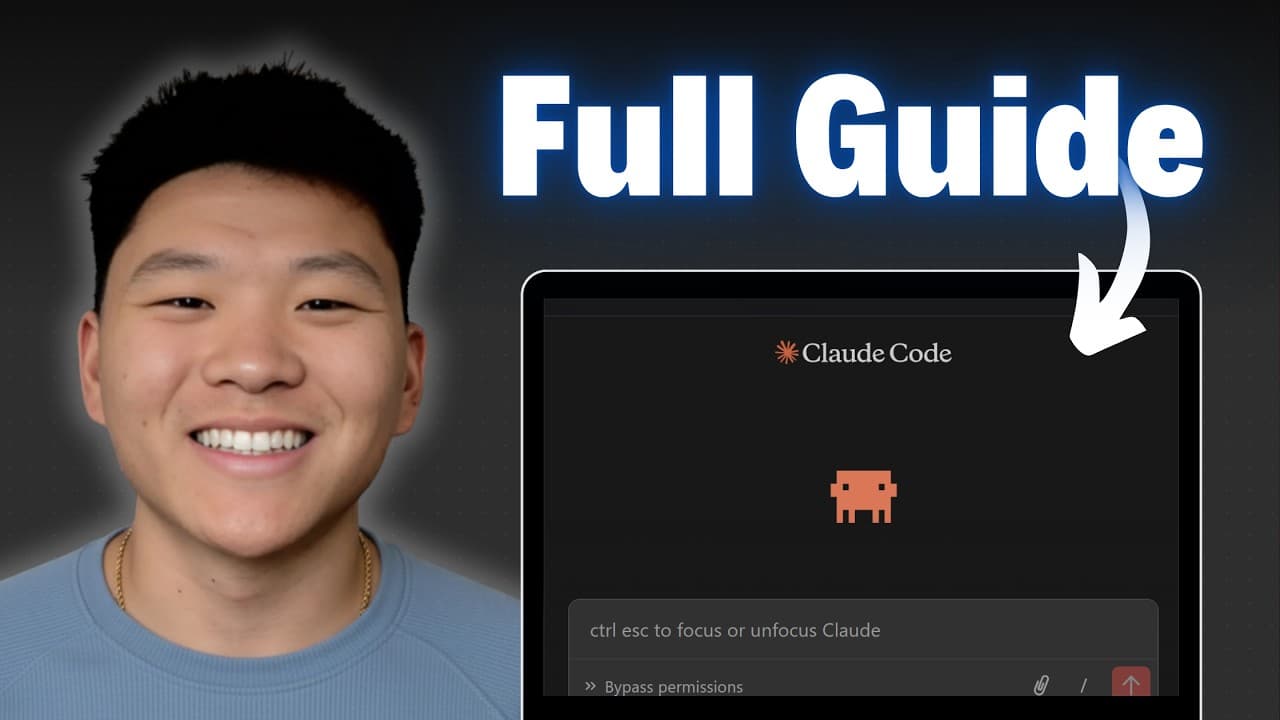
Claude Code allows users to build complex automations quickly, even without prior coding experience. By understanding the interface, using the WAT framework, and leveraging tools like MCP servers and Claude skills, users can create, test, and deploy workflows efficiently. The video demonstrates building a real workflow, emphasizing clear planning and communication with Claude Code for optimal results.
Transcript
Cloud Code has been allowing me to build things that used to take me hours in just minutes. So that's exactly what I'm going to be teaching you guys today. Even if you don't know how to code and even if you've never touched an IDE before. IDE stands for integrated development environment. But if you didn't know that, it's still completely fine. It'... Read More
Key Insights
- Claude Code simplifies automation, reducing tasks that once took hours to just minutes.
- The WAT framework involves workflows, agents, and tools to build automations effectively.
- Planning is crucial. Clear communication with Claude Code enhances the automation process.
- MCP servers act like app stores, simplifying API interactions for automations.
- Claude skills are dynamic instructions that improve Claude's performance and consistency.
- Testing and optimization are key before deploying automations to ensure reliability.
- Deploying automations on platforms like Modal allows them to run on schedule without manual intervention.
- Security is vital; ensure API keys and sensitive data are protected when deploying workflows.
Install to Summarize YouTube Videos and Get Transcripts
Explore YouTube Video Summarizer or Get YouTube Transcript Extractor
Questions & Answers
Q: How to set up Claude Code for automation?
To set up Claude Code, start by installing the necessary extensions in your chosen IDE, like Visual Studio Code. Then, familiarize yourself with the interface, focusing on the WAT framework, which includes workflows, agents, and tools. This setup allows you to efficiently build and manage automation processes.
Q: What is the WAT framework in Claude Code?
The WAT framework stands for Workflows, Agents, and Tools. Workflows are the instructions or processes you want to automate, agents coordinate these workflows, and tools execute specific actions within the workflows. This framework helps structure and streamline the automation building process.
Q: How can Claude Code improve workflow automation?
Claude Code improves workflow automation by providing a structured environment to build, test, and deploy complex processes. It uses the WAT framework to separate tasks into manageable components, and tools like MCP servers and Claude skills enhance functionality and efficiency, making automation more accessible and reliable.
Q: What are MCP servers in Claude Code?
MCP servers in Claude Code act like app stores, simplifying interactions with APIs. Instead of managing multiple API requests, you connect once to the MCP server, which handles various endpoints and parameters, streamlining the process of integrating external services into your automation workflows.
Q: Why is planning important in Claude Code automation?
Planning is crucial in Claude Code automation as it ensures clear communication of goals and features to the agent. This clarity helps Claude Code ask the right questions and make informed decisions, leading to more accurate and efficient automation processes. Proper planning reduces errors and enhances the overall workflow.
Q: How to deploy workflows using Claude Code?
To deploy workflows using Claude Code, you can use platforms like Modal, which allow you to host automations in the cloud. After building and testing your workflow locally, you can push it to Modal, where it can run on a schedule or be triggered by webhooks, ensuring continuous and automated operation.
Q: What are Claude skills and how do they work?
Claude skills are dynamic instructions or resources that enhance Claude's ability to perform tasks. They are loaded in only when relevant, improving consistency, speed, and performance while saving computational resources. Skills can be custom-built or sourced from public repositories to extend Claude's functionality.
Q: How does Claude Code ensure security in automation?
Claude Code ensures security by conducting security reviews of workflows before deployment. It checks for exposed API keys, webhooks, and other vulnerabilities. Sensitive data is stored securely, often using environment variables or modal secrets, to prevent unauthorized access and protect against potential breaches.
Summary & Key Takeaways
-
Claude Code allows for rapid automation development, transforming complex tasks into manageable workflows using the WAT framework. Users can plan, test, and deploy these workflows with ease, leveraging tools like MCP servers and Claude skills to enhance functionality.
-
The video guides viewers through building a real automation workflow, emphasizing the importance of clear planning and communication with Claude Code. It also highlights the need for security and optimization before deploying workflows on platforms like Modal.
-
By following the steps outlined, users can master Claude Code, enabling them to create automations that run efficiently and reliably, whether triggered manually or scheduled automatically.
Read in Other Languages (beta)
Share This Summary 📚
Summarize YouTube Videos and Get Video Transcripts with 1-Click
Try YouTube Summary with ChatGPT & Claude or YouTube Transcript Generator
Explore More Summaries from Nate Herk | AI Automation 📚






Summarize YouTube Videos and Get Video Transcripts with 1-Click
Try YouTube Summary with ChatGPT & Claude or YouTube Transcript Generator