Products
Features
YouTube Video Summarizer
Summarize YouTube videos
Web & PDF Highlighter
Highlight web pages & PDFs
Chat with PDF
Ask any PDF questions with AI
Ask AI Clone
Chat with your highlights & memories
Audio Transcriber
Transcribe audio files to text
Glasp Reader
Read and highlight articles
Kindle Highlight Export
Export your Kindle highlights
Idea Hatch
Hatch ideas from your highlights
Integrations
Obsidian Plugin
Notion Integration
Pocket Integration
Instapaper Integration
Medium Integration
Readwise Integration
Snipd Integration
Hypothesis Integration
Apps & Extensions
Chrome Extension
Safari Extension
Edge Add-ons
Firefox Add-ons
iOS App
Android App
Discover
Discover
Ideas
Discover new ideas and insights
Articles
Curated articles and insights
Books
Book recommendations by great minds
Posts
Essays and notes from readers
Quotes
Inspiring quotes collection
Videos
Curated videos and summaries
Explore Glasp
Glasp Story
How we grew from 0 to 3 million users
Glasp Newsletter
Weekly insights and updates
Glasp Talk
Interview series with great minds
Glasp Blog
Latest news and articles
Glasp Use Cases
Learn how others use Glasp
Build & Support
Glasp API
Access Glasp's API for developers
MCP Connector
Connect Glasp to Claude & ChatGPT
Community
Glasp Reddit Community
Students
Student discount and benefits
FAQs
Frequently Asked Questions
AboutPricing
DashboardLog inSign up

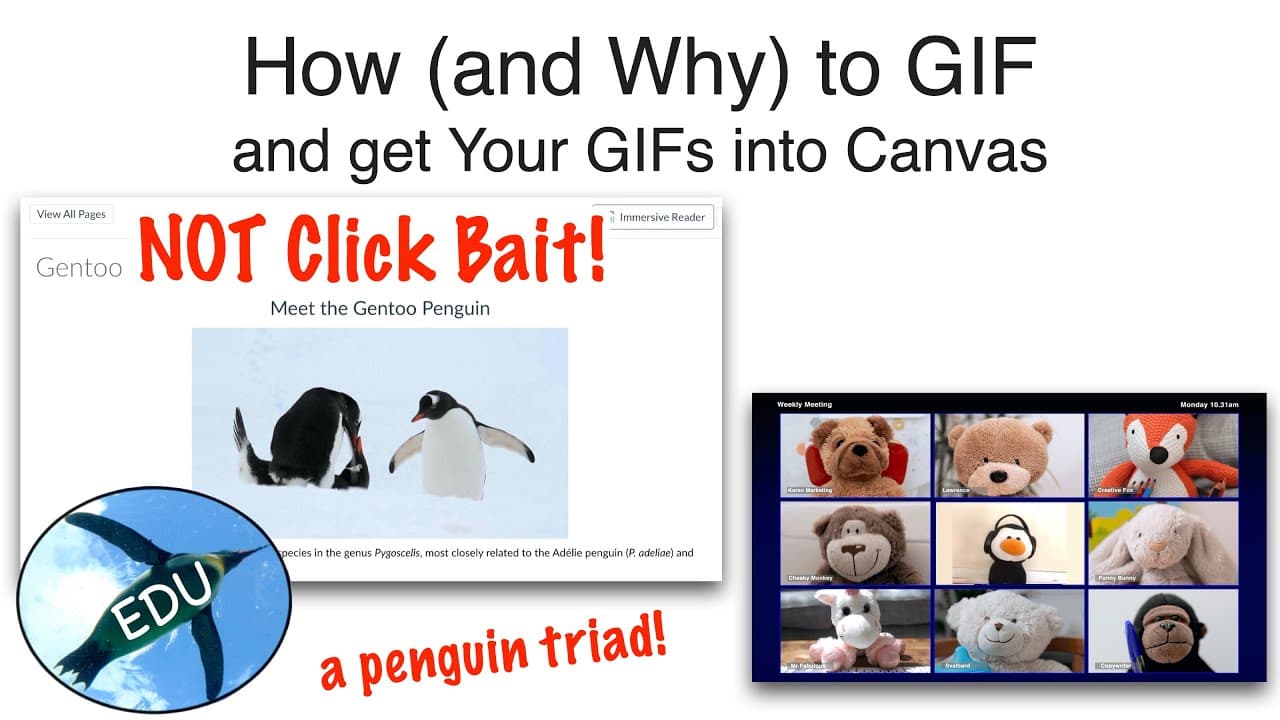
How (and WHY) to GIF (and Get Your GIFs Into Canvas)
September 30, 2020
by
ThePenguinProf
YouTube video player
How (and WHY) to GIF (and Get Your GIFs Into Canvas)

TL;DR

Learn about the benefits of using GIFs in Canvas pages, how to create them, and how to embed them for more engaging content.

Transcript

Hello and welcome to the Penguin Prof Channel! I'm Valerie Pennington. I've got a quick bite for you today - We're going to talk all about GIFs: why you should consider them, how to make them and how to get them into your Canvas pages. A GIF is an image file but what's kind of magical about them is you can use them to make animated images, usuall... Read More

Key Insights

  • 💝 GIFs can be used to create engaging content in Canvas pages by providing visual interest and demonstrating short procedures.
  • 🎮 Websites and software like Snagit can be used to create GIFs from video or image files.
  • 💝 Embedded GIFs are more captivating than regular images, as shown in the comparison of Canvas pages in the video.
  • 🖐️ GIFs can loop and play automatically, enhancing the user experience and highlighting important procedures or visuals.
  • 🤩 When creating GIFs, selecting the appropriate region or footage and adjusting in and out points are key for creating effective GIFs.
  • 👋 It is essential to save and check the created GIF before embedding it in a Canvas page to ensure it looks good and serves its purpose.
  • 🙅 Changing the alt text of the embedded GIF is important for accessibility and to provide a description of what the GIF is showing.

Install to Summarize YouTube Videos and Get Transcripts

Explore YouTube Video Summarizer or Get YouTube Transcript Extractor

Questions & Answers

Q: How can GIFs enhance content on Canvas pages?

GIFs can add visual interest and make content more engaging by demonstrating short procedures or capturing attention with animated images.

Q: What are some popular websites and software for creating GIFs?

Three popular websites for creating GIFs are mentioned in the video (links in the description box). Additionally, Snagit is recommended as software for creating GIFs.

Q: Can GIFs be created from video files?

Yes, GIFs can be created from video files using software like Snagit. The video file can be selected and edited to create a GIF.

Q: How can GIFs be embedded in Canvas pages?

To embed a GIF in a Canvas page, select "embed image" and upload the created GIF file. It is important to also change the alt text to describe what the GIF is showing before updating the page.

Summary & Key Takeaways

  • GIFs are image files that can be used to create animated images, providing visual interest and demonstrating short procedures.

  • By comparing two Canvas pages, one with a regular image and one with an embedded GIF, the embedded GIF proves to be more engaging.

  • There are various websites and software, such as Snagit, that can be used to create GIFs from video or image files, which can then be embedded in Canvas pages.


Read in Other Languages (beta)

English

Share This Summary 📚

Summarize YouTube Videos and Get Video Transcripts with 1-Click

Download browser extensions on:

Try YouTube Summary with ChatGPT & Claude or YouTube Transcript Generator

Explore More Summaries from ThePenguinProf 📚
DNA and Tautomeric Shifts thumbnail
DNA and Tautomeric Shifts
ThePenguinProf
Cardiac Pressure and Volume Loop thumbnail
Cardiac Pressure and Volume Loop
ThePenguinProf
Slides that Don't Suck:  Presentation Strategies for Zoom and Video thumbnail
Slides that Don't Suck: Presentation Strategies for Zoom and Video
ThePenguinProf
How to Pack a Column (for Column Chromatography) thumbnail
How to Pack a Column (for Column Chromatography)
ThePenguinProf
Who Is Penguin Prof and What’s Her Journey? thumbnail
Who Is Penguin Prof and What’s Her Journey?
ThePenguinProf
COVID-19: Perspective from a Virologist And How YOU Can Help Scientists NOW thumbnail
COVID-19: Perspective from a Virologist And How YOU Can Help Scientists NOW
ThePenguinProf

Summarize YouTube Videos and Get Video Transcripts with 1-Click

Download browser extensions on:

Try YouTube Summary with ChatGPT & Claude or YouTube Transcript Generator

Apps & Extensions

  • Chrome Extension
  • Safari Extension
  • Edge Add-ons
  • Firefox Add-ons
  • iOS App
  • Android App

Key Features

  • YouTube Video Summarizer
  • Web & PDF Summarizer
  • Web & PDF Highlighter
  • Chat with PDF
  • Ask AI Clone
  • Audio Transcriber
  • Glasp Reader
  • Kindle Highlight Export
  • Idea Hatch

Integrations

  • Obsidian Plugin
  • Notion Integration
  • Pocket Integration
  • Instapaper Integration
  • Medium Integration
  • Readwise Integration
  • Snipd Integration
  • Hypothesis Integration

More Features

  • APIs
  • MCP Connector
  • Blog & Post
  • Embed Links
  • Image Highlight
  • Personality Test
  • Quote Shots
  • Open Graph Checker

Company

  • About us
  • Our Story
  • Brand Assets
  • Blog
  • Community
  • FAQs
  • Job Board
  • Newsletter
  • Pricing
Terms

•

Privacy

•

Guidelines

© 2026 Glasp Inc. All rights reserved.