Tutorial 2- End To End ML Project With Deployment-Project Structure, Logging And Exception Handling
TL;DR
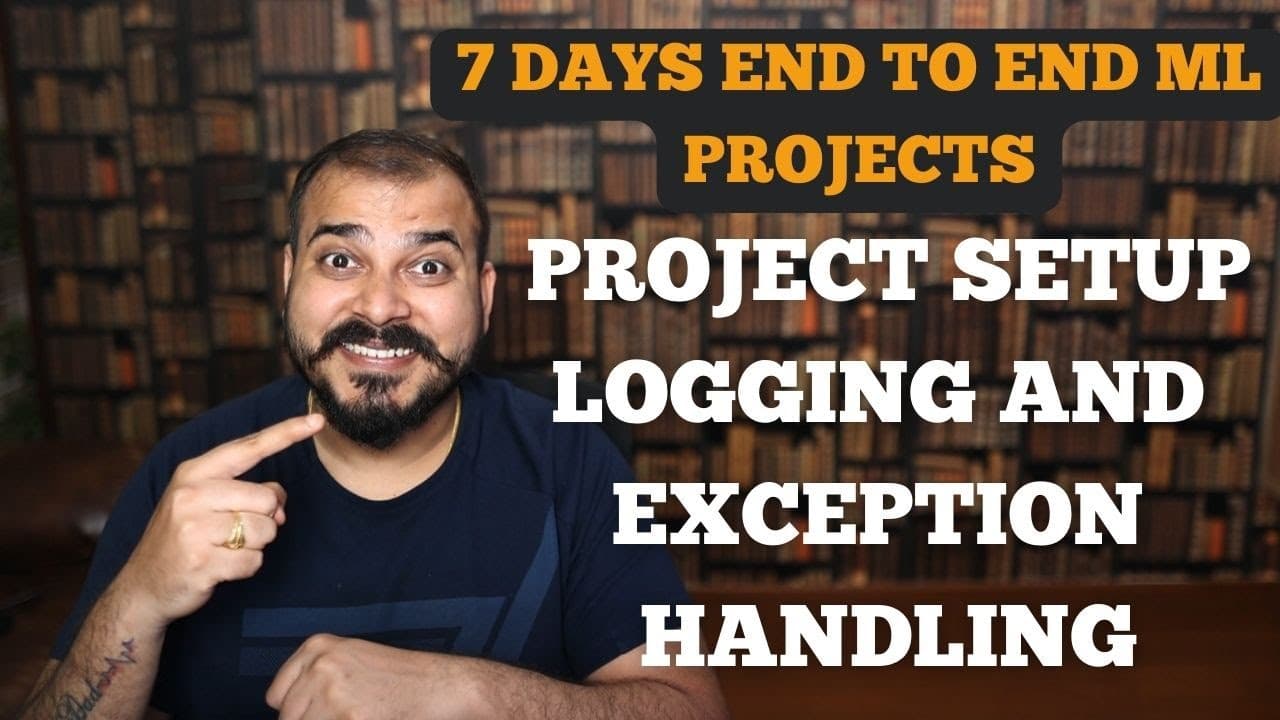
This video discusses project structure, logging, and exception handling in ML projects.
Transcript
hello guys so we are going to continue the discussion with respect to the end-to-end ml project implementation in our previous session we have already done many things over here we have set up our setup.py file you understood the purpose of this right to basically create the package we have this requirement.txt file so any packages that will be req... Read More
Key Insights
- The video focuses on structuring an ML project, highlighting components like data ingestion, transformation, and model training.
- Custom exception handling is crucial for debugging and maintaining clean code in Python projects.
- Logging is set up to track execution and errors, aiding in debugging and understanding project flow.
- The project structure emphasizes modular programming, making it easier to manage and scale ML projects.
- Creating a predictable file and directory structure helps in organizing code and maintaining industry standards.
- The video demonstrates how to automate project setup, although it starts with manual steps for clarity.
- Testing of logging and exception handling is shown to ensure that the setup works as expected.
- The tutorial is part of a series aimed at developing end-to-end ML projects with deployment capabilities.
Install to Summarize YouTube Videos and Get Transcripts
Explore YouTube Video Summarizer or Get YouTube Transcript Extractor
Questions & Answers
Q: What is the main focus of the video?
The video primarily focuses on creating an organized project structure for an end-to-end machine learning project. It covers components like data ingestion, transformation, and model training. Additionally, it discusses the implementation of logging and custom exception handling to manage errors and track execution efficiently.
Q: How does the video suggest handling exceptions?
The video suggests using custom exception handling by creating a class that inherits from the base exception class in Python. This custom class can provide detailed error messages, including the file name and line number where the error occurred, making it easier to debug and maintain the code.
Q: What role does logging play in the project?
Logging is used to track the execution flow and capture error messages within the project. It helps in maintaining a record of what happens during the execution of the code, which is invaluable for debugging. The logs are stored in a structured format that includes timestamps, error levels, and messages.
Q: Why is a modular project structure important?
A modular project structure is important because it organizes the code into well-defined components, making it easier to manage, understand, and scale. It allows for better collaboration among team members, as each module can be developed and tested independently, following industry standards for clean and maintainable code.
Q: How does the video address automation in project setup?
The video starts with a manual setup of the project structure to provide a clear understanding of each component's role. However, it mentions that this process can be automated by writing a script that generates the entire folder structure, which can save time and reduce errors in larger projects.
Q: What is the significance of the utils.py file?
The utils.py file is intended for common functionalities that are used across the project, such as reading datasets or interacting with databases. By centralizing these functions, the project maintains a clean structure, and any changes to these utilities can be made in one place, ensuring consistency throughout the project.
Q: How does the video encourage viewer participation?
The video encourages viewers to follow along with the tutorial, replicate the project structure, and implement the discussed concepts. It invites viewers to share their progress and code on platforms like GitHub and LinkedIn, tagging the creator for feedback and support, fostering a community of learning and collaboration.
Q: What future topics does the video hint at?
The video hints at future topics such as discussing the problem statement, performing Exploratory Data Analysis (EDA), and coding the data ingestion, transformation, and model training components. It also mentions plans to demonstrate how to read datasets from databases like MongoDB, providing a comprehensive understanding of end-to-end ML project development.
Summary & Key Takeaways
-
The video covers the creation of a structured ML project, focusing on components like data ingestion, transformation, and model training. It emphasizes the importance of a clear project structure for modular coding and scalability.
-
Custom exception handling is introduced to manage errors effectively, with detailed explanations on how to implement and test these in Python. Logging is also set up to track project execution and errors, aiding in debugging.
-
The tutorial is part of a series that aims to build an end-to-end ML project, starting from scratch and moving towards deployment. The video encourages viewers to replicate the project and share their progress on platforms like GitHub and LinkedIn.
Read in Other Languages (beta)
Share This Summary 📚
Summarize YouTube Videos and Get Video Transcripts with 1-Click
Try YouTube Summary with ChatGPT & Claude or YouTube Transcript Generator
Explore More Summaries from Krish Naik 📚




Summarize YouTube Videos and Get Video Transcripts with 1-Click
Try YouTube Summary with ChatGPT & Claude or YouTube Transcript Generator