How to Set Up Python for Industry Projects
TL;DR
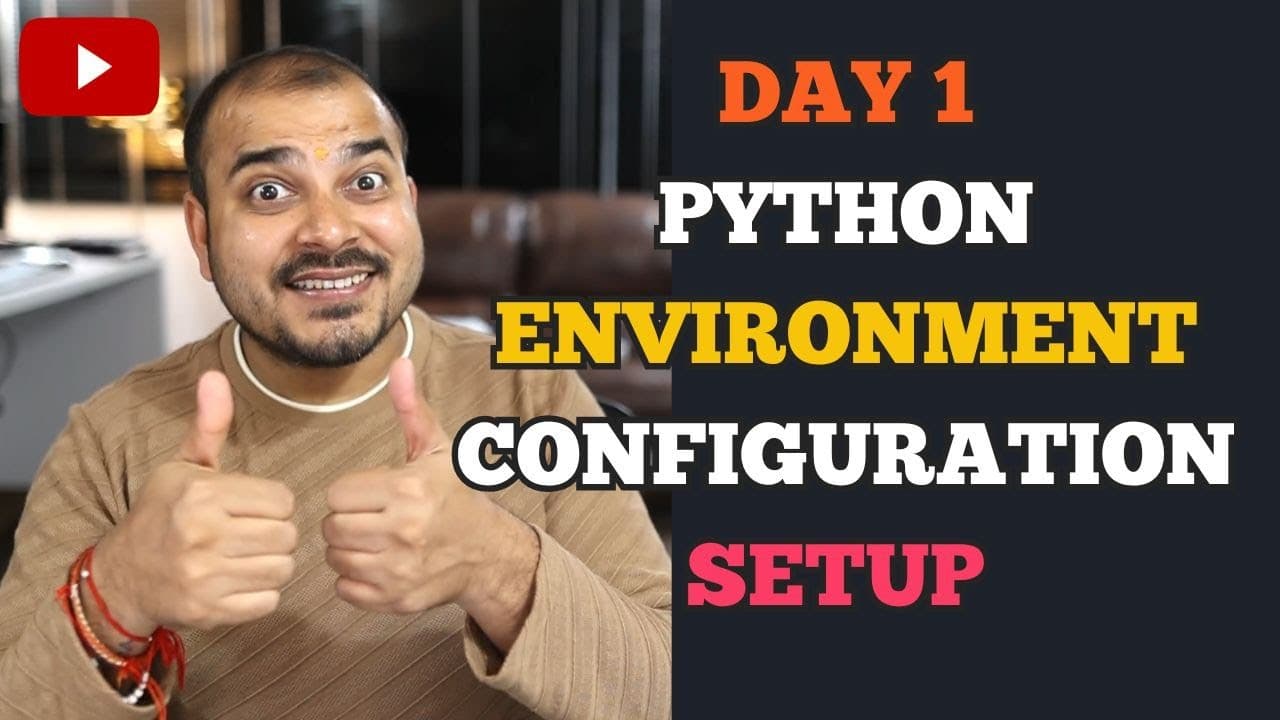
Install Anaconda for your operating system and, on Windows, select the option that adds Anaconda to the PATH environment variable so conda commands work in the terminal. The course uses VS Code or PyCharm for modular, industry-oriented development, then introduces isolated environments, package creation with setup.py and project.toml, configuration files, keys, object-oriented programming, and an end-to-end machine learning project.
Transcript
hello guys am I audible am I visible can you let me know if I'm audible quickly hello everyone how are you all welcome to this amazing crash course on python where we are just going to learn many things which I have specifically found out in many many people uh whenever they specifically want to work in the industries right again uh for all those p... Read More
Key Insights
- Anaconda installation is the first setup task, and installers are available for Windows, Mac, and Linux. The instructor demonstrates the Windows process while noting that the Mac and Linux installations are comparatively simpler from his perspective.
- The Windows PATH option is essential for terminal access to conda commands. Selecting the checkbox that adds Anaconda to the PATH environment variable helps prevent an error stating that the conda command is not recognizable.
- A missing Anaconda PATH entry can be corrected manually through the environment variables. The instructor nevertheless recommends selecting the relevant checkbox during installation to avoid additional configuration and possible problems when installing libraries with conda commands.
- VS Code or PyCharm is the intended development environment for the course. The sessions deliberately avoid coding primarily in Jupyter Notebook or Google Colab because the course focuses on modular project development and industry-oriented workflows.
- Python environments are important for real-world industry projects. The session plans to explain their purpose and demonstrate how to create them with Anaconda, while also acknowledging that environments can be created using Python without Anaconda.
- Python packages can be created through setup.py or project.toml in the workflow presented. Both approaches are included in the agenda, and project.toml is identified as a package-configuration topic not previously discussed on the instructor's channel.
- Configuration files and keys are part of the planned foundation for later work with large language models. The instructor includes them on day one so learners can understand how project settings and keys are handled before subsequent sessions.
- The course sequence connects setup with progressively larger programming tasks. Day two is planned around object-oriented programming, day three around designing an end-to-end machine learning project, and days four and five around large language models.
Install to Summarize YouTube Videos and Get Transcripts
Explore YouTube Video Summarizer or Get YouTube Transcript Extractor
Questions & Answers
Q: How do I install Anaconda for Python development?
Search for the Anaconda download page, skip registration if prompted, and choose the installer that matches Windows, Mac, or Linux. On Windows, run the downloaded executable, accept the agreement, choose installation for the current user, confirm the installation folder, and proceed through the installer. The instructor uses a different folder name only because Anaconda was already installed in the default location.
Q: Why should I add Anaconda to the Windows PATH?
Adding Anaconda to the Windows PATH environment variable allows conda commands to be recognized in the terminal. The instructor warns that leaving the installer checkbox unselected can produce an error saying the conda command is not recognizable. This setting is also important for installing libraries through conda commands during the project-development workflow presented in the course.
Q: What should I do if Anaconda was installed without the PATH option?
If Anaconda was installed without selecting the PATH checkbox, its default path will not be added automatically to the environment variables. The instructor says there is another way to resolve this by manually inserting the required environment-variable path. His preferred approach is to select the checkbox during installation so this additional configuration is unnecessary.
Q: Which code editor does the Python course use?
The course uses VS Code or PyCharm for project development and does not center its coding workflow on Jupyter Notebook or Google Colab. VS Code installation and useful extensions are included in the first session's agenda. This editor-based approach supports the course's emphasis on modular coding and the structure used for industry-oriented Python projects.
Q: Why are Python environments important for industry projects?
Python environments are presented as an important part of real-world industry project development. The session plans to explain their purpose and demonstrate how they are created with Anaconda. The instructor also notes that Python itself can be used to create environments, but focuses on Anaconda because it made environment creation easier in his described workflow.
Q: How are Python packages created in this course?
The course plans to cover two approaches to Python package creation: a setup.py file and a project.toml file. Both are included in the day-one agenda as part of learning modular, industry-oriented development. The instructor specifically notes that project.toml has not previously been discussed on his channel, making it a distinct topic in this session.
Q: What topics follow the Python environment setup session?
After the first session on installation, environments, packages, configuration files, and keys, day two is planned to focus completely on object-oriented programming. Day three is planned to demonstrate an entire end-to-end machine learning project and how its code should be designed. Days four and five are expected to include work involving large language models.
Q: What is the goal of this Python crash course?
The course is intended for people who want to begin with Python fundamentals and progress toward developing industry-ready projects. Its focus extends beyond opening a notebook and writing isolated code. The planned material includes modular coding, Python packages, library installation, environments, configuration files, object-oriented programming, and the design of an end-to-end machine learning project.
Summary & Key Takeaways
-
The first session begins with Anaconda installation and development-tool preparation. Users can download the installer for Windows, Mac, or Linux. During the Windows installation, the instructor emphasizes selecting the checkbox that adds Anaconda to the PATH environment variable, because otherwise conda commands may not be recognized in the terminal.
-
The planned workflow uses VS Code or PyCharm instead of Jupyter Notebook or Google Colab. It introduces the VS Code extensions needed for project development, explains why environments matter, and shows how Anaconda can create them. The broader goal is modular coding that reflects how Python projects are organized in industry.
-
Python package creation is scheduled through setup.py and project.toml, with project.toml presented as material not previously covered on the channel. The course also plans to address configuration files and keys before moving to object-oriented programming, an end-to-end machine learning project, and later sessions involving large language models.
Read in Other Languages (beta)
Share This Summary 📚
Summarize YouTube Videos and Get Video Transcripts with 1-Click
Try YouTube Summary with ChatGPT & Claude or YouTube Transcript Generator
Explore More Summaries from Krish Naik 📚


Summarize YouTube Videos and Get Video Transcripts with 1-Click
Try YouTube Summary with ChatGPT & Claude or YouTube Transcript Generator