Products
Features
YouTube Video Summarizer
Summarize YouTube videos
Web & PDF Highlighter
Highlight web pages & PDFs
Chat with PDF
Ask any PDF questions with AI
Ask AI Clone
Chat with your highlights & memories
Audio Transcriber
Transcribe audio files to text
Glasp Reader
Read and highlight articles
Kindle Highlight Export
Export your Kindle highlights
Idea Hatch
Hatch ideas from your highlights
Integrations
Obsidian Plugin
Notion Integration
Pocket Integration
Instapaper Integration
Medium Integration
Readwise Integration
Snipd Integration
Hypothesis Integration
Apps & Extensions
Chrome Extension
Safari Extension
Edge Add-ons
Firefox Add-ons
iOS App
Android App
Discover
Discover
Ideas
Discover new ideas and insights
Articles
Curated articles and insights
Books
Book recommendations by great minds
Posts
Essays and notes from readers
Quotes
Inspiring quotes collection
Videos
Curated videos and summaries
Explore Glasp
Glasp Newsletter
Weekly insights and updates
Glasp Talk
Interview series with great minds
Glasp Blog
Latest news and articles
Glasp Use Cases
Learn how others use Glasp
Build & Support
Glasp API
Access Glasp's API for developers
MCP Connector
Connect Glasp to Claude & ChatGPT
Community
Glasp Reddit Community
Students
Student discount and benefits
FAQs
Frequently Asked Questions
AboutPricing
DashboardLog inSign up

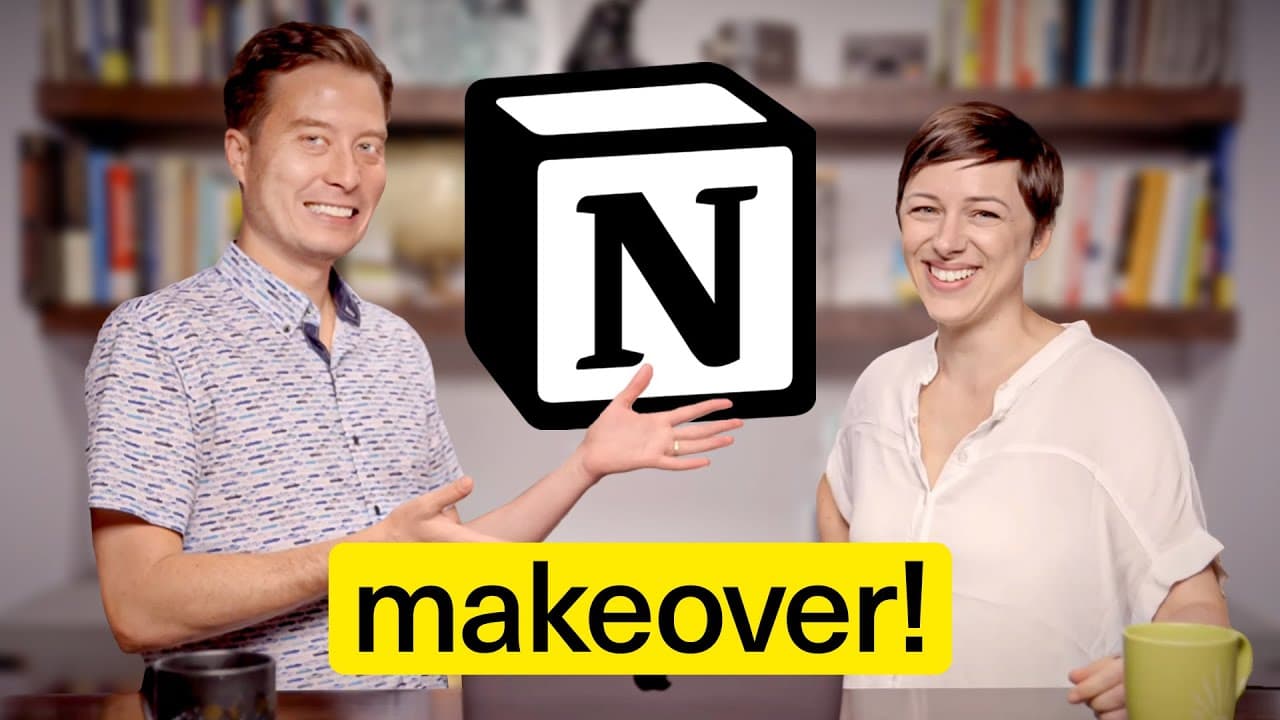
Notion Hacks: Marie Poulin Coaches Tiago Forte
58.7K views
•
September 14, 2023
by
Tiago Forte
YouTube video player
Notion Hacks: Marie Poulin Coaches Tiago Forte

TL;DR

Marie shares valuable tips and tricks for organizing Notion workspaces efficiently.

Transcript

is this is a long document thousands of words you must encounter quite large documents well this is a baby duck oh this is oh yeah yeah oh so then no problem where'd you start so what you just did is you generated a template dang it that's okay option drag creates a duplicate yes oh my gosh ridiculous these little tips and tricks thank you so much ... Read More

Key Insights

  • ❓ Utilize templates for consistent workflow and efficient organization in Notion.
  • ❓ Explore properties like relations and timestamps to connect and filter data effectively.
  • 🧑 Categorize resources, assign responsible persons, and create detailed templates to enhance clarity.
  • 😒 Prioritize understanding data interactions and defining goals for effective Notion use.
  • 📁 Simplify complex tasks with Notion's functionality, such as automated timestamps, file properties, and AI summarization.
  • 🍻 Consider creating databases, linking resources, and utilizing filters to streamline data access and management.
  • 👤 Focus on user-specific needs and existing workflows to enhance productivity and workflow management in Notion.

Install to Summarize YouTube Videos and Get Transcripts

Explore YouTube Video Summarizer or Get YouTube Transcript Extractor

Questions & Answers

Q: How does Marie suggest handling the tension between maintaining a single authoritative document and making necessary changes in Notion?

Marie advises building a robust template first, then creating a separate database for specific content like speaker notes to allow easier modifications while preserving integrity.

Q: What property does Marie recommend for tidier views of databases in Notion?

Marie suggests using the relation property to filter and connect data, enabling categorization and organization across different sections efficiently.

Q: How does Marie emphasize the importance of clearly labeling properties and resources in Notion?

Marie encourages naming properties distinctively, assigning responsible persons, and creating detailed templates for different sections to facilitate easier navigation and understanding.

Q: What key concept does Marie highlight in using Notion effectively for knowledge management?

Marie underscores the need for forethought and clarity in defining goals, data interactions, and structuring content to avoid overwhelming complexity and ensure optimal use of Notion.

Summary & Key Takeaways

  • Marie shares practical advice on structuring Notion workspaces.

  • She emphasizes the importance of templates for consistent workflow.

  • Tips include creating databases, connecting data, and utilizing AI summarization.


Read in Other Languages (beta)

English

Share This Summary 📚

Summarize YouTube Videos and Get Video Transcripts with 1-Click

Download browser extensions on:

Try YouTube Summary with ChatGPT & Claude or YouTube Transcript Generator

Explore More Summaries from Tiago Forte 📚
5-Minute Case Study: Using a Digital Second Brain to Take Online Courses thumbnail
5-Minute Case Study: Using a Digital Second Brain to Take Online Courses
Tiago Forte
Can ONE App Run Your Life? (Testing Amplenote’s LifeOS) thumbnail
Can ONE App Run Your Life? (Testing Amplenote’s LifeOS)
Tiago Forte
How I Review My Calendar for the Week thumbnail
How I Review My Calendar for the Week
Tiago Forte
How to Decide What to Highlight in Ebooks thumbnail
How to Decide What to Highlight in Ebooks
Tiago Forte
Why Community Is the Key to Your Success (in the Age of AI) thumbnail
Why Community Is the Key to Your Success (in the Age of AI)
Tiago Forte
Inside Ali Abdaal's Second Brain System thumbnail
Inside Ali Abdaal's Second Brain System
Tiago Forte

Summarize YouTube Videos and Get Video Transcripts with 1-Click

Download browser extensions on:

Try YouTube Summary with ChatGPT & Claude or YouTube Transcript Generator

Apps & Extensions

  • Chrome Extension
  • Safari Extension
  • Edge Add-ons
  • Firefox Add-ons
  • iOS App
  • Android App

Key Features

  • YouTube Video Summarizer
  • Web & PDF Summarizer
  • Web & PDF Highlighter
  • Chat with PDF
  • Ask AI Clone
  • Audio Transcriber
  • Glasp Reader
  • Kindle Highlight Export
  • Idea Hatch

Integrations

  • Obsidian Plugin
  • Notion Integration
  • Pocket Integration
  • Instapaper Integration
  • Medium Integration
  • Readwise Integration
  • Snipd Integration
  • Hypothesis Integration

More Features

  • APIs
  • MCP Connector
  • Blog & Post
  • Embed Links
  • Image Highlight
  • Personality Test
  • Quote Shots

Company

  • About us
  • Blog
  • Community
  • FAQs
  • Job Board
  • Newsletter
  • Pricing
Terms

•

Privacy

•

Guidelines

© 2026 Glasp Inc. All rights reserved.