How to containerize apps with Docker for DevOps success
TL;DR
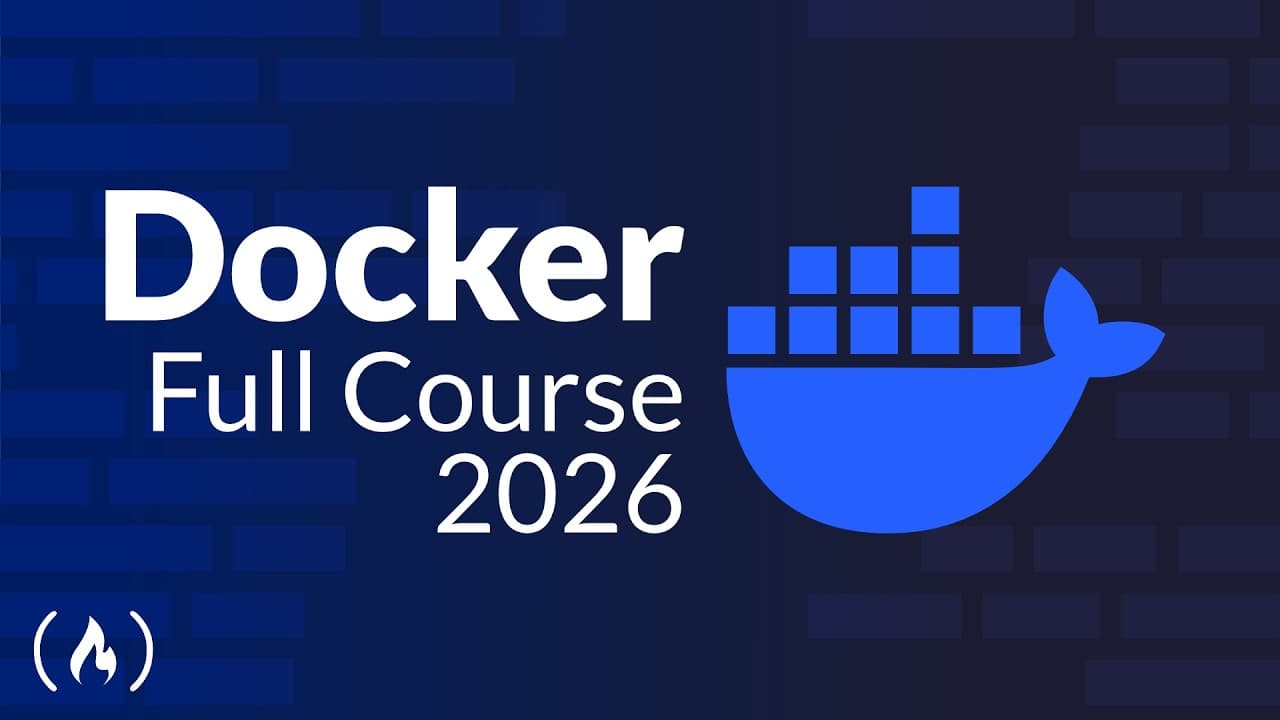
Docker containerization is the core tool for packaging and deploying software. The course covers from the basics to building, testing, and deploying containerized applications using Docker and Docker Compose, with hands-on labs, real projects, and guidance on containers, images, registries, networking, volumes, and orchestration basics.
Transcript
Ever wondered how tech giants like Spotify and Netflix scale their software so fast? The secret is containerization with Docker as the essential tool at its core. This structured hands-on Docker course will take you from absolute beginner to job ready, providing the practical skills needed to build, test, and deploy containerized applications relia... Read More
Key Insights
- Docker is the core tool behind containerization for scalable software delivery.
- The course is hands-on and project-based, moving learners from beginner to job-ready.
- Docker images, Docker Hub, and registries are essential for sharing and deploying containers.
- Docker Compose enables multi-container deployments with YAML configurations.
- Volumes and bind mounts are used to persist data outside containers.
- Docker Swarm introduces orchestration for managing containerized apps at scale.
- A practical path includes setting up Docker on AWS using a free tier.
- The program includes quizzes, hands-on labs, and a real-world capstone project.
Install to Summarize YouTube Videos and Get Transcripts
Explore YouTube Video Summarizer or Get YouTube Transcript Extractor
Questions & Answers
Q: What is Docker and why is it important for modern software delivery
Docker is a containerization platform that packages applications and their dependencies into portable containers, enabling consistent execution across different environments. This consistency reduces environmental issues, speeds up deployment, and supports reproducibility, portability, and version control in modern software development and DevOps workflows.
Q: How does the course approach teaching Docker concepts
The course uses a hands-on, practical structure with step-by-step labs, quizzes, and real-world projects. Learners start with Docker basics, move to building images and containers, explore Docker Hub and registries, learn networking and storage, and finally deploy multi-container applications with Compose, guided by practical exercises.
Q: What topics are covered before introducing Docker Compose
The curriculum introduces Docker fundamentals, architecture, container basics, and how to create a container from an image. It also covers using Docker Hub for image sources, registries for storing images, and basic networking and storage concepts to ensure learners can run and connect containers before automating deployments with Compose.
Q: How is data persistence addressed in container workflows
Data persistence is handled through volumes and bind mounts external to containers, ensuring that critical data survives container restarts or failures. This approach allows multiple containers to access shared storage and enables reliable databases or stateful services to continue operating without data loss.
Q: What role does AWS play in the course
The course demonstrates setting up Docker on a free AWS virtual machine, guiding learners through creating an AWS account and using a cloud environment instead of local machines. This enables practicing Docker in a scalable, real-world context while staying within a free tier during learning.
Q: What is Docker Compose used for in this course
Docker Compose is used to automate multi-container deployments by writing YAML configuration files. It simplifies managing several interdependent containers, coordinates networking between containers, and reduces manual steps, allowing learners to reproduce complex environments consistently across development and testing stages.
Q: What are the long-term skills emphasized by the course
The program emphasizes acquiring practical Docker skills that enable building, testing, and deploying containerized applications, with a pathway to learn Kubernetes for orchestration at scale. Learners gain confidence to apply containerization knowledge in real IT roles and continue toward broader cloud and DevOps capabilities.
Q: What support and resources are included with the course package
The course offers additional hands-on labs, a second real-world capstone project, community access for faster Q&A, quizzes and assignments, scripts for labs, and a 330-page PDF guide containing slides. These resources support independent practice and ongoing learning beyond video lectures.
Summary & Key Takeaways
-
This course introduces containerization as the core tool behind modern DevOps, explaining why Docker is widely used by tech giants and how it enables reliable deployment of containerized applications. It walks learners from the basics of containers to building images, using Docker Hub, and composing multi-container setups. Practical labs reinforce concepts.
-
Learners explore Docker architecture, how to set up Docker on AWS free tier, and the difference between VMs and containers, focusing on reproducibility, portability, and scalable deployment through Docker Compose and orchestration concepts like Swarm.
-
The course emphasizes hands-on, project-based learning with quizzes, a capstone project, and access to scripts, guides, and a community, preparing students to work confidently with Docker in real IT roles and to continue with Kubernetes afterward.
Read in Other Languages (beta)
Share This Summary 📚
Summarize YouTube Videos and Get Video Transcripts with 1-Click
Try YouTube Summary with ChatGPT & Claude or YouTube Transcript Generator
Explore More Summaries from freeCodeCamp.org 📚



Summarize YouTube Videos and Get Video Transcripts with 1-Click
Try YouTube Summary with ChatGPT & Claude or YouTube Transcript Generator