How to Use NotebookLM to Research and Learn Faster
TL;DR
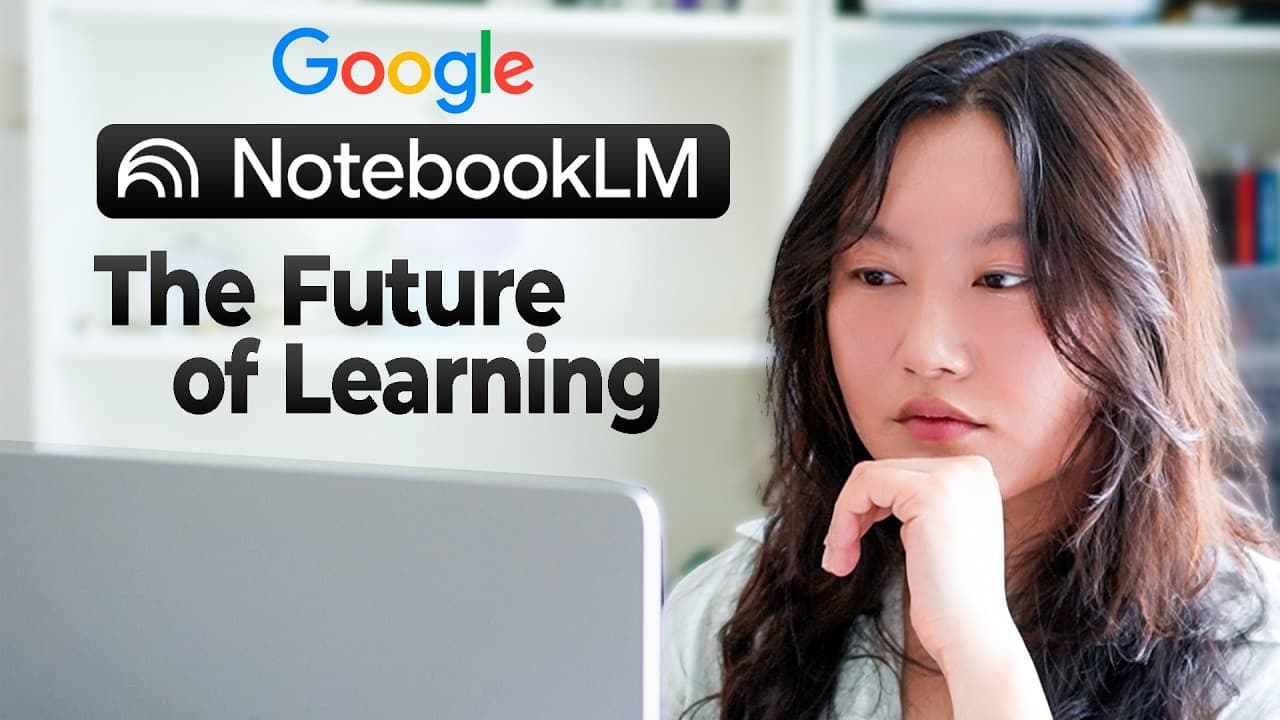
NotebookLM turns uploaded sources such as PDFs, websites, YouTube links, Google Drive files and pasted text into a grounded research assistant. You chat with selected sources, get cited answers, and generate audio overviews, video overviews, mind maps and reports. Most of the tool is free, but chat answers disappear unless you save them to notes.
Transcript
I learned how to use Notebook LM for you. So, here's the Cliffnotes version to save you the hours and hours that I've spent deep diving into this extremely powerful tool for both working and learning. It is honestly one of my favorite tools, and it's crazy how much value you get from the free version. So, in this video, I'm going to show you the co... Read More
Key Insights
- NotebookLM is built around the idea of helping people understand anything, because in the information age the problem is not a lack of knowledge but the ability to understand and make sense of it.
- The core NotebookLM workflow starts with uploading sources, then chatting with them, then using the Studio section to generate audio overviews, video overviews, mind maps and reports for deeper understanding.
- NotebookLM accepts many source types, including drag-and-drop files, Google Drive files, website links, YouTube links and copied text, and its Discover feature can search for external sources on a topic.
- Renaming sources with a prefix such as 'user', 'evaluate' or 'trends' makes it easy to group them, and unchecking sources lets you ask questions about only one group at a time.
- NotebookLM answers are grounded in the provided sources and include citations you can click to verify, which leaves much less room for hallucinations than a general chatbot.
- Chat responses in NotebookLM are not saved automatically, so you must click 'save to notes' or the information disappears, because the privacy policy means chat history is not kept or trained on.
- The audio overview generates an AI podcast from selected sources in a couple of minutes, and its interactive mode lets you join the conversation and ask the hosts follow-up questions.
- Combining NotebookLM with free Google products such as Google AI Studio or Firebase Studio can extend it into automated workflows and apps without needing to know how to code.
Install to Summarize YouTube Videos and Get Transcripts
Explore YouTube Video Summarizer or Get YouTube Transcript Extractor
Questions & Answers
Q: What is NotebookLM used for?
NotebookLM is used to take information from many different sources, synthesize it, and help you understand it deeply. Its landing page describes the goal as 'understand anything.' The idea is that people today are not short of knowledge but struggle to make sense of it. It supports both working and learning, from summarizing reports to analyzing markets and brainstorming product ideas.
Q: What types of sources can you upload to NotebookLM?
NotebookLM accepts drag-and-drop files, files linked from Google Drive, website links, YouTube links and copied text. In the demo, sources included an OECD report on education trends, Y Combinator YouTube videos, a startup article and pasted text from a Gemini deep research report. The Discover tab can also search for external sources, such as Reddit threads, and import the ones you choose.
Q: How do you focus NotebookLM on specific sources?
You can rename sources with a group prefix and then uncheck every source except the group you want to query. In the demo, Reddit sources were labeled 'user' for pain points, startup validation material was labeled 'evaluate' and market research was labeled 'trends.' Unchecking everything except the trends sources made the chat summarize only industry trends for language learning apps.
Q: Why does NotebookLM hallucinate less than other AI chatbots?
NotebookLM is grounded in the sources you provide, and each answer includes citations you can click to check the original passage. Because responses come from those sources, there is much less room for hallucination. In the demo, when asked to compare AI-first and traditional SaaS language apps, it stated that the provided sources did not explicitly make that distinction rather than inventing an answer.
Q: Does NotebookLM save your chat history?
No. NotebookLM does not save chat history, and according to the video its privacy policy also means it does not train on your chats. If you do not click 'save to notes' on a useful response, that information disappears. The recommended habit is to save every valuable answer, such as summaries of industry trends or user pain points, to notes before moving on.
Q: What is the NotebookLM audio overview and interactive mode?
The audio overview is a Studio feature that generates an AI podcast from your selected sources, and it is what first made NotebookLM go viral. It took a couple of minutes to generate in the demo. Interactive mode lets you join the conversation and ask the AI hosts questions, for example asking what the main pain point of Duolingo is and how AI could address it.
Q: Which NotebookLM features are free and which are paid?
According to the video, about 90% of NotebookLM is completely free, and the presenter considers the free version very valuable. That includes uploading sources, chatting, notes, and Studio features such as audio overviews, video overviews, mind maps and reports. Sharing features and analytics features are paid Pro features. The video's timestamps include a dedicated section on the paid features.
Q: How can NotebookLM be combined with other tools?
NotebookLM can be combined with other applications to build workflows and apps. The video mentions Google AI Studio and Firebase Studio, both free Google products, which can make NotebookLM even more powerful without needing to know how to code. It also shows using Gemini deep research to create high-quality sources, and the timestamps list sections on pairing NotebookLM with Deep Research, Claude and Manus.
Summary & Key Takeaways
-
NotebookLM is a Google tool designed to help users understand large amounts of information. Users create a notebook, upload sources such as files, websites, YouTube videos, Google Drive documents or pasted text, and can also discover external sources. Around 90% of the tool is free, with sharing and analytics as paid features.
-
The demo uses NotebookLM to research an AI language learning app idea. Sources include an OECD education trends report, Y Combinator videos on validating startup ideas, a Gemini deep research competitor analysis and Reddit posts on user pain points. Sources are renamed by group so specific subsets can be queried separately.
-
Chat answers are grounded and cited, and NotebookLM openly states when sources do not cover a question. Answers must be saved to notes or they are lost. The Studio audio overview creates an AI podcast with an interactive mode, which in the demo identified the lack of conversational fluency as Duolingo's main pain point.
Read in Other Languages (beta)
Share This Summary 📚
Summarize YouTube Videos and Get Video Transcripts with 1-Click
Try YouTube Summary with ChatGPT & Claude or YouTube Transcript Generator
Explore More Summaries from Tina Huang 📚



Summarize YouTube Videos and Get Video Transcripts with 1-Click
Try YouTube Summary with ChatGPT & Claude or YouTube Transcript Generator