How to Use Keras with TensorFlow for Deep Learning Beginners
TL;DR
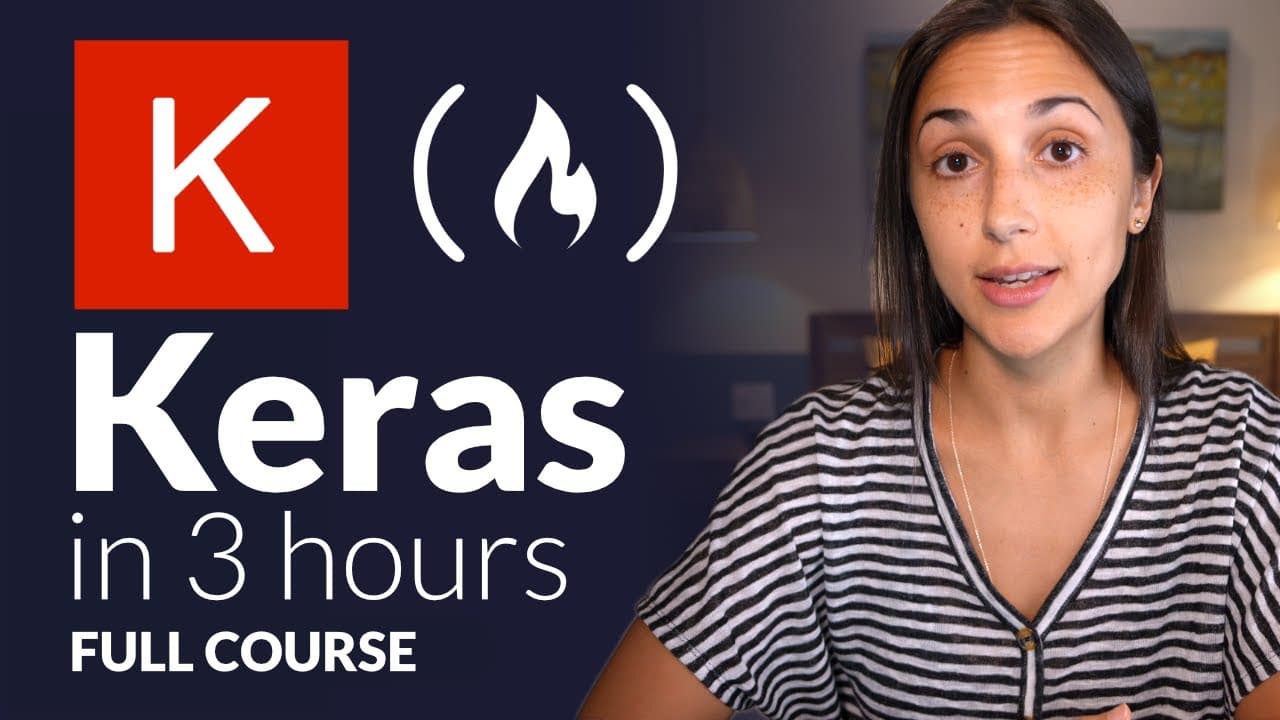
This course teaches beginners how to implement deep learning using the Keras API integrated with TensorFlow. Participants will learn to preprocess data, build and train neural networks, fine-tune pretrained models, and work with custom datasets, all with basic programming and Python skills. A GPU is optional, and comprehensive resources are provided throughout the course.
Transcript
Hey, I'm Andy from deep lizard. And in this course, we're going to learn how to use Kerris, and neural network API written in Python and integrated with TensorFlow. Throughout the course, each lesson will focus on a specific deep learning concept, and show the full implementation in code using the keras API. We'll be starting with the absolute basi... Read More
Key Insights
- 🚂 The Kaggle Cats vs Dogs dataset is a useful resource for training image classification models.
- 📁 The extracted train folder contains a nested train folder with the image files.
- ❓ Organizing the image data in a specified structure is crucial for proper training of the CNN.
- 🧑🦽 Manual organization is not required if the downloaded dataset is structured correctly.
Install to Summarize YouTube Videos and Get Transcripts
Explore YouTube Video Summarizer or Get YouTube Transcript Extractor
Questions & Answers
Q: What does the Keras with TensorFlow course teach beginners?
The course teaches deep learning concepts and demonstrates their full implementation in Python using the Keras API. It begins with organizing and preprocessing data, then moves into building and training artificial neural networks, including networks built from scratch and pretrained models fine-tuned on custom datasets.
Q: What prerequisites are needed for the Keras course?
The coding prerequisites are basic programming skills and some Python experience. Each deep learning concept receives a brief introduction, but absolute beginners are encouraged to take the deep learning fundamentals course first or alongside this course.
Q: How do you install Keras for this course?
Run pip install TensorFlow from the command line. Because Keras is fully integrated with TensorFlow, it comes packaged with the TensorFlow installation; the course also recommends checking TensorFlow’s system requirements for your machine.
Q: Is a GPU required to follow the Keras course?
No, a GPU is not required, and all course code can run using only a CPU. The instructor recommends completing the course on a CPU if GPU support is not already configured, then optionally running the code on a GPU later to compare efficiency and speedups.
Q: Why does the course use the Keras API with TensorFlow?
Keras is a high-level neural network API designed to enable fast experimentation, allowing users to move from an idea to an implementation in few steps. It is fully integrated with TensorFlow, while this course focuses mainly on the high-level Keras API rather than the lower-level TensorFlow API.
Q: What data formats does a Keras Sequential model accept during training?
The model receives training data through its fit function, whose first two parameters are x for samples and y for labels. The transcript lists supported formats including NumPy arrays, TensorFlow tensors, dictionaries, tf.data datasets, and Keras generators; the course’s first example uses NumPy arrays.
Q: Must Keras training samples and labels use the same format?
Yes. The x samples and corresponding y labels must use matching formats, so the samples cannot be in a NumPy array while the labels are in a TensorFlow tensor. The first course example places both in NumPy arrays.
Q: What learning resources accompany the course?
Each episode has corresponding video and text resources, a blog, and a quiz for testing knowledge, and learners can contribute quiz questions. The course’s code resources are regularly tested and maintained with updates and bug fixes, while members of the deep lizard hive mind can download the code files.
Summary & Key Takeaways
-
Download the dataset from the Kaggle Cats vs Dogs competition, which contains a zip folder with images of cats and dogs for training the CNN.
-
Extract the train folder from the downloaded zip file.
-
Inside the train folder, there is a nested train folder that contains the image files.
-
These image files will be used to train the CNN after further processing.
Read in Other Languages (beta)
Share This Summary 📚
Summarize YouTube Videos and Get Video Transcripts with 1-Click
Try YouTube Summary with ChatGPT & Claude or YouTube Transcript Generator
Explore More Summaries from freeCodeCamp.org 📚





Summarize YouTube Videos and Get Video Transcripts with 1-Click
Try YouTube Summary with ChatGPT & Claude or YouTube Transcript Generator