How to Maximize ChatGPT 6 Astra for AGI Experience
TL;DR
To fully experience ChatGPT 6 Astra's AGI capabilities, use the desktop app for enhanced computer use and efficient multitasking. Employ Astral Low for cost-effective operations, and utilize 3D modeling for creative projects. Setting up a second brain with tools like Notion can optimize productivity and save tokens. Engage Astra by asking insightful questions for better results.
Transcript
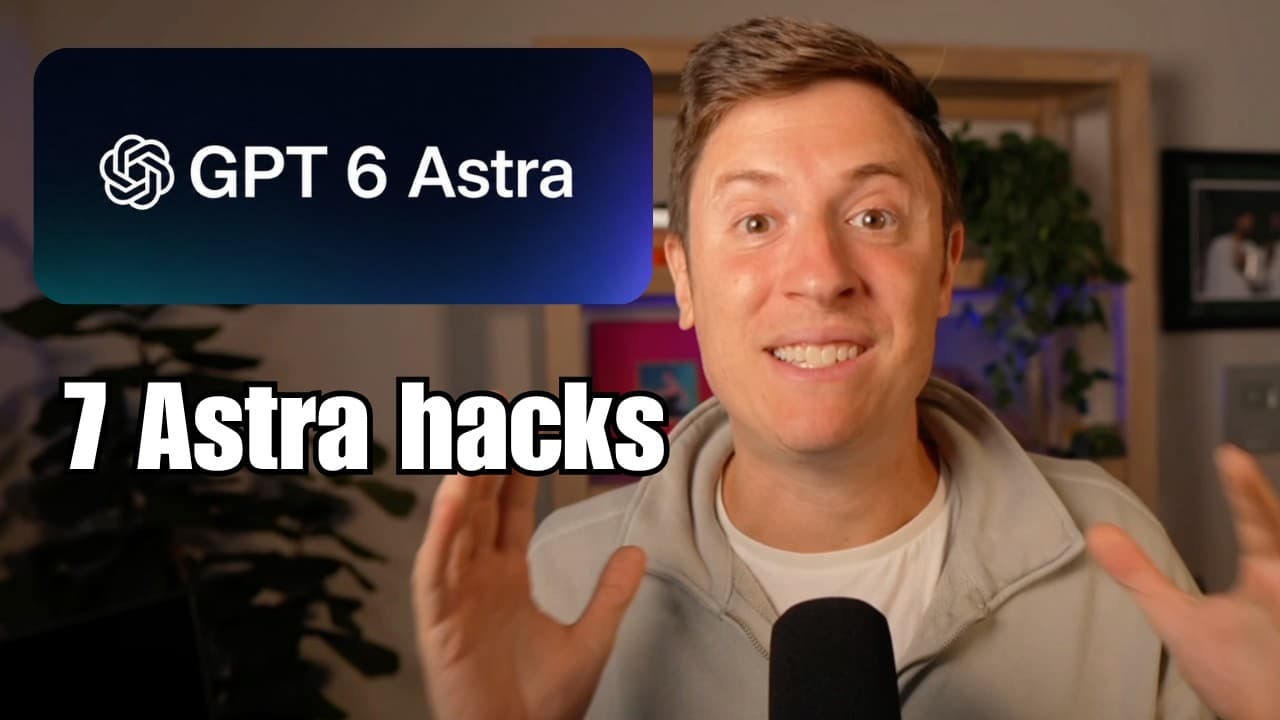
AGI is here. Chat GBT6 Astra is officially AGI. And if you don't believe me, look at this tweet. The god of AI, Jensen Hong, declared it. AGI has arrived. Congratulations, Open AI team. But here's the thing, though. If you don't use it the right way, you're not going to feel the AGI. I got good news. In this video, I'm going to give you seven hacks... Read More
Key Insights
- ChatGPT 6 Astra excels in computer use, enabling efficient multitasking through the desktop app.
- Astral Low is more cost-effective and smarter than previous high-level models, ideal for most tasks.
- Agent.mmd files and skills are largely unnecessary as Astra's intelligence reduces the need for manual instructions.
- Astra is highly proficient in 3D modeling, outperforming competitors, and can be used with Blender and Unity for game development.
- Using a 'second brain' like Notion helps save tokens by allowing high-level planning with cheaper execution models.
- Remote mode in the desktop app allows for uninterrupted testing and coding, optimizing workflow across multiple devices.
- Asking Astra questions about blind spots and next steps yields better results than issuing commands.
- The AGI era is marked by Astra's capabilities, surpassing previous AI milestones and offering transformative potential.
Install to Summarize YouTube Videos and Get Transcripts
Explore YouTube Video Summarizer or Get YouTube Transcript Extractor
Questions & Answers
Q: How to use ChatGPT 6 Astra for computer tasks?
To maximize ChatGPT 6 Astra's computer use capabilities, use the desktop app, which allows it to perform tasks on your computer more efficiently. The app supports features like interactive questioning during tasks, making it ideal for multitasking and executing complex commands. Simply instruct Astra to handle tasks you would normally do manually, such as adding items to a cart or filling out forms.
Q: What is Astral Low and when should it be used?
Astral Low is a mode in ChatGPT 6 Astra that offers smarter performance at a lower cost compared to previous high-level models. It is ideal for most general tasks, offering cost-effective operations while maintaining high intelligence. Use Astral Low for routine tasks and switch to higher modes like high or ultra for planning and identifying blind spots.
Q: Why are agent.mmd files and skills unnecessary with Astra?
Agent.mmd files and skills are largely obsolete with ChatGPT 6 Astra due to its advanced intelligence. Astra can autonomously determine the tools and actions needed for tasks, reducing the need for predefined instructions. This shift minimizes context bloat and token usage, streamlining operations and enhancing efficiency.
Q: How does Astra enhance 3D modeling and game development?
ChatGPT 6 Astra excels in 3D modeling, outperforming competitors by seamlessly generating intricate designs. Users can leverage tools like Blender and Unity to integrate AI-generated models into game development. This process involves creating concept images with Astra, building models in Blender, and implementing them in Unity, resulting in high-quality, creative outputs.
Q: What is a 'second brain' and how does it save tokens?
A 'second brain' is a system like Notion that stores Astra's ideas and plans, allowing users to revisit and execute them with cheaper models. By initially using high-level reasoning for planning and then switching to low-level reasoning for execution, users optimize productivity and conserve tokens, achieving more with less cost.
Q: How to set up and use remote mode effectively?
To use remote mode effectively, designate a desktop computer as the main testing hub. Connect other devices like laptops or tablets to this computer, allowing Astra to perform tasks and tests without interrupting your workflow. This setup ensures continuous operation and testing, maximizing Astra's potential across multiple devices.
Q: How to identify blind spots using Astra?
To identify blind spots, engage ChatGPT 6 Astra by asking questions about potential oversights and next steps. This approach leverages Astra's advanced reasoning to uncover areas you might have missed. By focusing on questions rather than commands, you gain insights into novel concepts and enhance the overall effectiveness of your projects.
Q: What signifies the AGI era with Astra?
The AGI era is marked by ChatGPT 6 Astra's unprecedented capabilities, surpassing previous AI milestones. Astra's intelligence allows it to perform complex tasks autonomously, offering transformative potential across various domains. This advancement signals a new phase in AI development, characterized by increased efficiency, creativity, and problem-solving abilities.
Summary & Key Takeaways
-
ChatGPT 6 Astra's desktop app offers superior computer use functionality, allowing it to perform tasks faster and more efficiently than humans. This feature is best utilized through the desktop app, as it supports interactive questioning and progressive planning during tasks.
-
Astral Low is a cost-effective mode that outperforms higher-level models in most tasks. It is recommended for general use, while higher modes are reserved for planning and identifying blind spots, offering novel and creative solutions.
-
3D modeling with Astra is highly effective, enabling users to create intricate designs without third-party tools. By using Blender and Unity, users can seamlessly integrate AI-generated models into game development, enhancing creativity and productivity.
Read in Other Languages (beta)
Share This Summary 📚
Summarize YouTube Videos and Get Video Transcripts with 1-Click
Try YouTube Summary with ChatGPT & Claude or YouTube Transcript Generator
Explore More Summaries from Alex Finn 📚


Summarize YouTube Videos and Get Video Transcripts with 1-Click
Try YouTube Summary with ChatGPT & Claude or YouTube Transcript Generator