How to use Claude Code Mods to customize UI
TL;DR
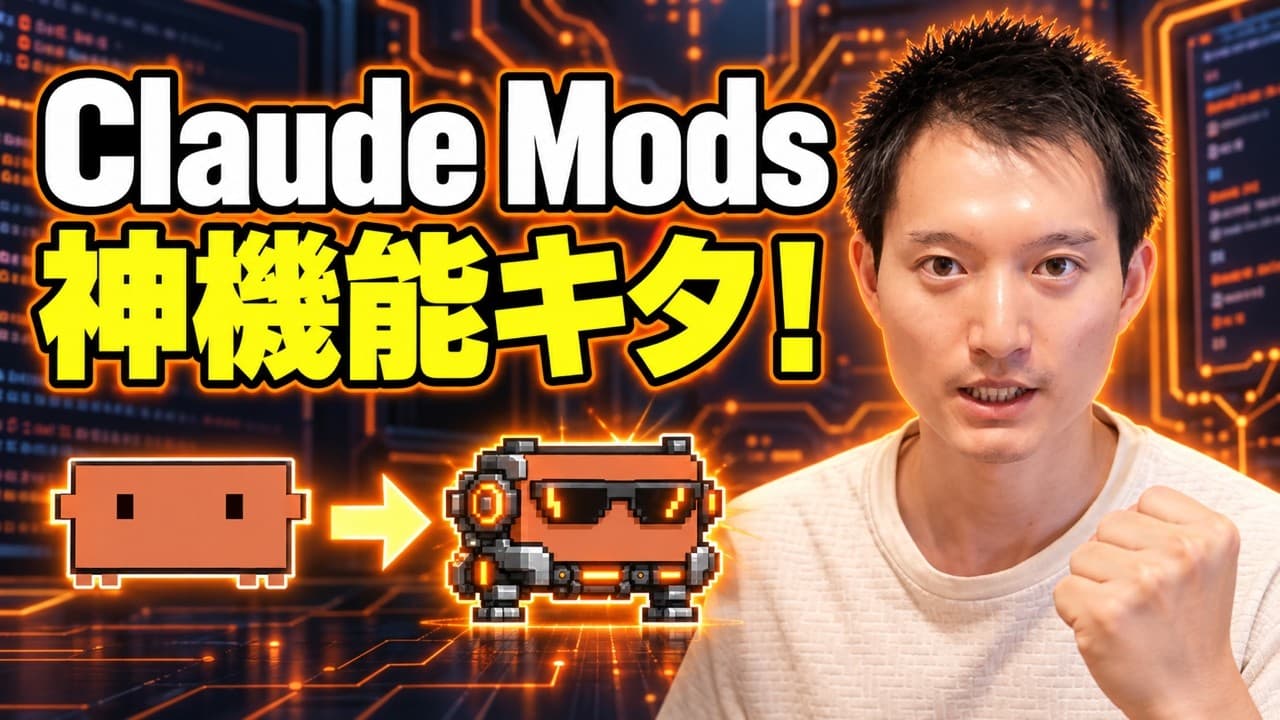
Claude Code Mods let you customize the interface and behavior of Claude Code. You can modify screens, add or remove UI elements, and rewrite inputs or results. The video walks through creating and managing mods, using the plugins panel, and showcases practical examples like a right panel, localization, and market place distribution.
Transcript
Hi, hello. I'm Keto. This channel introduces the latest information and use cases for generative AI. Please make sure to subscribe to the channel. And our topic today is the new "MOD" feature recently added to Claude Code. So, what is this "MOD" feature? It allows you to freely customize Claude Code. This concept is very famous in games, i... Read More
Key Insights
- Mods let you customize Claude Code UI with new panels and changed layouts.
- You can rewrite inputs and results inside Claude Code using MODs.
- Mods are created or installed via the plugins section and marketplace.
- Claude Code MODs can affect both desktop app and terminal experiences.
- Available mod areas include notifications, right-side panels, input bar, and status section.
- Creation of MODs is designed to be simple, not requiring deep technical steps.
- A sample mod displays remaining usage limits and a right-hand feature panel.
- Sub-agents and agent panels can be visualized through MODs for clarity.
Install to Summarize YouTube Videos and Get Transcripts
Explore YouTube Video Summarizer or Get YouTube Transcript Extractor
Questions & Answers
Q: What are Claude Code Mods and what do they change?
Claude Code Mods are a new feature that allows users to freely customize the interface and behavior of Claude Code. They enable changes to the screen layout, new UI elements, and the rewriting of inputs or results. This expands what is possible beyond traditional hooks by letting internal functions drive display changes and input manipulation, making the tool more flexible for different workflows.
Q: How do you access and manage MODs in Claude Code?
Mods are managed in the plugins section of Claude Code. Users can open installed MODs from the Installed tab and view or configure each MOD’s settings in the right-side panel. They can also save or share MOD data in the Marketplace, and access existing MODs under a specific plugin name like kate-mods. This centralized management makes it easy to install, adjust, and distribute MODs.
Q: What is demonstrated by the MOD that shows remaining quota?
The video demonstrates a MOD that displays a remaining usage limit at the bottom of the screen, presented as a battery-like indicator. This visualization helps users monitor both the five-hour limit and weekly allowances in real time. It showcases how a MOD can provide practical, at-a-glance status information to improve workflow awareness.
Q: Can MODs affect the CLI and desktop versions of Claude Code equally?
Yes, MODs affect both the desktop app and the CLI version of Claude Code. The demonstration shows changes reflecting in the desktop UI as well as the terminal display, including new panels and UI elements. This cross-version capability is a core advantage of MODs, enabling consistent customization across environments.
Q: What are some example uses of Claude Code MODs shown in the video?
Examples include adding a right-side panel with multiple features, translating the UI into Japanese, displaying sub-agent activity, and showing real-time status like remaining usage and time spent. The video also shows a mod that can generate a PowerPoint from a set of skills used during a session, illustrating how MODs can integrate with different tools inside Claude Code.
Q: What limitations are mentioned regarding where MODs can be used?
The video notes that MODs can be used in the Claude Code desktop and CLI environments, but not in other apps. This limitation defines where the customization applies, ensuring users focus on Claude Code's own interfaces and workflows. It also emphasizes the fixed areas that MODs can modify, such as notifications, right panels, the input bar, and the status section.
Q: How can users create their own MODs according to the video?
Users can create MODs by instructing Claude Code to generate one, for example by saying Create a MOD that displays the remaining usage limit at the bottom. After providing the necessary permissions, the MOD is created and can be adjusted. The video encourages users to propose ideas, test them, and potentially share successful MODs through membership posts or the Marketplace.
Q: What cautions or notes are given about using Claude Code MODs?
The video advises considering the areas MODs can modify and the potential impact on workflow, such as altering how inputs and results are displayed. It also highlights that some MODs may rely on sub-agents and visualization tools, which could complicate debugging. Viewers are encouraged to screenshot mod areas for reference and to share practical MODs with the community while respecting permissions and marketplace rules.
Summary & Key Takeaways
-
Claude Mods enable extensive UI and behavior customization in Claude Code, including screen changes, new panels, and input or result rewriting. The method requires permissions and can be managed via the plugins section, with modules stored under kate-mods and available in the Marketplace. Practical use shows non engineers benefiting from mod creation.
-
The video demonstrates a concrete mod that displays remaining usage quota as a battery-like indicator and a right-side feature panel, illustrating how mods alter both desktop and CLI experiences. It also emphasizes the potential for sub-agents, status displays, and breaking news alerts for enhanced usability.
-
The content cautions about limitations on mod areas, confirms cross-application usage is restricted to Claude Code desktop and CLI, and suggests screenshotting the mod area for reference, while inviting viewers to create and share their own mods and to explore marketplace uploads and membership perks.
Read in Other Languages (beta)
Share This Summary 📚
Summarize YouTube Videos and Get Video Transcripts with 1-Click
Try YouTube Summary with ChatGPT & Claude or YouTube Transcript Generator
Explore More Summaries from KEITO【AI&WEB ch】 📚






Summarize YouTube Videos and Get Video Transcripts with 1-Click
Try YouTube Summary with ChatGPT & Claude or YouTube Transcript Generator