How to Learn Docker for Beginners and DevOps
TL;DR
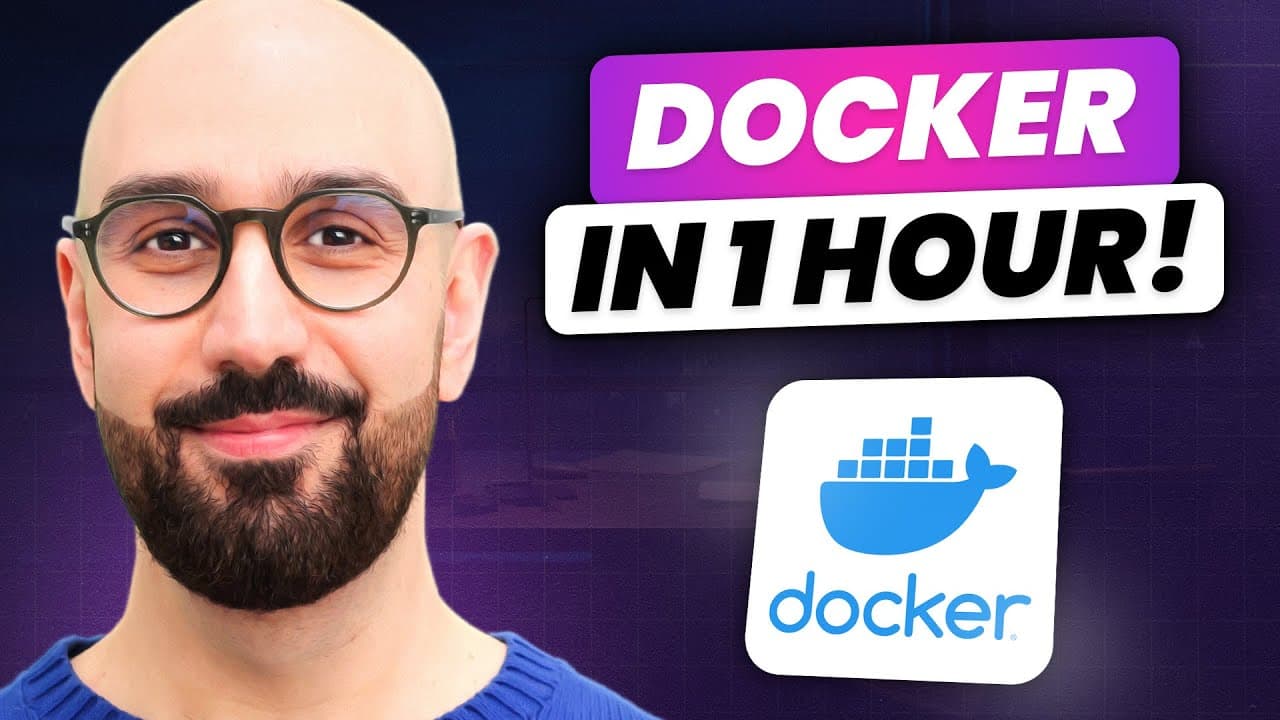
Docker simplifies building, running, and shipping apps across environments. The course starts from basics and moves to a full stack example, emphasizing a practical, hands-on approach. You’ll learn container vs virtual machine differences, Docker architecture, installation, and how to integrate Docker into a development workflow for project isolation and cleanup.
Transcript
welcome to the ultimate docker course in this course i'm going to take you on a journey and teach you everything you need to know about docker from the basics to more advanced concepts so by the end of this course you'll be able to use it like a pro as part of your software development workflow if you're looking for a comprehensive and highly pract... Read More
Key Insights
- Docker enables consistent deployments by packaging apps with their dependencies so they run the same on any machine.
- Containers share the host OS kernel, offering lightweight isolation without full OS virtualization.
- Virtual machines require full OS copies, are heavier, and start slower compared to containers.
- Docker uses a client-server architecture where the engine runs containers and the client communicates via REST APIs.
- Containers can run side by side with different software versions on the same host without conflicts.
- A practical course structure includes installing Docker, understanding workflows, and observing Docker in action through a simple example.
- Understanding the difference between containers and virtual machines clarifies why Docker is preferred for modern development workflows.
- Docker helps remove clutter by allowing safe removal of an application and its dependencies without affecting other projects.
Install to Summarize YouTube Videos and Get Transcripts
Explore YouTube Video Summarizer or Get YouTube Transcript Extractor
Questions & Answers
Q: What is Docker and why is it popular for developers and DevOps
Docker is a platform for building, running, and shipping applications in a consistent manner so if an application works on the development machine, it will work on test and production machines as well. It enables packaging of an application with all dependencies into a container, allowing isolated environments and side by side operation of different versions of software. This consistency reduces deployment issues and streamlines collaboration and development workflows.
Q: How do containers differ from virtual machines
Containers are lightweight and share the host operating system kernel, allowing many containers to run on a single host with quick startup times. Virtual machines, by contrast, require a full copy of an operating system, are more resource intensive, and start slower because the OS must boot. This makes containers more efficient for running multiple isolated applications on one machine.
Q: What is the Docker architecture and how does it work
Docker uses a client-server architecture where the Docker engine runs as a server in the background and a client communicates with it via a RESTful API. A container is a process inside the host that runs in isolation, sharing the kernel with other containers. The client sends commands to the engine to build, run, and manage containers, enabling a streamlined container lifecycle.
Q: Why is Docker advantageous for team collaboration
Docker eliminates the need for team members to spend time configuring each new machine. By sharing Docker images that contain the app and its dependencies, new developers, testers, or CI systems can bring up identical environments quickly. This reduces onboarding time, ensures consistency, and minimizes environment-related bugs across teams.
Q: What should a beginner expect when starting the Docker course
The course starts with no required prior Docker knowledge and builds from fundamentals to advanced concepts. Beginners should have some programming experience and familiarity with frontend, backend, APIs, and databases. The course emphasizes practical, hands-on learning, including a simple project and a full-stack example to illustrate real-world usage of Docker.
Q: What does Docker enable in a development workflow
Docker provides a repeatable development workflow by allowing developers to run an application and its exact dependencies in isolated containers. This ensures the same behavior across machines, simplifies dependency management, and makes it easier to remove unused tools, reducing machine clutter while maintaining project integrity.
Q: What is the benefit of packaging an app with dependencies
Packaging an app with its dependencies ensures the application runs consistently across environments, regardless of differences in software versions or configurations on target machines. This packaging prevents deployment drift, avoids missing assets, and lets teams share reliable, portable builds that behave the same from development to production.
Q: How does Docker help with managing multiple projects on one machine
Docker allows multiple projects to run side by side on the same host by isolating each application in its own container. Since containers share the host kernel rather than a full OS, you avoid the resource overhead of multiple operating systems. This enables running many containers simultaneously and efficiently managing different versions or stacks.
Summary & Key Takeaways
-
The course presents Docker as a platform for building, running, and shipping applications in a consistent manner, emphasizing portability across machines and environments.
-
It contrasts containers with virtual machines, highlighting Dockers lightweight isolation and rapid startup times as key advantages.
-
The curriculum covers Docker architecture, installation, workflow integration, and a practical example to demonstrate how to run a full stack application in containers.
Read in Other Languages (beta)
Share This Summary 📚
Summarize YouTube Videos and Get Video Transcripts with 1-Click
Try YouTube Summary with ChatGPT & Claude or YouTube Transcript Generator
Explore More Summaries from Programming with Mosh 📚


Summarize YouTube Videos and Get Video Transcripts with 1-Click
Try YouTube Summary with ChatGPT & Claude or YouTube Transcript Generator