How to Install Proxmox 8.1 on Raspberry Pi 5
TL;DR
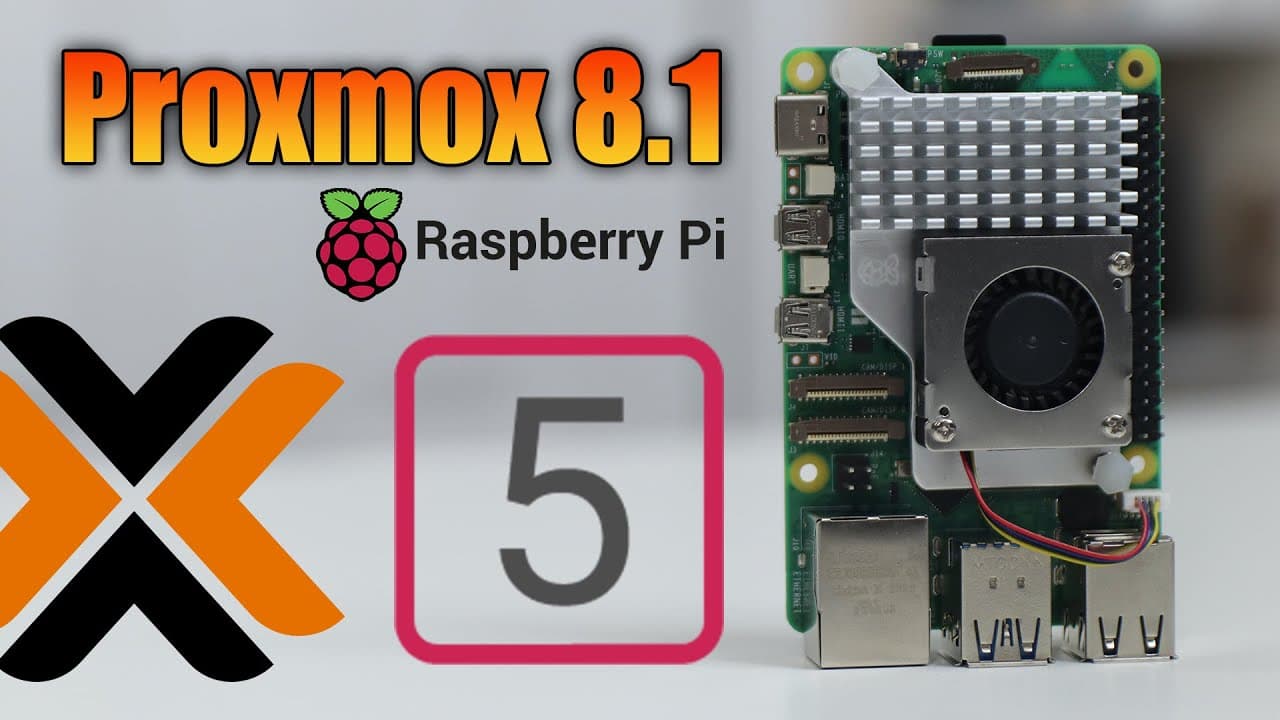
To install Proxmox 8.1 on a Raspberry Pi 5, you'll need a UEFI boot setup, an SD card for boot files, a USB Ethernet adapter, and an SSD for storage. The installation process involves downloading the required ISO, configuring disk partitions, and setting up virtual machines, which enhances the capabilities of the Raspberry Pi beyond basic tasks.
Transcript
hey guys what's going on it's Don here from Nova spare Tech and welcome back to the channel and today I got something really cool to show you guys which is running proxmox 8.1 on our Rasberry Pi 5 so let's get started now it's only been a couple of days since UEFI boot has been working on the Raspberry Pi 5 which leads to a lot of open doors becaus... Read More
Key Insights
- 🏃 Raspberry Pi 5, with UEFI boot capability, increases performance and versatility for running various operating systems like Proxmox.
- ❓ The setup process requires additional hardware, including a USB Ethernet adapter due to initial limitations in network support on UEFI.
- 👤 Users can leverage Proxmox’s features to manage virtual machines and Linux containers, mimicking traditional server experiences.
- 💽 The installation involves configuring storage options, adjusting disk partitions, and timely downloading updates for optimal performance.
- 🎰 Challenges may arise with the status menu not displaying correctly on virtual machines, indicating possible areas for improvement in this ongoing development.
- 👻 Virtual environments on Raspberry Pi allow experimentation and testing without hardware risk, enhancing user experience for learning and development.
- 🍻 Community resources, such as GitHub links for downloading necessary files, provide support throughout the installation and configuration process.
Install to Summarize YouTube Videos and Get Transcripts
Explore YouTube Video Summarizer or Get YouTube Transcript Extractor
Questions & Answers
Q: What advantages does Proxmox 8.1 offer when installed on Raspberry Pi 5?
Proxmox 8.1 on Raspberry Pi 5 utilizes its superior processing speed and memory capabilities compared to earlier models. This allows users to efficiently run multiple virtual machines and containers, enhancing the Raspberry Pi's functionality. As a result, users can undertake more complex tasks typical of a traditional server environment.
Q: What are the current limitations of UEFI boot on Raspberry Pi 5?
The UEFI boot implementation on Raspberry Pi 5 has certain limitations, including non-functioning Ethernet, GPIO, PWM, and PCIe support. Users must provide an external Ethernet adapter to establish network connectivity. Despite these restrictions, significant improvements have been made in functionality since its recent introduction.
Q: What equipment is necessary for installing Proxmox on Raspberry Pi 5?
Essential equipment includes a Raspberry Pi 5, a USB Ethernet adapter, an SSD for storage, an SD card to hold UEFI boot files, and a compatible ISO image of Proxmox 8.1. Users also need software like Etcher for burning the ISO onto a USB drive for the installation process.
Q: How do I set up a virtual machine after installing Proxmox?
After installing Proxmox, users can create virtual machines by accessing the Proxmox dashboard, selecting the ‘Create VM’ option, and following prompts to configure system resources. Users must also install necessary packages and operating images to ensure their virtual machines run optimally.
Summary & Key Takeaways
-
The video showcases the installation of Proxmox 8.1 on a Raspberry Pi 5, emphasizing its speed and capabilities compared to the Raspberry Pi 4. UEFI boot allows for greater functionality, including installing various operating systems.
-
Viewers will learn about prerequisite materials, such as an SD card for boot files, a USB Ethernet adapter for connectivity, and a compatible SSD for storage.
-
The installation process is detailed, including steps to configure the system, manage disk partitions, and install virtual machines, ensuring users can streamline their setups effectively.
Read in Other Languages (beta)
Share This Summary 📚
Summarize YouTube Videos and Get Video Transcripts with 1-Click
Try YouTube Summary with ChatGPT & Claude or YouTube Transcript Generator
Explore More Summaries from Novaspirit Tech 📚






Summarize YouTube Videos and Get Video Transcripts with 1-Click
Try YouTube Summary with ChatGPT & Claude or YouTube Transcript Generator