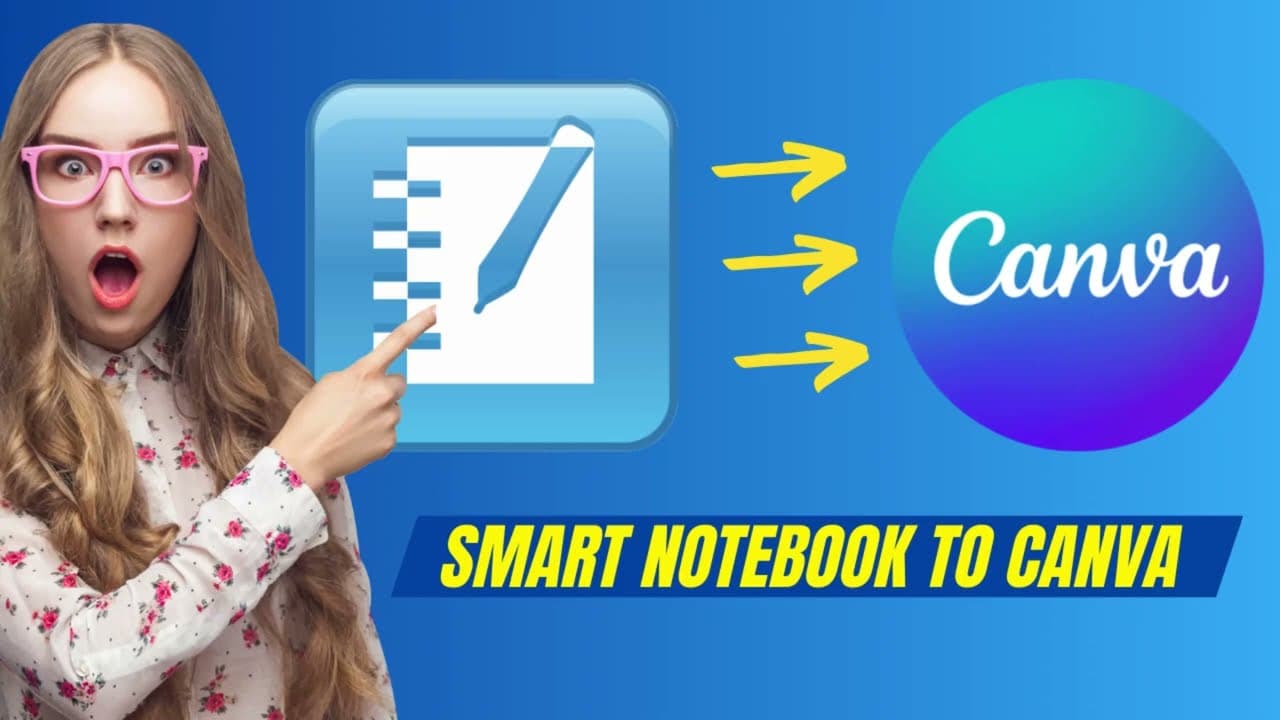
How to Convert Smart Notebook Files to Canva
TL;DR
To convert Smart Notebook files to Canva, first export the files as PDFs, then import them into Canva. While basic elements will transfer, interactive features may not fully replicate, so it's important to check after the conversion.
Transcript
so if you're a teacher like me then you have lots of these Smart Notebook files now a couple years ago smart actually started to charge money for a notebook and and maybe your school district doesn't pay for a license for Smart Notebook but you still have content here that you want to export or you want to convert so let's see how we can convert th... Read More
Key Insights
- 📁 Smart Notebook files can be converted to Canva by first exporting them as PDFs.
- 📁 Canva may not fully replicate interactive features from Smart Notebook files.
- 👤 Users can enhance converted files in Canva by duplicating elements and resizing them.
- ❓ Some elements, like images, may convert better than interactive features.
- 👻 Canva allows for basic drawing on slides, but interactive games may not transfer effectively.
- 👤 Users should be cautious when converting interactive content as it may not convert accurately.
- 💁 Like and subscribe to the video for more helpful tips on converting files.
Install to Summarize YouTube Videos and Get Transcripts
Explore YouTube Video Summarizer or Get YouTube Transcript Extractor
Questions & Answers
Q: How can Smart Notebook files be converted to Canva?
Smart Notebook files can be converted to Canva by first exporting them as a PDF and then importing the PDF into Canva.
Q: What limitations should be aware of when converting Smart Notebook files to Canva?
Some interactive features, such as games, may not transfer correctly to Canva, and elements may be converted as images rather than editable text.
Q: Can Canva replicate all features of Smart Notebook files?
Canva may not fully replicate all features of Smart Notebook files, especially interactive elements, but it can convert basic content effectively.
Q: How can users enhance converted Smart Notebook files in Canva?
Users can duplicate elements using the Control D shortcut in Canva and resize them to simulate features like infinite cloners found in Smart Notebook.
Summary & Key Takeaways
-
Smart Notebook files can be converted to Canva for free.
-
Export Smart Notebook file as a PDF first, then import to Canva.
-
Some interactive features may not transfer perfectly, but basic elements can be converted.
Read in Other Languages (beta)
Share This Summary 📚
Summarize YouTube Videos and Get Video Transcripts with 1-Click
Try YouTube Summary with ChatGPT & Claude or YouTube Transcript Generator
Explore More Summaries from EdTech Hustle 📚

![Keynote: Remove The Background of Any Photo [Using Instant Alpha] thumbnail](/_next/image?url=https%3A%2F%2Fi.ytimg.com%2Fvi%2F0Ji-uTffzJE%2Fhqdefault.jpg&w=750&q=75)




Summarize YouTube Videos and Get Video Transcripts with 1-Click
Try YouTube Summary with ChatGPT & Claude or YouTube Transcript Generator