How to Understand Subnet Masks and Networks
TL;DR
Subnet masks separate network bits from host bits. A mask of 255.255.255.0 has eight host bits, allowing 2^8 possible addresses, though two are reserved for the network and broadcast. Converting the mask to binary shows which octets are network bits and which are host bits, clarifying how many hosts a network can support.
Transcript
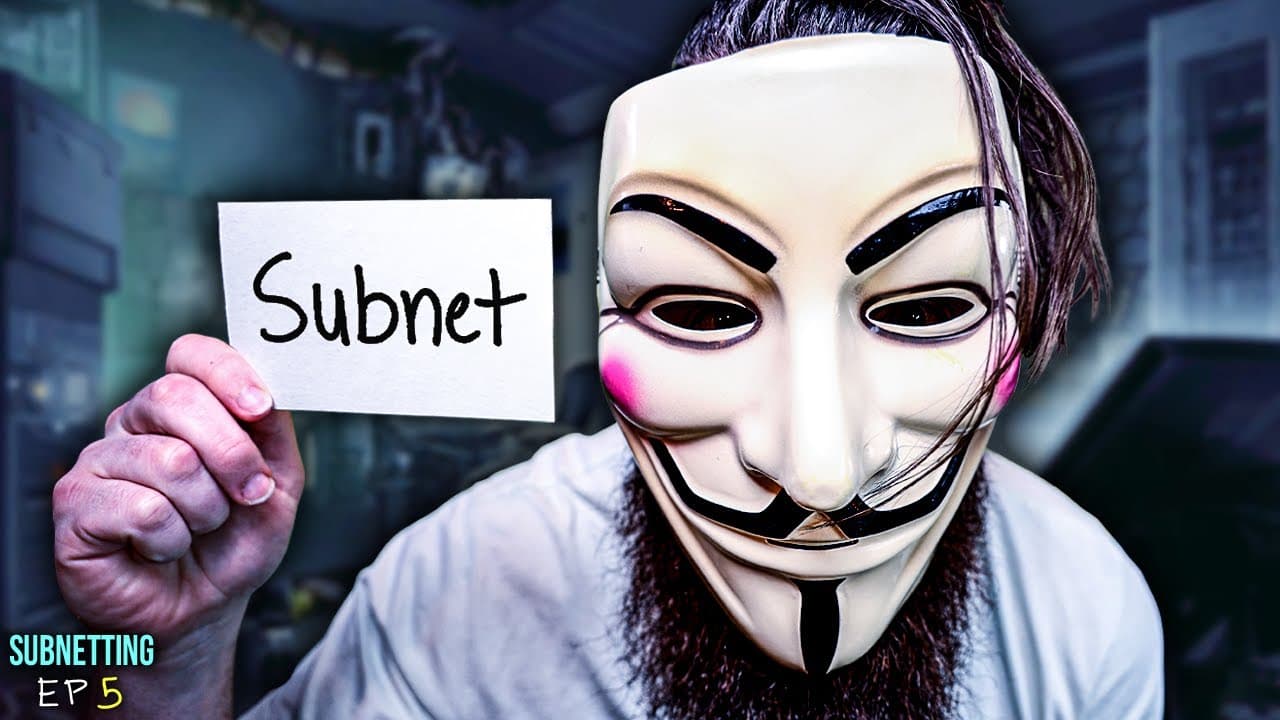
The subnet mask. This is how we create the networks of the world. This is where the magic of subnetting actually happens. That's why every IP address, even your IP address has a subnet mask. And it tells us all the secrets about the network. Well, most of them, some of 'em you'll see here is my toilet and his IP address. Oh, whoops. Forgot to flush... Read More
Key Insights
- The subnet mask tells which parts of the IP address are network bits and which are host bits.
- The first three octets in the example are all network bits, while the fourth octet contains host bits.
- Converting a subnet mask to binary makes the network versus host distinction explicit.
- The number of host bits is equal to the number of zeros in the subnet mask.
- The total number of addresses in a network equals 2 raised to the number of host bits.
- Two addresses in every subnet are reserved: the subnet ID and the broadcast address.
- For 255.255.255.0 the host portion has eight bits, allowing 256 possible addresses.
- You subtract two to account for network and broadcast addresses when counting usable hosts.
- More videos from this channel:
- More from this channel: NetworkChuck
Install to Summarize YouTube Videos and Get Transcripts
Explore YouTube Video Summarizer or Get YouTube Transcript Extractor
Questions & Answers
Q: A real search query question about the video (e.g. 'How to...', 'What is...', 'Why does...', 'When should...'). Question 1
What does a subnet mask reveal about a network and why does it matter for sizing the network? The subnet mask splits an IP address into network and host portions, with ones indicating the network bits and zeros indicating the host bits. This distinction tells you which part of the address identifies the network and which part can be assigned to hosts. Understanding this is crucial for determining how many devices can be on a given network and how to structure subnets for efficient routing and management.
Q: Question 2
How do you determine the number of possible hosts from a subnet mask? You count the number of zeros in the subnet mask, which equals the number of host bits. The total possible addresses in the network is 2 raised to the power of that number of host bits. From that total, you subtract two to account for the subnet ID and broadcast address, yielding the number of usable hosts. This method directly links the mask to network size.
Q: Question 3
Why is binary conversion used when discussing subnet masks? Converting the subnet mask into binary makes it clear which bits are turned on (network) and which are off (host). This visual, bit‑level view helps you see how many bits in each octet contribute to the network versus the hosts, making the math of address allocation straightforward and verifiable.
Q: Question 4
What does it mean when the first three octets are all ones in a subnet mask like 255.255.255.0? It means those octets are entirely dedicated to the network portion, and the last octet contains the host portion. In binary terms, the first three octets are fully on, while the last octet is all off, indicating host addresses can vary within that final octet while the network remains fixed.
Q: Question 5
How is the concept of network ID and broadcast address connected to subnet masks? The subnet mask defines which address bits identify the network (network ID) and which can be used for host addresses. The network ID is the address with host bits set to 0, while the broadcast address has host bits set to 1. These two special addresses are reserved and cannot be assigned to hosts.
Q: Question 6
What role does the 2 to the power of zeros formula play in subnetting? The formula translates host bits into the total address space for a network. Each zero in the mask adds a host bit, doubling the possible addresses for each added zero. This direct relationship lets you quickly compute how large a subnet can be and plan address allocation accordingly.
Q: Question 7
Why are two addresses subtracted when counting usable hosts in a subnet? One subtraction accounts for the subnet ID, which identifies the specific network, and the other subtracts the broadcast address, used for sending packets to all hosts on the subnet. Excluding these two addresses prevents conflicts and ensures proper network operation.
Q: Question 8
How can you verify a subnet calculation using the example 255.255.255.0? You count the zeros in the mask, which are eight in the last octet. Then calculate 2^8 = 256 total addresses, and subtract two to get 254 usable hosts. This aligns with the binary interpretation where the first three octets are fixed as network and the last octet provides the host range within the subnet.
Summary & Key Takeaways
-
Subnet masks reveal which parts of an IP address identify the network and which identify hosts, by using binary representation of the mask. The video demonstrates converting 255 to binary and explains that the number of zeros in the mask determines host capacity via 2^zeros. It also covers why two addresses are reserved in any network.
-
Understanding binary conversion is essential to read subnet masks, as the ones indicate network bits and the zeros indicate host bits. The last octet being all zeros signifies host bits, guiding how many hosts the network can support.
-
The video links subnet mask concepts to practical network sizing, showing how to compute the total addresses available by counting zeros and applying the formula 2^zeros minus the two reserved addresses for each subnet.
Read in Other Languages (beta)
Share This Summary 📚
Summarize YouTube Videos and Get Video Transcripts with 1-Click
Try YouTube Summary with ChatGPT & Claude or YouTube Transcript Generator
Explore More Summaries from NetworkChuck 📚



Summarize YouTube Videos and Get Video Transcripts with 1-Click
Try YouTube Summary with ChatGPT & Claude or YouTube Transcript Generator