How Do n8n Guardrails Protect AI Agent Workflows?
TL;DR
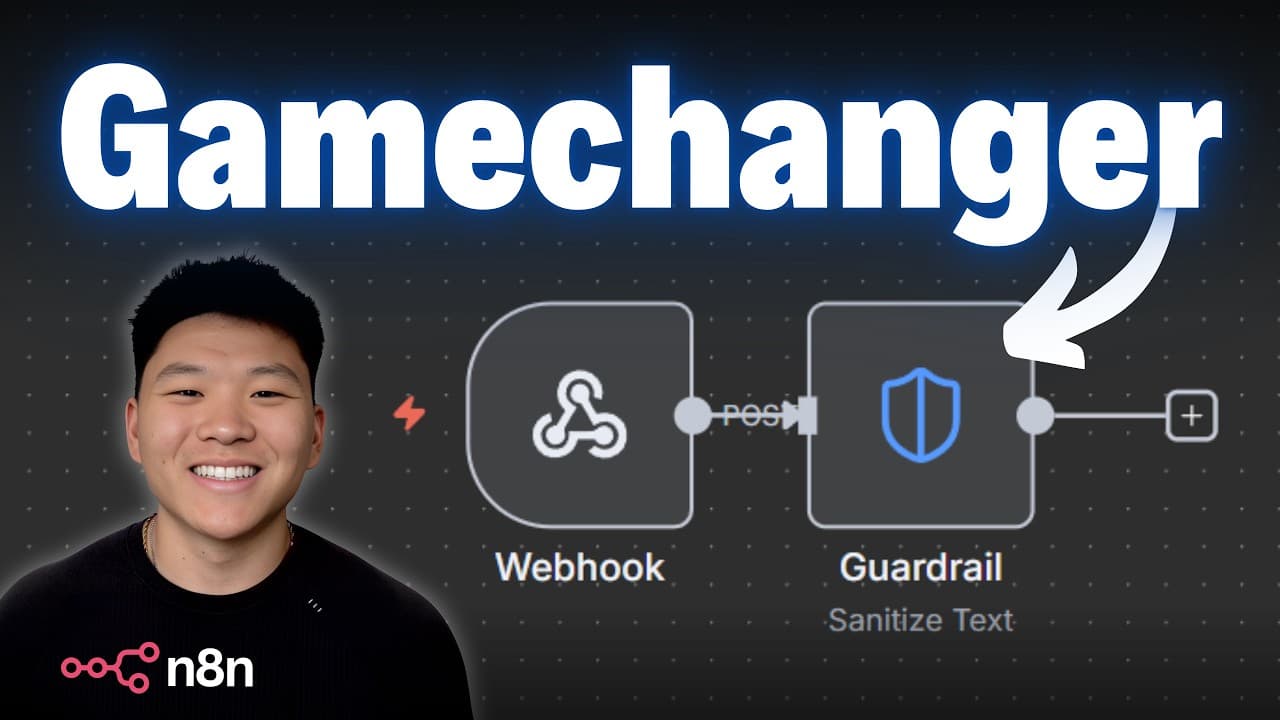
n8n Guardrails protect AI agent workflows by checking incoming and outgoing text, then blocking, flagging, or sanitizing content before it reaches an AI model, client, database, or internal team. Available in version 1.119, the nodes cover keywords, jailbreak attempts, PII, secret keys, NSFW content, topical alignment, URLs, custom prompts, and regular expressions. Read on to compare the two actions and learn how pass and fail branches control each result.
Transcript
Nad just dropped their new native guardrails, which is huge. These nodes let you make sure that you're not sending any sensitive data to something like an AI model. They also let you check all of the outputs from your AI before you send it off anywhere else. So you can automatically block things, flag things, sanitize things, and you can just feel ... Read More
Key Insights
- n8n Guardrails are native nodes that enforce rules on incoming or outgoing text, letting you clean or encrypt sensitive data before sending it to an AI model, or check AI outputs before they reach a client, database, or internal team.
- There are two main actions: 'check text for violations,' which uses AI to evaluate text, and 'sanitize text,' which does not use AI and can automatically encrypt or desensitize info before it reaches a large language model.
- The keyword guardrail blocks specific words or phrases you choose, separated by commas. In the demo it flagged 'system' and 'password,' failing two of three test items while passing an unrelated omelette message.
- The jailbreak guardrail detects prompt injections and exploit attempts using a confidence threshold where zero is very safe and one is very risky. Risky prompts scored 0.9 and 0.95, while a harmless message scored zero.
- The PII guardrail detects personal data including credit cards, email addresses, SSNs, IP addresses, locations, dates, and passport numbers. You can select specific entity types or choose all, and it reports which entity type it flagged.
- The secret keys guardrail flags actual keys like API keys rather than plain passwords, with permissiveness settings of strict, balanced, or permissive. Even on strict, it passed 'use my password' but failed a blank API key.
- Additional guardrails include NSFW content detection, topical alignment to keep conversations within a chosen scope, URL permit/block rules useful against phishing, plus a custom prompt option and regular-expression-based rules.
- Each guardrail routes items into pass or fail branches, giving full control over next actions: on pass you might send an email or update a CRM, while on fail you can send a Slack notification or throw a workflow error.
Install to Summarize YouTube Videos and Get Transcripts
Explore YouTube Video Summarizer or Get YouTube Transcript Extractor
Questions & Answers
Q: How do n8n Guardrails protect AI agent workflows?
n8n Guardrails enforce rules on incoming or outgoing text. They can clean or encrypt sensitive data before it reaches an AI model and check model outputs before they go to a client, database, or internal team. Content can then be blocked, flagged, sanitized, or routed to another workflow step.
Q: What version of n8n includes the native Guardrails nodes?
The Guardrails nodes were released in n8n version 1.119. After updating, type “guard” in the node search to find them.
Q: What is the difference between “check text for violations” and “sanitize text”?
“Check text for violations” uses AI to evaluate text against configured guardrails. “Sanitize text” does not use AI and can automatically encrypt or desensitize information before it is sent to a large language model.
Q: Which types of content can n8n Guardrails detect or restrict?
The available guardrails cover keywords, jailbreak attempts, NSFW content, personal data or PII, secret keys, topical alignment, and URLs. You can also define a custom prompt or use regular-expression-based rules.
Q: How does the keyword guardrail work in n8n?
The keyword guardrail blocks specific words or phrases, with multiple entries separated by commas. In the example, it checked three items for “password” and “system”: an omelette request passed, while messages containing either blocked word failed.
Q: How does the jailbreak guardrail help protect an AI agent?
The jailbreak guardrail detects prompt injections or exploit attempts. Its purpose is to stop hostile instructions from manipulating an agent or causing it to ignore its intended rules.
Q: What personal and sensitive data can n8n Guardrails detect?
The PII guardrail can detect credit card information, email addresses, addresses, social security numbers, and passport numbers. A separate secret-keys guardrail can flag API keys, passwords, and other selected secrets.
Q: What happens after text passes or fails an n8n Guardrail?
Each result can follow a different workflow path. A passing item might trigger an email or CRM update, while a failing item might send a Slack notification or throw an error that stops the workflow.
Summary & Key Takeaways
-
n8n released native Guardrails nodes that specialize in enforcing rules on incoming or outgoing text. They let you clean up or encrypt sensitive data before sending it to an AI model, or check AI outputs before they reach a client, database, or internal team. n8n ships default prompts, but every one is customizable for your specific use case.
-
The guardrail types include keywords (block chosen words), jailbreak (detect prompt injections), NSFW content, personal data or PII (credit cards, emails, SSNs), secret keys (API keys, passwords), topical alignment (staying on a topic), and URLs (permit or block schemas, useful for phishing). You can also write a custom prompt or regular-expression rules.
-
Two actions exist: 'check text for violations' uses AI and takes longer, while 'sanitize text' skips AI to automatically encrypt or desensitize data. Many guardrails use a confidence threshold from zero (safe) to one (risky) and permissiveness settings. Items split into pass and fail branches so you control what happens next, from CRM updates to Slack alerts or workflow errors.
Read in Other Languages (beta)
Share This Summary 📚
Summarize YouTube Videos and Get Video Transcripts with 1-Click
Try YouTube Summary with ChatGPT & Claude or YouTube Transcript Generator
Explore More Summaries from Nate Herk | AI Automation 📚






Summarize YouTube Videos and Get Video Transcripts with 1-Click
Try YouTube Summary with ChatGPT & Claude or YouTube Transcript Generator