How to Build Web Experiences with AI Studio
TL;DR
Start by asking HighLevel's Ask AI to improve your initial idea into a detailed prompt, then use that prompt in AI Studio to create a working web experience. Adding business context and specific features, such as testimonials, before-and-after sliders, and a quote calculator, gives the system clearer direction, while a preliminary AI conversation can identify useful components you may have overlooked.
Transcript
What's up, high level? It is Monday morning here in the United States of America. For those of you that are watching from anywhere internationally, maybe you're staying up late, you're you're up early. Either way, I want to know where you are. I would love to always interact with people that are sitting in front of the classroom. There it is. I see... Read More
Key Insights
- AI Studio is presented as a tool for moving from an initial idea to a working web experience faster. The session focuses on exploring its capabilities and building prompts, rather than requiring viewers to follow every click as a strict step-by-step exercise.
- A strong AI Studio workflow can begin outside the builder with HighLevel's Ask AI. Emma asks it to create a simple Vibe Coder prompt, showing that AI can help formulate the instructions needed before the actual building process starts.
- Detailed prompts give AI clearer direction about the intended result. The roofing example specifies the business type, conversion goal, testimonials, reviews, before-and-after sliders, a quote calculator, roof-damage fields, and storm-damage insurance messaging.
- AI can identify useful website components when the user lacks prior industry knowledge. A user can state that they need a roofing landing page, ask what is important to include, and use the response to develop a more complete project prompt.
- The roofing landing-page concept is designed around lead generation and customer decision support. Its requested features combine social proof, visible project outcomes, quote estimation, damage details, and information about the possibility that insurance may cover a new roof after storm damage.
- The first day is focused on product understanding and exploration. The hosts plan to tour AI Studio, build prompts, highlight team-created success packs, and help participants become more confident about the product before considering how to sell related services.
- The second day is planned around go-to-market strategy. The discussion is intended to cover packaging AI Studio work into offers for low-ticket, mid-ticket, high-ticket, consulting, freelancing, or agency models, followed by a question-and-answer session.
- HighLevel's product marketing team connects customer needs with product development and education. Emma describes the team as gathering customer feedback, working with the product team on adjustments, and contributing to support documentation, YouTube videos, educational content, and community courses.
Install to Summarize YouTube Videos and Get Transcripts
Explore YouTube Video Summarizer or Get YouTube Transcript Extractor
Questions & Answers
Q: How do you create a useful prompt for AI Studio?
Start with the desired business outcome, then ask HighLevel's Ask AI to turn that idea into a structured prompt. Add concrete details about the business, audience, page purpose, and required features. In the demonstrated roofing example, the prompt specifies a high-converting landing page, testimonials, reviews, before-and-after sliders, a quote calculator, roof-damage inputs, and storm-damage insurance messaging.
Q: What can you build with HighLevel AI Studio?
AI Studio is presented as a way to move from an idea to a working web experience faster. The demonstrated concept is a roofing-company landing page designed to support conversions. Its requested components include social proof, before-and-after comparisons, a quote calculator, a section for describing roof damage, and information about possible insurance coverage after storm damage.
Q: How can Ask AI help before using AI Studio?
Ask AI can help convert a rough project idea into a more detailed prompt before the building process begins. Emma enters a request for a simple AI Studio Vibe Coder prompt and supplies roofing-industry requirements. She also explains that users can ask AI what a landing page should contain when they do not already know which features are important.
Q: What should a roofing landing-page prompt include?
The example prompt asks for a high-converting roofing-company landing page with testimonials and reviews, before-and-after sliders, and a quote calculator. It also requests a place where visitors can describe roof damage and a storm-damage section explaining that a new roof may be completely covered by insurance. These details define both the page structure and its conversion purpose.
Q: Why is business context important in an AI prompt?
Business context helps the AI understand what kind of experience it should produce and which features matter. Emma can request roofing-specific elements because she previously worked with roofers. When users lack that background, they can ask AI what is important for the business type, review its suggestions, and incorporate the relevant recommendations into an edited project prompt.
Q: Is the AI Studio tour a step-by-step tutorial?
The first-day session is described as exploratory rather than a strict click-by-click follow-along tutorial. Participants can open their own HighLevel platform and click through while watching, but the main purpose is to tour the product, experiment with prompts, understand what can be created, and review useful resources such as the success packs assembled by HighLevel teams.
Q: How can AI Studio projects be packaged as services?
The event separates product exploration from commercial packaging. Day one focuses on understanding AI Studio and gaining confidence in what is being offered. Day two is planned to cover go-to-market ideas for turning projects into low-ticket, mid-ticket, or high-ticket offers, as well as services delivered through consulting, freelancing, or an agency model, followed by audience questions.
Q: What does HighLevel product marketing do for customers?
HighLevel's product marketing group works to ensure that products fit customer needs and can be used effectively. Emma says the team stays close to customers, brings observations to the product team when adjustments may be needed, and contributes to resources such as support documentation, YouTube videos, educational materials, and community courses that help users understand the platform.
Summary & Key Takeaways
-
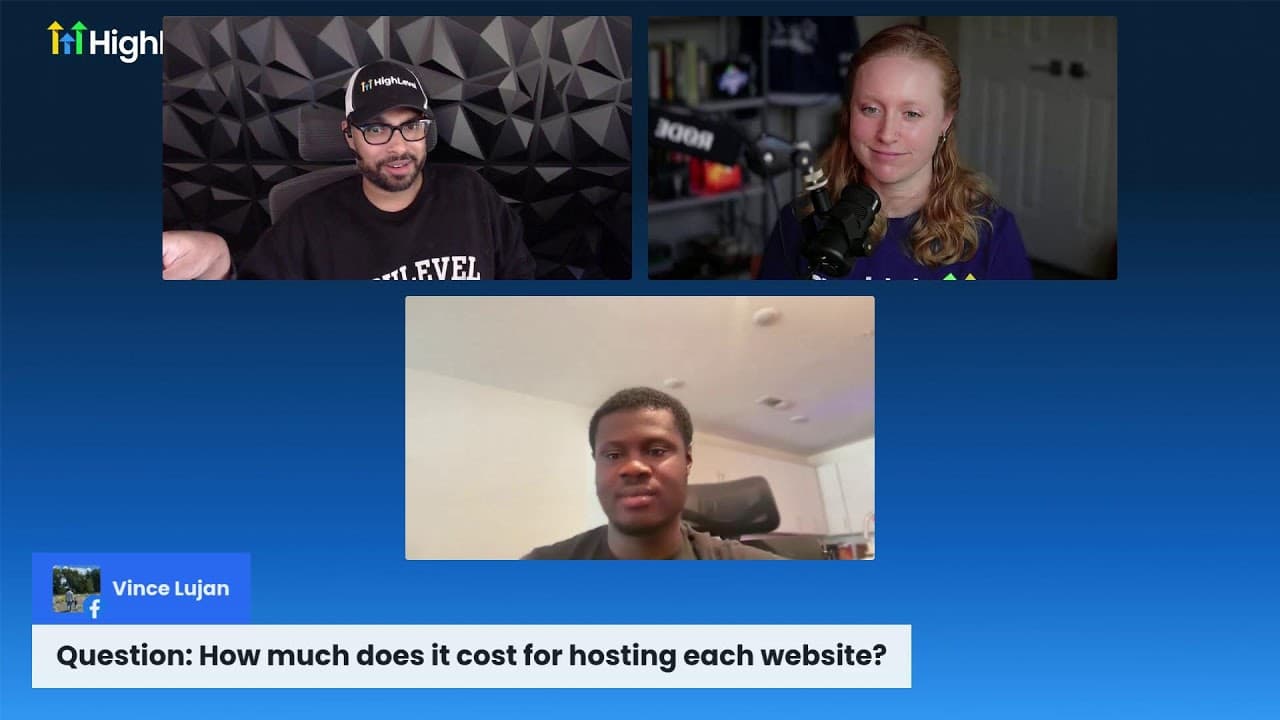
The session introduces HighLevel AI Studio through an exploratory product tour led by product marketing specialists Emma Jackson and Emanuel. The first day focuses on understanding the product, experimenting with prompts, and seeing how an idea can become a working web experience. The second day is reserved for go-to-market strategy and questions.
-
Emma demonstrates a prompt-development workflow using HighLevel's Ask AI. She requests a simple Vibe Coder prompt for a roofing company, then adds concrete requirements for a high-converting landing page. These include testimonials, reviews, before-and-after sliders, a quote calculator, roof-damage inputs, and messaging about possible insurance coverage for storm damage.
-
The central prompting lesson is to provide relevant business details whenever possible, because specificity gives AI clearer instructions. Users who do not know which features to request can begin with a broad objective and ask AI what a suitable landing page should include. The resulting recommendations can then be edited before use in AI Studio.
Read in Other Languages (beta)
Share This Summary 📚
Summarize YouTube Videos and Get Video Transcripts with 1-Click
Try YouTube Summary with ChatGPT & Claude or YouTube Transcript Generator
Explore More Summaries from HighLevel 📚
Summarize YouTube Videos and Get Video Transcripts with 1-Click
Try YouTube Summary with ChatGPT & Claude or YouTube Transcript Generator