How to Time Block in Google Calendar for Focus
TL;DR
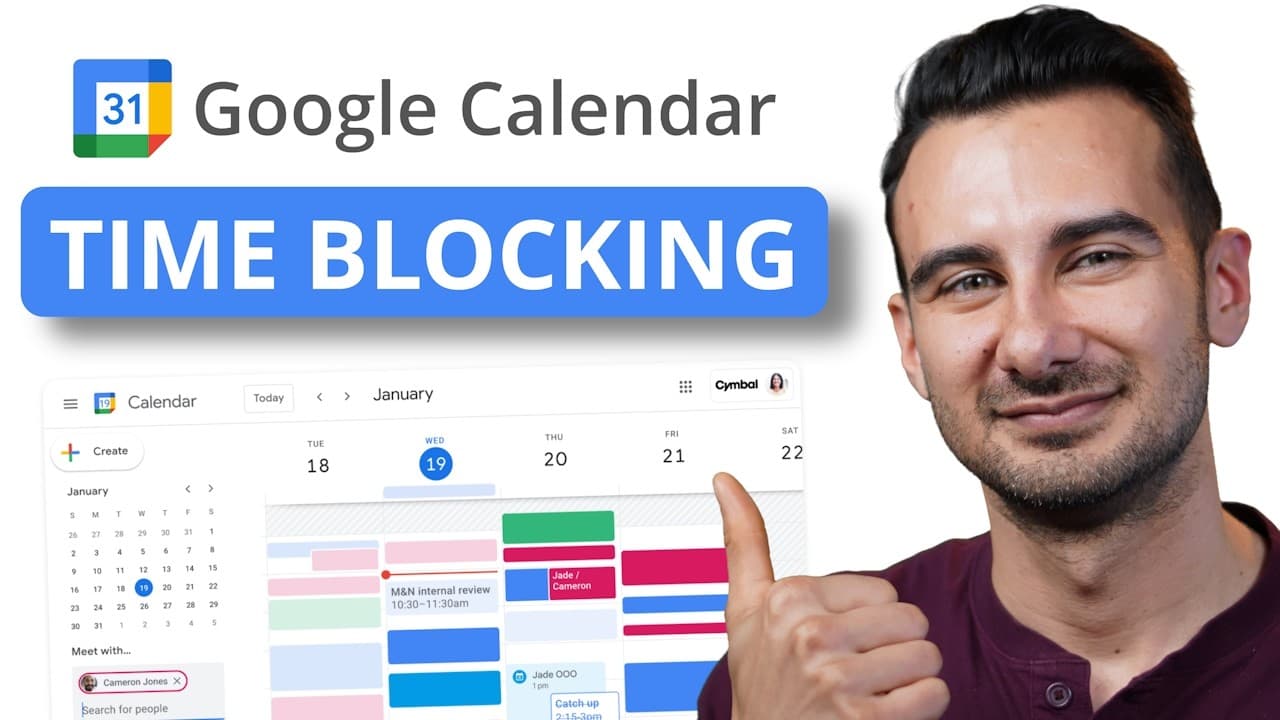
Time blocking centers your work by placing tasks on your calendar, aligned with when you are most productive. Start the day by planning tomorrow the night before, use multiple calendars to separate goals and breaks, and adjust blocks to maintain momentum and reduce distractions. This method emphasizes progress over perfection and adapting to changing needs.
Transcript
If your calendar looks like this with big gaps of open time and you find yourself struggling to get things done, then this video is for you. I'll show you how to use time blocking in Google Calendar to revitalize your approach to work and get more done faster. Let's go. According to Deep Work expert Cal Newport, there are two reasons why ... Read More
Key Insights
- Time blocking is the act of taking tasks from your to do list and then setting the intention on your calendar with when exactly you will complete those tasks.
- Plan the day the night before to save time in the morning and reduce decision fatigue, ensuring you start the day with a clear schedule.
- Productivity can be improved by aligning high brain power tasks with the most productive time of day and placing less demanding tasks in lower energy periods.
- Distractions are minimized by scheduling blocks for email and Slack, turning unstructured open time into purposeful activity.
- Breaks are essential and should be scheduled after intense blocks to recover energy and maintain performance.
- Adaptability is critical; if a contract cannot be finished in a slot, you can compress, delete, or move tasks to preserve momentum.
- Using multiple calendars lets you visually separate different types of tasks such as goal oriented actions and breaks for quick reference.
- A simple end of day ritual is to plan tomorrow and set recurring tasks to maintain continuity and progress over perfection.
- More videos from this channel:
- More from this channel: Kevin Stratvert
Install to Summarize YouTube Videos and Get Transcripts
Explore YouTube Video Summarizer or Get YouTube Transcript Extractor
Questions & Answers
Q: How can I start time blocking in Google Calendar for a typical workday
To start time blocking, sign into calendar.google.com and create blocks by selecting a start time and end time for a task, then save. Begin with simple blocks such as 7 to 8 for a routine task, extend or adjust as you learn how long each task actually takes, and gradually incorporate more complex planning like priority tasks in your most productive hours.
Q: What is the recommended approach to schedule high focus work
Schedule high focus work during your most productive time, typically in the morning for many people. Move creative or demanding tasks into those blocks and reserve lower energy periods for administrative tasks or routine work. This approach helps maximize output while minimizing fatigue and distraction throughout the day.
Q: How do you handle distractions while time blocking
To handle distractions, allocate blocks specifically for checking email and communications, and keep them short and predictable. Avoid checking messages outside these blocks to preserve focus. If distraction persists, reassess the day’s layout and shift less critical tasks away from peak periods.
Q: Why are breaks important in a time blocked day
Breaks are important because they help recover energy and maintain long term focus. Scheduling a short break after a 90 minute block or after a demanding task prevents fatigue, supports sustained performance, and reduces the likelihood of burnout during a busy workday.
Q: How can you use multiple calendars effectively
Create separate calendars for goal oriented actions and for breaks or other activities. You can color code them for quick visual differentiation and assign tasks to the appropriate calendar. This makes it easy to see at a glance how your day is advancing toward goals and when you are resting.
Q: What should you do if a task overruns its time block
If a task overruns, evaluate whether the overrun is common or a one off. You can extend the block, reschedule the remaining tasks, or shorten subsequent blocks. The goal is to preserve overall momentum while maintaining a realistic schedule that reflects actual task duration.
Q: How do you plan for tomorrow at the end of the day
End of day planning involves creating the next day’s blocks and setting a recurring task to prepare for tomorrow. Schedule tomorrow’s most important tasks and set them on the calendar, ensuring you start with intent and a clear plan when you begin the next day.
Q: What is the overall mindset recommended for time blocking
The overall mindset is progress over perfection and continuous adaptation. Use time blocking as a flexible system that evolves with your needs, rather than a rigid rulebook. The emphasis is on creating structure that reduces distractions and drives measurable progress toward goals.
Summary & Key Takeaways
-
Time blocking is shown as a practical method to convert to do list tasks into scheduled calendar blocks, creating clear intention and structure for the day.
-
The video covers novice to expert progression, including aligning high brain power tasks with peak productivity and scheduling breaks to sustain energy for subsequent tasks.
-
A key takeaway is to use multiple calendars to visually separate goal oriented actions, breaks, and other tasks for quick, at a glance understanding of the day.
Read in Other Languages (beta)
Share This Summary 📚
Summarize YouTube Videos and Get Video Transcripts with 1-Click
Try YouTube Summary with ChatGPT & Claude or YouTube Transcript Generator
Explore More Summaries from Kevin Stratvert 📚






Summarize YouTube Videos and Get Video Transcripts with 1-Click
Try YouTube Summary with ChatGPT & Claude or YouTube Transcript Generator