How to Apply to 1,000+ Jobs in Minutes With AI
TL;DR
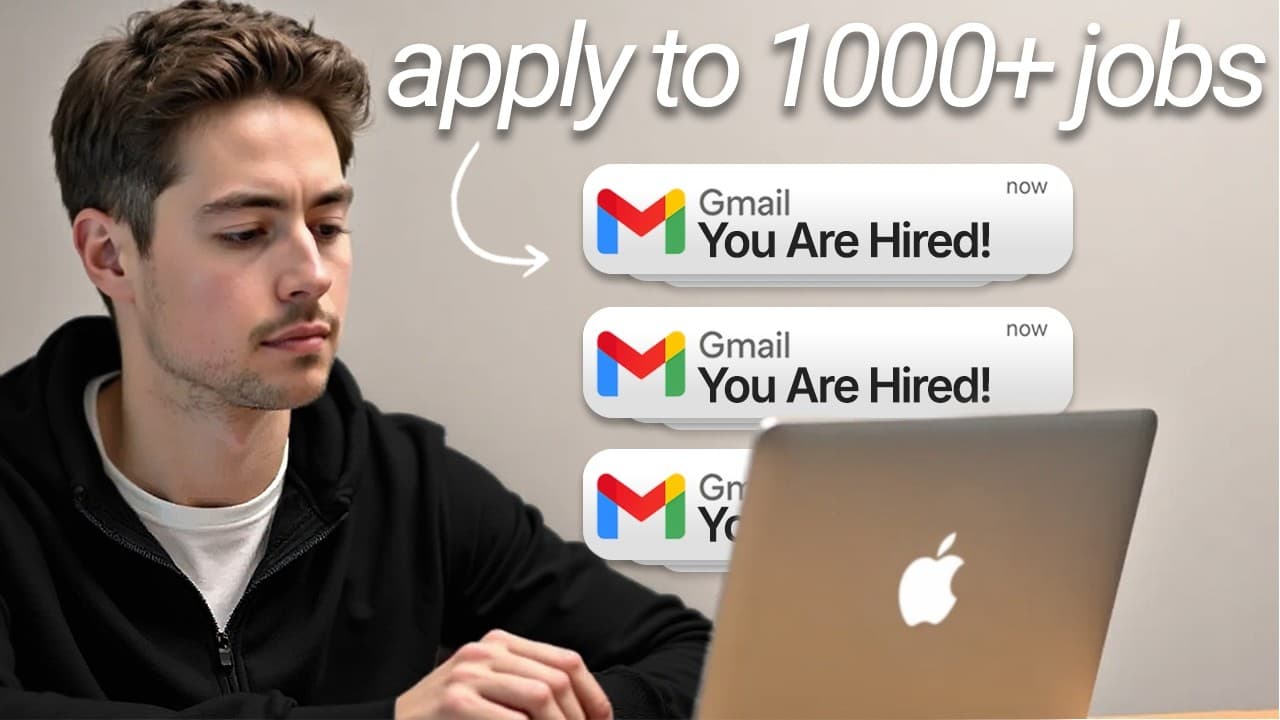
Automate job applications by using n8n to scrape listings, filter roles against your skills, tailor a simple resume, and prepare personalized Gmail drafts. The workflow connects a Google Docs resume template, an Apify LinkedIn scraper, AI rewriting, Google Drive sharing, contact discovery, and email verification without requiring code. Read on to understand each step and why direct outreach replaces fully automated form submission.
Transcript
Hey, I'm going to build an AI job application system live in front of you that automatically scrapes Indeed, customizes your resume for each position, and then organizes everything so you guys can apply to a,000 jobs in the time that it normally takes to apply to 10. This is your first time here. My name is Nick. I scaled my AI and automation agenc... Read More
Key Insights
- The workflow is an n8n automation that connects resume retrieval, job scraping, AI filtering, resume customization, document creation, contact discovery, email verification, and Gmail drafting. Its drag-and-drop structure is intended to make the system accessible without requiring the user to write code.
- A simple resume template is easier for AI to reproduce reliably because it consists mainly of text, headings, bold text, and limited formatting. The presenter retrieves the template from Google Docs and accepts that some original heading information may not appear in the simplified output.
- Apify provides the LinkedIn job scraper used in the workflow, allowing the presenter to avoid building and maintaining a custom scraper. The selected marketplace actor is described as costing one dollar per thousand results and accepting a configurable search URL for targeted job collection.
- AI filtering is used before resume generation to compare incoming jobs against a bank of the applicant's skills. This step prevents clearly irrelevant listings from moving through the workflow, reducing the chance of preparing applications for positions outside the applicant's practical capabilities.
- Resume customization works by sending the original template and scraped job details to AI with instructions to rewrite the content for the specific position. The demonstrated output targets an AI product manager and automation specialist role rather than reproducing the same generic resume for every listing.
- The customized resume is converted from markdown to HTML before a new document is created, uploaded to Google Drive, and shared. This sequence turns AI-generated text into an accessible application asset that can be attached or linked during personalized outreach.
- Direct email outreach replaces full browser automation in the demonstrated design because automatically completing applications on LinkedIn or Indeed would require substantially more time and effort. The workflow instead finds a relevant decision maker, verifies the email address, and prepares a Gmail draft.
- The outreach message uses the automation itself as evidence of relevant technical ability. For technology roles, the applicant can explain that AI was used to discover the opening, customize the resume, and locate the contact, then offer to demonstrate how the underlying system works.
Install to Summarize YouTube Videos and Get Transcripts
Explore YouTube Video Summarizer or Get YouTube Transcript Extractor
Questions & Answers
Q: How do you automate job applications with AI?
Retrieve a simple Google Docs resume template in n8n, then use an Apify scraper to collect LinkedIn job listings from a custom search URL. AI filters the listings against your skills and rewrites the resume for suitable roles. The workflow then creates and shares the resume, verifies a decision-maker’s email address, and prepares a personalized Gmail draft.
Q: What tools are used in the AI job application workflow?
The workflow uses n8n for drag-and-drop automation, Google Docs for the resume template, Apify for LinkedIn job scraping, and AI for filtering and rewriting. It also uses markdown-to-HTML conversion, Google Drive document sharing, an email-finding and verification service, and Gmail drafts. The editable variables include the Apify API key, Google Docs template ID, and email-finder API key.
Q: How does AI filter unsuitable job listings?
AI compares each scraped listing with a bank of the applicant’s skills. Roles outside the applicant’s wheelhouse are removed before resume customization and outreach. This prevents irrelevant jobs from consuming later processing steps.
Q: How does AI customize a resume for each position?
The workflow sends the original resume template and the scraped job details to AI, which rewrites the resume for that specific position. In the demonstration, the resulting resume targets an AI product manager and automation specialist role. The customized text is converted from markdown to HTML before document creation and sharing.
Q: Why should the resume template use simple formatting?
A mostly text-based template is easier to feed into AI and reproduce without complicated processing. The demonstrated Google Docs resume uses light formatting such as headings, bold text, and italics. This keeps the document suitable for automated rewriting.
Q: Why use Apify for LinkedIn job scraping?
The presenter uses Apify to avoid spending substantial time and energy building a custom scraper for a platform with sophisticated anti-scraping protections. Apify operates as a marketplace where developers publish competing scrapers. The selected LinkedIn scraper is described as costing one dollar per thousand results.
Q: Why does the workflow create Gmail drafts instead of submitting applications automatically?
Automating browser-based applications on LinkedIn, Indeed, or similar sites would require considerably more development time. The demonstrated workflow instead finds a relevant contact, verifies the email address, and creates a Gmail draft with the customized resume. This leaves the message ready for review and direct outreach.
Q: What should the automated job outreach email include?
The draft should tell the recipient that the applicant knows the company is hiring, briefly explain the applicant’s fit, and include the customized resume. For technology roles, it can mention that AI found the listing, tailored the resume, and located the contact details. The automation itself can therefore demonstrate relevant technical ability.
Summary & Key Takeaways
-
The workflow begins with a mostly text-based resume stored in Google Docs. n8n retrieves its content through the document ID, then combines the template with details from each relevant job. Keeping headings and formatting simple makes it easier for AI to reproduce and customize the resume without requiring complicated document-processing steps.
-
Job listings are collected with an Apify LinkedIn scraper using a configurable search URL. Each result is compared with a bank of the applicant's skills, allowing AI to exclude irrelevant or unsuitable positions. Accepted listings proceed to resume customization, while mismatched roles are removed before they consume additional processing or outreach effort.
-
After customization, the resume moves through markdown-to-HTML conversion, document creation, Google Drive uploading, and sharing. The outreach portion identifies a decision maker, finds and verifies an email address, and creates a concise Gmail draft with the tailored resume attached. The demonstration favors drafted emails over complicated browser-based application automation.
Read in Other Languages (beta)
Share This Summary 📚
Summarize YouTube Videos and Get Video Transcripts with 1-Click
Try YouTube Summary with ChatGPT & Claude or YouTube Transcript Generator
Explore More Summaries from Nick Saraev 📚




Summarize YouTube Videos and Get Video Transcripts with 1-Click
Try YouTube Summary with ChatGPT & Claude or YouTube Transcript Generator