How to Overclock Raspberry Pi 5 to 3.1 GHz Safely
TL;DR
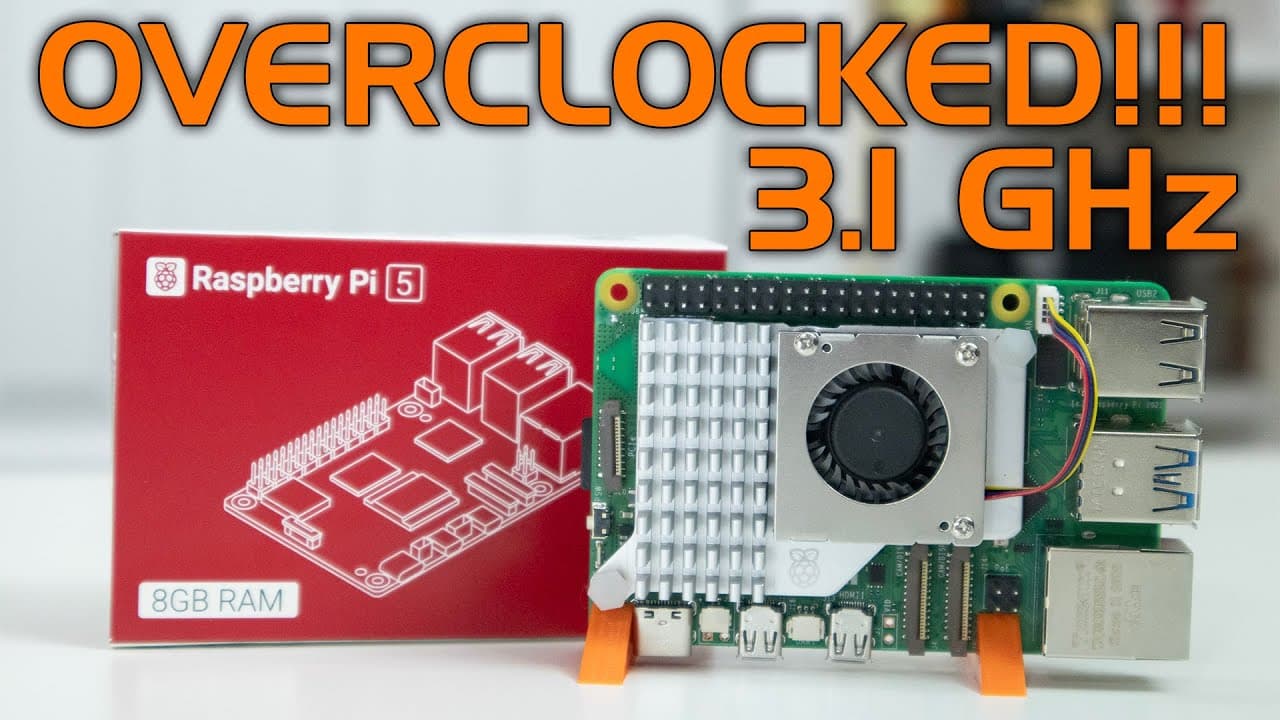
To safely overclock the Raspberry Pi 5 to 3.1 GHz, ensure you use the official active cooler to prevent throttling. The device can achieve stable performance at this speed, showing a 30% improvement in gaming frame rates, but overclocking should be carefully monitored to maintain system stability.
Transcript
hey guys what's going on it's Don here from Nova spe Tech and welcome back to the channel and I know I'm a couple of days late from reviewing the Raspberry Pi 5 but I finally got it hands on and I'm going to be checking it out and also overclocking this now I know you guys are a little fatigued from seeing all the reviews that I've been out for the... Read More
Key Insights
- ♓ The Raspberry Pi 5 introduces a powerful 2.4 GHz CPU, enhancing performance significantly over the Raspberry Pi 4.
- 💁 Its form factor remains consistent with the previous version, but changes in layout may affect compatibility with existing cases.
- 🚄 The addition of a PCIe 4X port opens up possibilities for high-speed peripherals, improving overall functionality.
- ⏲️ Removal of the 3.5mm audio jack is compensated by improved features like a real-time clock and better memory management.
- 🥺 Benchmarks indicate that doubling RAM to 8 GB can lead to even greater efficiency in memory-intensive applications.
- ☠️ The device is capable of achieving high frame rates in gaming, demonstrating its versatility.
- 👤 Users should prioritize using the active cooler to maintain performance during overclocking, especially above stock speeds.
Install to Summarize YouTube Videos and Get Transcripts
Explore YouTube Video Summarizer or Get YouTube Transcript Extractor
Questions & Answers
Q: What are the main specifications of the Raspberry Pi 5 compared to its predecessor?
The Raspberry Pi 5 features a new 2.4 GHz CPU, doubling the performance compared to the Raspberry Pi 4. It retains the same physical size but introduces new layout changes, including a PCIe 4X extension port and improved memory capabilities, making it more suitable for various applications.
Q: How does the power and cooling system work on the Raspberry Pi 5?
The Raspberry Pi 5 includes a power button for convenient shutdowns, eliminating the need to unplug it. It also supports an official active cooler, crucial for overclocking. Utilizing this cooler allows stable operation at higher speeds, such as 3 GHz and beyond, without throttling due to heat.
Q: What are the benchmark results when overclocking the Raspberry Pi 5?
When overclocked to 3 GHz, the Raspberry Pi 5 achieved a 7-Zip benchmark score of 12,780, which is about 2.3 times faster than the Raspberry Pi 4. This configuration maintained stable performance at a power consumption of around 10 watts, confirming its efficiency even under load.
Q: How has the Raspberry Pi 5 improved in terms of SD card performance?
The Raspberry Pi 5 exhibits impressive SD card read speeds of around 89 MB/s and write speeds of 19 MB/s, a significant enhancement over previous models. This improvement translates to faster load times for operating systems and applications, showcasing the device's upgraded architecture.
Summary & Key Takeaways
-
The Raspberry Pi 5 features a new 2.4 GHz CPU, double the performance of the Raspberry Pi 4, while retaining the same size and layout.
-
Key improvements include a PCIe 4X extension port for high-speed connectivity, a power button for easier operation, and faster memory copy speeds.
-
Overclocking options are available, with stable performance at up to 3.1 GHz and improved frame rates in gaming, but an active cooler is essential to prevent throttling.
Read in Other Languages (beta)
Share This Summary 📚
Summarize YouTube Videos and Get Video Transcripts with 1-Click
Try YouTube Summary with ChatGPT & Claude or YouTube Transcript Generator
Explore More Summaries from Novaspirit Tech 📚






Summarize YouTube Videos and Get Video Transcripts with 1-Click
Try YouTube Summary with ChatGPT & Claude or YouTube Transcript Generator