How to Use a C Program for Real-Time Image Classification
TL;DR
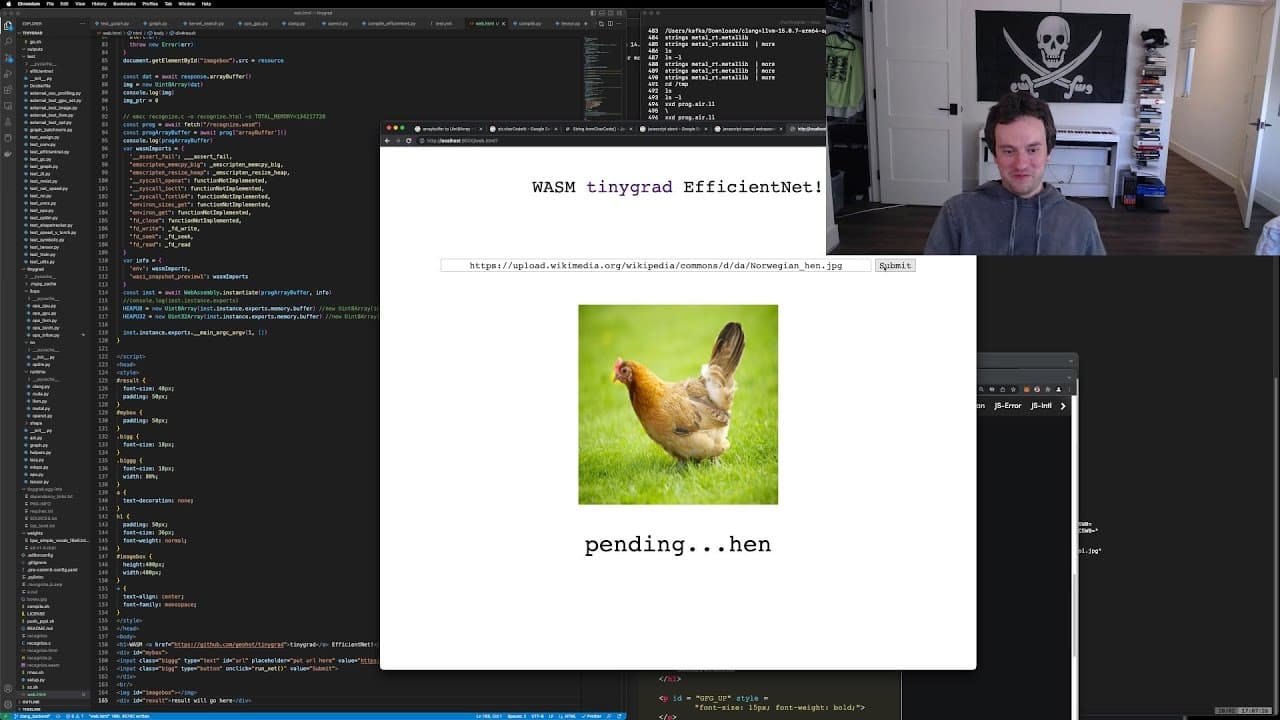
To use a C program for real-time image classification, simply pipe images to the executable and it will classify them based on predefined models. The program offers efficient processing with minimal overhead, making it a portable tool suitable for various applications in image recognition.
Transcript
I ain't worth nothing to you if I start making hits yo let's go all right where's my chat where's chat uh so I lied this isn't a tiny grad stream this is actually a music stream when we're making music in in Ableton Live what do you think guys can I be a producer now let's eat this chip don't worry it's a fresh trip I wouldn't I wouldn't use Guilt ... Read More
Key Insights
- 🎅 The C program offers real-time image classification with efficient performance.
- 🎨 The tool is designed to be portable and can be used on various platforms.
- 👤 By piping images to the program, users can quickly classify images based on predefined models.
- 🔰 The program simplifies the process of image recognition for developers and beginners.
- 🎅 Universal Image Recognition Tool in C makes image classification tasks more manageable and efficient.
- 🔨 The tool provides a flexible and versatile solution for recognizing images on command.
- 💨 The program's output is fast, accurate, and suitable for various applications.
- 🎙️ More videos with George Hotz:
Install to Summarize YouTube Videos and Get Transcripts
Explore YouTube Video Summarizer or Get YouTube Transcript Extractor
Questions & Answers
Q: How does the C program perform image recognition?
The C program processes images for classification in real-time with efficient performance and minimal overhead.
Q: What is the advantage of using this tool?
The tool provides a portable solution for recognizing images quickly and accurately, making it useful for various applications.
Q: How can one utilize this tool effectively?
Users can run the C program to classify images through the command line interface, enabling quick recognition tasks.
Q: Is the tool user-friendly for developers and beginners?
Yes, the program is designed to be user-friendly and accessible for developers and beginners looking to implement image recognition capabilities.
Summary & Key Takeaways
-
Real-time image classification using a C program.
-
Efficient processing with minimal overhead.
-
Portable tool to recognize images on command.
Read in Other Languages (beta)
Share This Summary 📚
Summarize YouTube Videos and Get Video Transcripts with 1-Click
Try YouTube Summary with ChatGPT & Claude or YouTube Transcript Generator
Explore More Summaries from george hotz archive 📚


Summarize YouTube Videos and Get Video Transcripts with 1-Click
Try YouTube Summary with ChatGPT & Claude or YouTube Transcript Generator