What Are the Key Takeaways from Google's AI Essentials?
TL;DR
Google's AI Essentials course offers vital insights for beginners, focusing on the categorization of AI tools, effective prompt engineering, and techniques like zero-shot and few-shot prompting. The course is ideal for visual learners seeking a solid foundation in AI, but it may not cater to advanced users looking for in-depth applications.
Transcript
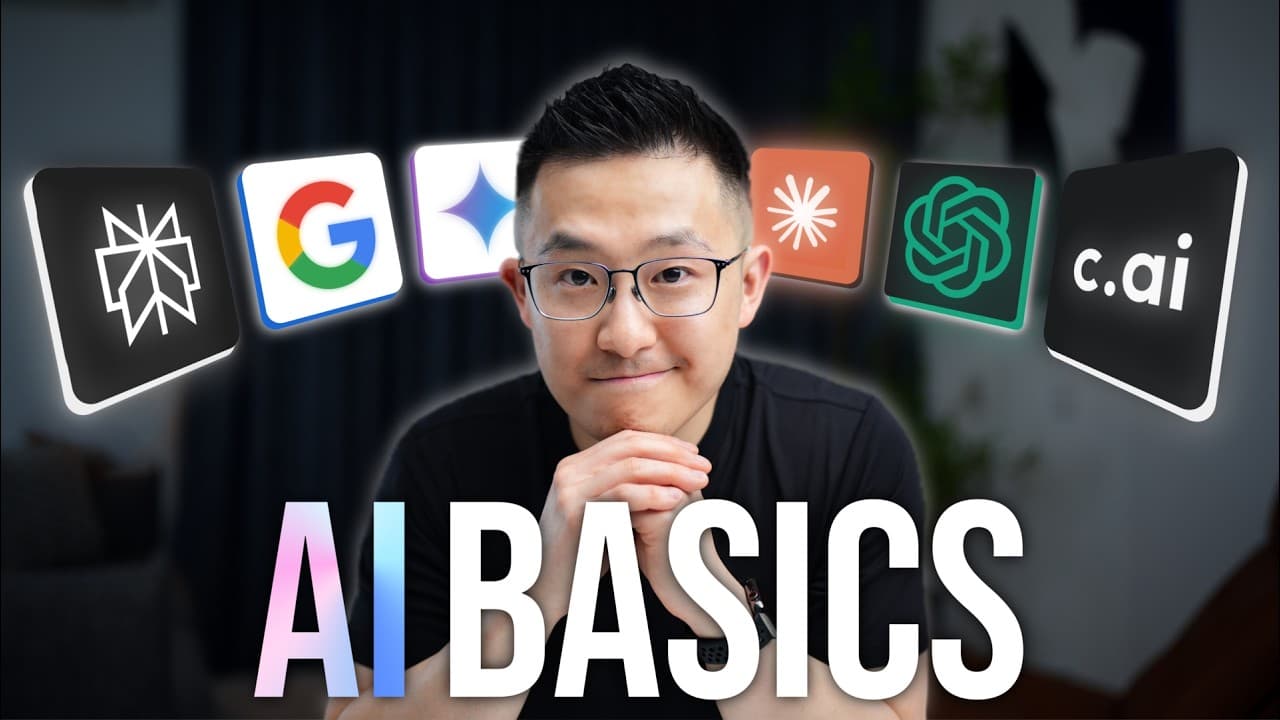
last week I spent 5 hours and $49 to complete Google's latest AI Essentials course for beginners and since I need to recoup that money to fund my addiction to parasocial relationships with AI I made this video to share five key takeaways from the course the pros and cons and to give you a definitive answer as to whether this certificate you receive... Read More
Key Insights
- The course categorizes AI tools into standalone tools, tools with integrated AI features, and custom AI solutions, each serving different purposes.
- Prompt engineering requires surfacing implied context for better AI interaction, ensuring more relevant and specific outputs.
- Zero-shot, one-shot, and few-shot prompting are techniques to refine AI outputs by providing varying levels of example context.
- Chain of Thought prompting improves task accuracy by breaking complex tasks into manageable steps, enhancing AI output quality.
- AI tools have limitations, including data bias, insufficient information, and hallucinations, necessitating user awareness and fact-checking.
- The course is not suited for advanced users but is excellent for beginners, offering foundational AI knowledge and practical insights.
- Google's course effectively uses simple graphics and interactive elements to explain complex AI topics to visual learners.
- The course provides a curated list of AI tools and a glossary of terms, aiding beginners in exploring AI applications and concepts.
Install to Summarize YouTube Videos and Get Transcripts
Explore YouTube Video Summarizer or Get YouTube Transcript Extractor
Questions & Answers
Q: What are the three types of AI tools discussed in the course?
The course categorizes AI tools into three types: standalone tools, tools with integrated AI features, and custom AI solutions. Standalone tools operate independently, integrated tools enhance existing software, and custom solutions are tailored for specific problems. Each type serves different needs and requires varying levels of technical knowledge.
Q: How does prompt engineering improve AI interaction?
Prompt engineering improves AI interaction by surfacing implied context, ensuring that AI tools receive all necessary information to generate relevant outputs. By explicitly stating context, users can avoid generic responses and receive more tailored and specific results, enhancing the effectiveness of AI tools in various applications.
Q: What is the difference between zero-shot and few-shot prompting?
Zero-shot prompting involves using a prompt without examples, while few-shot prompting includes two or more examples to guide the AI. Few-shot prompting provides more context, leading to more accurate and relevant outputs. The choice between zero-shot and few-shot depends on the complexity of the task and the desired specificity of the output.
Q: Why is Chain of Thought prompting effective for complex tasks?
Chain of Thought prompting is effective for complex tasks because it breaks down a large task into smaller, manageable steps. This method helps AI produce more accurate and consistent results by focusing on one aspect of the task at a time, allowing for step-by-step refinement and improvement of the final output.
Q: What are the limitations of AI tools mentioned in the course?
The course highlights three main limitations of AI tools: data bias, insufficient information, and hallucinations. AI models may be biased based on their training data, lack information on recent events, and produce factually inaccurate outputs. Users must be aware of these limitations and verify AI-generated information, especially for high-stakes tasks.
Q: Who is the AI Essentials course not suitable for?
The AI Essentials course is not suitable for advanced users already familiar with AI tools like ChatGPT and Google Gemini. The course focuses on foundational concepts and provides basic examples, making it less beneficial for those seeking in-depth knowledge or specialized AI use cases. It is designed for beginners and visual learners.
Q: What are the strengths of Google's AI Essentials course?
Google's AI Essentials course excels in its clear explanations and use of simple graphics to convey complex topics. It includes interactive elements and practical exercises, enhancing learning for beginners and visual learners. The course provides a curated list of AI tools and a glossary of terms, making it a comprehensive introduction to AI.
Q: How does the course help beginners explore AI applications?
The course helps beginners explore AI applications by providing a curated list of AI tools and a glossary of common AI terms. These resources enable learners to understand and experiment with various AI applications, building foundational knowledge and confidence in using AI tools for different purposes and industries.
Summary & Key Takeaways
-
The video reviews Google's AI Essentials course, highlighting five key takeaways and the pros and cons of the course. It categorizes AI tools, emphasizes the importance of context in prompt engineering, and explains different prompting techniques. The course is recommended for beginners seeking foundational AI knowledge.
-
The course is divided into sections explaining standalone tools, integrated AI features, and custom solutions. It stresses the need for explicit context in AI interactions and introduces prompting techniques like zero-shot and few-shot. The course is ideal for beginners and visual learners, offering a comprehensive introduction to AI.
-
AI limitations are addressed, including data bias and hallucinations, emphasizing the need for user awareness. The course is praised for its clear explanations and interactive elements. It is not recommended for advanced users but is beneficial for beginners seeking to understand AI basics and obtain a certification.
Read in Other Languages (beta)
Share This Summary 📚
Summarize YouTube Videos and Get Video Transcripts with 1-Click
Try YouTube Summary with ChatGPT & Claude or YouTube Transcript Generator
Explore More Summaries from Jeff Su 📚





Summarize YouTube Videos and Get Video Transcripts with 1-Click
Try YouTube Summary with ChatGPT & Claude or YouTube Transcript Generator