How to Create a Video in Canva in Under 60 Seconds
TL;DR
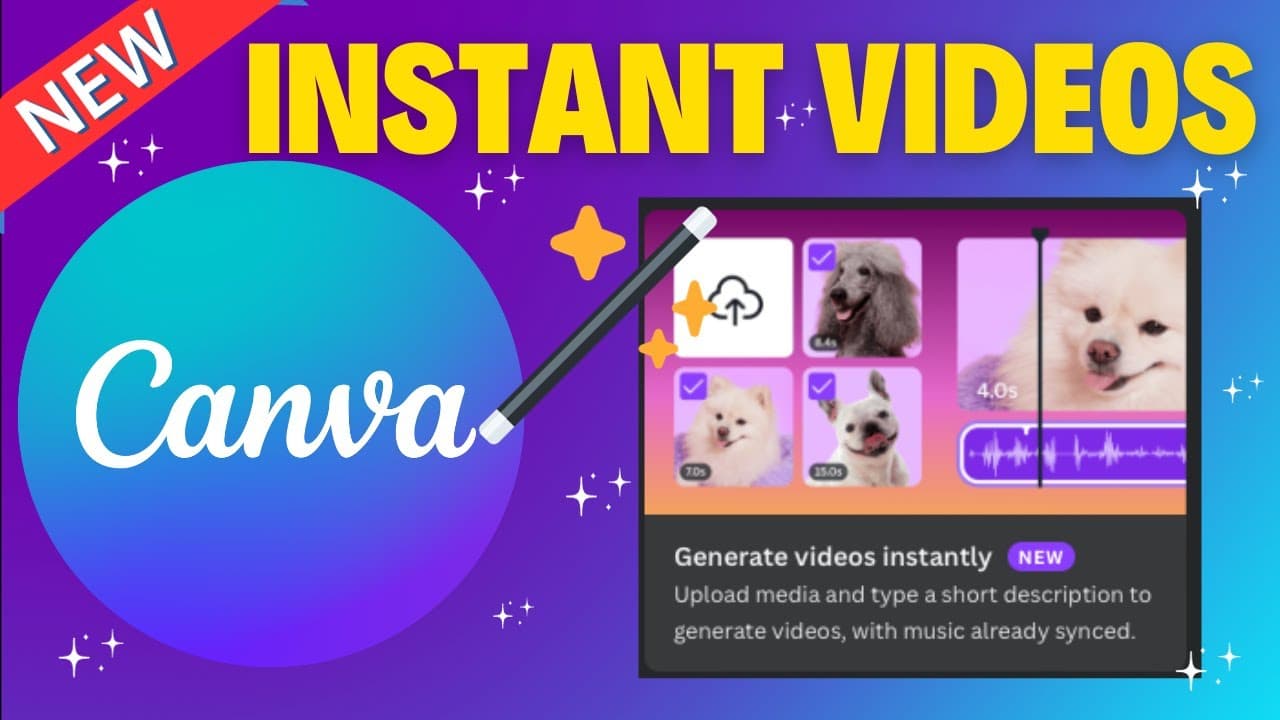
You can create a video in Canva in under 60 seconds by uploading at least three photos and using the 'generate videos instantly' feature. Canva will automatically create a video with synced music and customizable text, allowing easy edits before downloading the final product in MP4 format.
Transcript
welcome to edtech hustle today I have about 10 individual photos that I want to make a video of now I could use a number of different programs but instead I'm going to show you the easiest and the fastest way to create a video in just a few clicks using canva let's go ahead and get started okay so I am here inside canva what I'm going to do is Sele... Read More
Key Insights
- 💨 Canva offers a quick and user-friendly way to create videos from uploaded photos.
- 👀 Users can add text and music automatically to their videos for a polished look.
- 👣 Customization options in Canva include changing text, colors, fonts, and music tracks.
- 💁 The finished video can be shared or downloaded in mp4 format for easy distribution.
- 👤 Canva's video creation feature can save time for users needing a quick project draft.
- 🎮 The tutorial provides step-by-step guidance on utilizing Canva for video creation.
- 💬 Users can subscribe for more helpful content and leave comments or questions for further assistance.
Install to Summarize YouTube Videos and Get Transcripts
Explore YouTube Video Summarizer or Get YouTube Transcript Extractor
Questions & Answers
Q: How can Canva help in quickly creating videos from photos?
Canva allows users to upload photos and generate videos with automatic text and music features, making the process quick and easy.
Q: Can users edit the automatically generated videos in Canva?
Yes, users can easily customize the generated videos by editing text, colors, fonts, and music to suit their preferences and needs.
Q: What options are available for changing the music in a Canva video?
Users can delete the default music track and choose from Canva's audio library to select a different soundtrack for their video.
Q: How can one share or download the finished video created in Canva?
After customization, users can easily share or download the video in mp4 format from Canva, suitable for platforms like YouTube.
Summary & Key Takeaways
-
Use Canva to create videos from uploaded photos with automatic text and music features.
-
Customize generated video by editing text, colors, fonts, and music easily.
-
Share or download the finished video in mp4 format for various platforms.
Read in Other Languages (beta)
Share This Summary 📚
Summarize YouTube Videos and Get Video Transcripts with 1-Click
Try YouTube Summary with ChatGPT & Claude or YouTube Transcript Generator
Explore More Summaries from EdTech Hustle 📚

![Keynote: Remove The Background of Any Photo [Using Instant Alpha] thumbnail](/_next/image?url=https%3A%2F%2Fi.ytimg.com%2Fvi%2F0Ji-uTffzJE%2Fhqdefault.jpg&w=750&q=75)




Summarize YouTube Videos and Get Video Transcripts with 1-Click
Try YouTube Summary with ChatGPT & Claude or YouTube Transcript Generator