How to Add Sound to Any AI Video with AudioX, Free and Offline
TL;DR
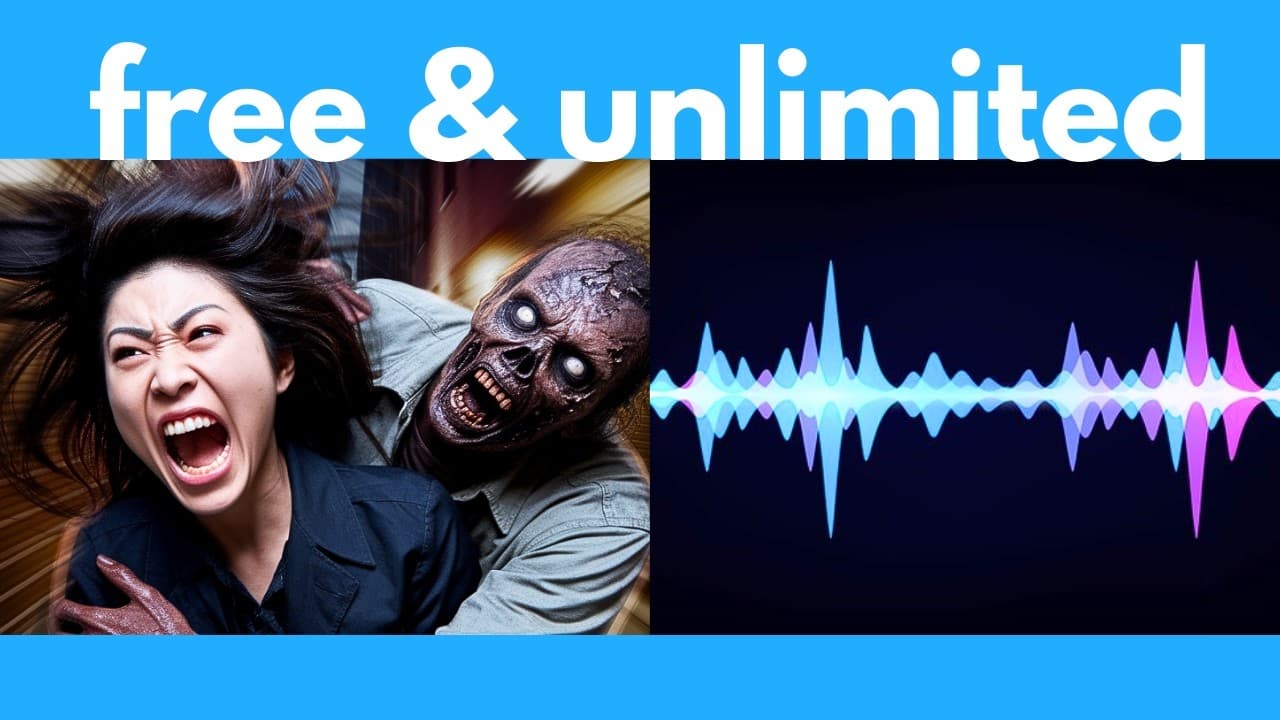
AudioX adds sound to AI videos by analyzing uploaded footage and automatically generating synchronized effects or prompt-guided instrumental music. The free, open-source tool can run locally for unlimited offline use, while its default interface produces about 10 seconds of audio, enough for the referenced 5-to-8-second AI videos. Read on for the recommended settings, generation workflow, and AudioX’s limitations with vocals.
Transcript
This free AI lets you make any sound from just a text prompt and it can even make music. Plus, you can upload a video and it can automatically detect what's in the video and generate the audio for this. This AI is called Audio X and it's completely free and open source. So, in this video, I'm going to go over all the things it can do, plus I'll sho... Read More
Key Insights
- AudioX is a free and open-source AI tool that generates sound effects and instrumental music from text prompts. Its demonstrated outputs include thunder, rain, typing, snoring, vehicles, explosions, sizzling food, orchestral compositions, electronic dance music, ukulele, and retro game music.
- Video-to-audio generation works by analyzing visible content and producing contextually appropriate sound. Demonstrations show audio aligned with key presses, hand movements, scene changes, moving aircraft, flowing water, swimming ducks, and a chainsaw that becomes silent when its operator stops.
- Video-guided music generation combines visual analysis with an optional text prompt describing the desired musical style. The examples include majestic landscape music, inspirational fitness music, race-car sounds, tension building, silence, impact sounds, and beats synchronized with cuts between scenes.
- The default generation length is approximately 10 seconds through the presented interface, while one discussion describes individual clips as 11 seconds. The presenter considers this sufficient because most referenced AI video generators produce videos lasting only 5 to 8 seconds.
- Generation steps control how many iterations AudioX performs before producing the output. More steps generally improve quality but eventually provide diminishing returns, and the presented default of 100 steps is described as a practical sweet spot between output quality and generation speed.
- CFG scale controls how literally the generated audio follows the prompt. A higher value encourages closer adherence, while a lower value permits more creative interpretation. The demonstration keeps the setting at its default value of seven and generally leaves the sampler settings unchanged.
- AudioX produces instrumental music rather than reliable vocals. A prompt requesting fingerpicked acoustic guitar, soft vocals, and natural ambience generated recognizable guitar but no soft vocals, while prompts for orchestral battle music, K-pop-style backing, and sad violin produced more convincing instrumental results.
- Local installation allows AudioX to run offline for free and unlimited generations. The description provides links to the AudioX project page, its GitHub repository, Git, and Miniconda, while the tutorial places the installation walkthrough in its latter section beginning around 19:33.
Install to Summarize YouTube Videos and Get Transcripts
Explore YouTube Video Summarizer or Get YouTube Transcript Extractor
Questions & Answers
Q: How do you add sound to an AI video with AudioX?
Upload the video to AudioX, select its start and end times, and generate the audio. You can leave the text prompt empty for automatically matched sound effects or enter a prompt to specify the style of music you want.
Q: What is AudioX and what types of audio can it generate?
AudioX is a free, open-source AI system that creates sound effects and instrumental music from text or video. Demonstrated results include rain, typing, vehicles, explosions, sizzling food, orchestral music, EDM, ukulele, and synchronized environmental sounds.
Q: Can AudioX synchronize generated sounds with events in a video?
AudioX can align audio with visible actions and scene changes. Demonstrations included correctly timed key presses, changing jet volume as the aircraft moved away, beats matched to cuts, and chainsaw audio that stopped when the operator stopped.
Q: Can AudioX generate music based on a video?
Yes. AudioX can analyze an uploaded video while using an optional prompt to define the desired musical style, such as majestic landscape music or inspirational fitness music. It can also introduce impact sounds, tension, silence, and beats around scene changes.
Q: What AudioX settings are recommended for generation?
The presenter generally recommends keeping the default settings, including 100 generation steps and a CFG scale of seven. Preview intervals are normally left at zero, and the sampler type is left unchanged unless the user wants to experiment.
Q: What do generation steps and preview intervals do in AudioX?
Generation steps set the number of iterations completed before AudioX returns the final audio; more steps can improve quality but take longer and eventually provide diminishing returns. With 100 steps and previews every 25 steps, AudioX supplies previews at steps 25, 50, and 75 before the final output at step 100.
Q: How long are AudioX-generated audio clips?
The presented interface supports approximately 10 seconds for a video generation selection, while the walkthrough also describes generated clips as 11 seconds long. The presenter considers the default length sufficient because the referenced AI video generators commonly produce videos lasting 5 to 8 seconds.
Q: Can AudioX run locally for free and generate audio offline?
Yes. AudioX can be downloaded and installed on a computer because it is free and open source. Running it locally enables unlimited offline generations, although generation speed depends on the computer hardware.
Summary & Key Takeaways
-
AudioX is a free, open-source AI system that creates sound effects and instrumental music from text prompts. Demonstrations include weather, typing, vehicles, explosions, cooking sounds, orchestral music, electronic dance music, and emotional violin. Generated results can be downloaded directly from its local interface using the download arrow.
-
The system can analyze uploaded videos and generate matching audio without requiring a text prompt. Tests with a forest stream, ducks swimming, and a person operating a chainsaw produced contextually appropriate sounds. The chainsaw audio even stopped when the person stopped, showing synchronization between visible actions and generated sound.
-
AudioX provides controls for generation steps, preview intervals, CFG scale, sampler type, and video start and end times. The presenter generally recommends retaining the defaults, including 100 steps and a CFG scale of seven. Local execution enables free, unlimited offline use, although generation speed depends on the computer hardware.
Read in Other Languages (beta)
Share This Summary 📚
Summarize YouTube Videos and Get Video Transcripts with 1-Click
Try YouTube Summary with ChatGPT & Claude or YouTube Transcript Generator
Explore More Summaries from AI Search 📚






Summarize YouTube Videos and Get Video Transcripts with 1-Click
Try YouTube Summary with ChatGPT & Claude or YouTube Transcript Generator