Products
Features
YouTube Video Summarizer
Summarize YouTube videos
Web & PDF Highlighter
Highlight web pages & PDFs
Chat with PDF
Ask any PDF questions with AI
Ask AI Clone
Chat with your highlights & memories
Audio Transcriber
Transcribe audio files to text
Glasp Reader
Read and highlight articles
Kindle Highlight Export
Export your Kindle highlights
Idea Hatch
Hatch ideas from your highlights
Integrations
Obsidian Plugin
Notion Integration
Pocket Integration
Instapaper Integration
Medium Integration
Readwise Integration
Snipd Integration
Hypothesis Integration
Apps & Extensions
Chrome Extension
Safari Extension
Edge Add-ons
Firefox Add-ons
iOS App
Android App
Discover
Discover
Ideas
Discover new ideas and insights
Articles
Curated articles and insights
Books
Book recommendations by great minds
Posts
Essays and notes from readers
Quotes
Inspiring quotes collection
Videos
Curated videos and summaries
Explore Glasp
Glasp Newsletter
Weekly insights and updates
Glasp Talk
Interview series with great minds
Glasp Blog
Latest news and articles
Glasp Use Cases
Learn how others use Glasp
Build & Support
Glasp API
Access Glasp's API for developers
MCP Connector
Connect Glasp to Claude & ChatGPT
Community
Glasp Reddit Community
Students
Student discount and benefits
FAQs
Frequently Asked Questions
AboutPricing
DashboardLog inSign up

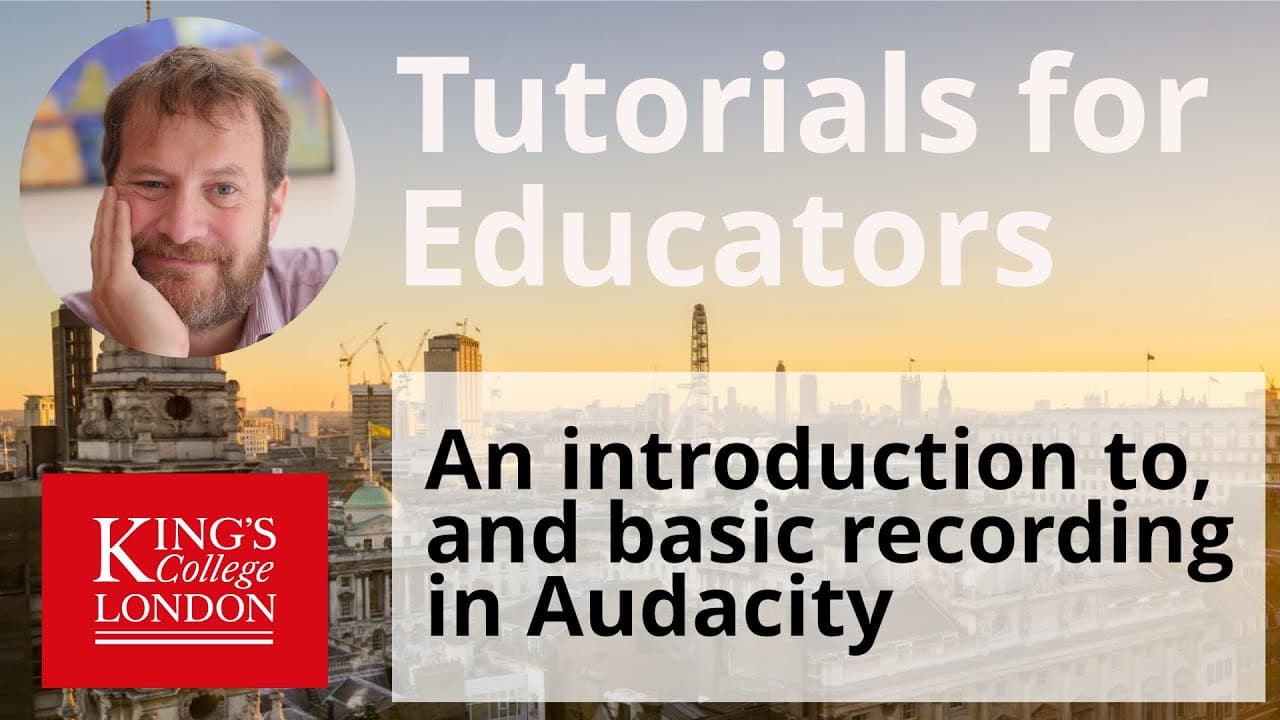
Using Audacity to record lectures or podcasts for education

430 views
•
July 14, 2020
by
Dory Video
YouTube video player
Using Audacity to record lectures or podcasts for education

TL;DR

Learn audio editing basics using Audacity, a free software, for improved recordings.

Transcript

hi I'm James Clark from the Department of physiology at King's College London and in this short tutorial I'm just going to walk you through the functions of audacity which is a free open-source cross-platform audio editing software you can download audacity for free from the audacity website the link to this website is on the screen it's audacity t... Read More

Key Insights

  • 🧘 Audacity is a versatile tool for recording and editing audio files.
  • 🎚️ Monitoring input levels ensures the quality of recordings.
  • 💇 Editing features like cutting, pasting, and adjusting volume levels are easily accessible.
  • 👻 Saving and exporting options allow users to share their audio recordings.
  • 🔇 Audacity provides normalization features for consistent volume levels.
  • 💌 Using envelope tools, users can selectively adjust the volume of specific audio sections.
  • 👤 The software is user-friendly, making it suitable for beginners in audio editing.

Install to Summarize YouTube Videos and Get Transcripts

Explore YouTube Video Summarizer or Get YouTube Transcript Extractor

Questions & Answers

Q: What is Audacity and where can it be downloaded?

Audacity is free audio editing software available for Windows, Mac, and Linux. It can be downloaded from the audacity team.org website.

Q: How can input levels be checked before recording?

To check input levels, click on the monitoring button to see volume levels. Aim for levels between -18 and -6 for optimal recording quality.

Q: How can mistakes in a recording be edited out using Audacity?

Mistakes in a recording can be highlighted and deleted using the selection tool, allowing for easy editing in Audacity.

Q: What is normalization in Audacity, and how is it applied?

Normalization in Audacity amplifies audio to a consistent volume level across the file without distortion. It can be applied by selecting the entire waveform and choosing the normalization effect.

Summary & Key Takeaways

  • Audacity is free open-source audio editing software.

  • It offers tools for editing, recording, and adjusting audio levels.

  • Users can save and export audio files in different formats.


Read in Other Languages (beta)

English

Share This Summary 📚

Summarize YouTube Videos and Get Video Transcripts with 1-Click

Download browser extensions on:

Try YouTube Summary with ChatGPT & Claude or YouTube Transcript Generator

Explore More Summaries from Dory Video 📚

Setting up multi instrument layers in Kontact thumbnail
Setting up multi instrument layers in Kontact
Dory Video
WavesFactory MERCURY Piano for Kontakt thumbnail
WavesFactory MERCURY Piano for Kontakt
Dory Video
How to Perform Linear Regression in GraphPad Prism thumbnail
How to Perform Linear Regression in GraphPad Prism
Dory Video
Graphpad Prism - using the layout tool to publish your data thumbnail
Graphpad Prism - using the layout tool to publish your data
Dory Video
Roland Cloud Anthology 1987 - Sampled D50 LA synth thumbnail
Roland Cloud Anthology 1987 - Sampled D50 LA synth
Dory Video
Playing Vienna Instruments (VSL) with a ROLI Seaboard RISE thumbnail
Playing Vienna Instruments (VSL) with a ROLI Seaboard RISE
Dory Video

Summarize YouTube Videos and Get Video Transcripts with 1-Click

Download browser extensions on:

Try YouTube Summary with ChatGPT & Claude or YouTube Transcript Generator

Apps & Extensions

  • Chrome Extension
  • Safari Extension
  • Edge Add-ons
  • Firefox Add-ons
  • iOS App
  • Android App

Key Features

  • YouTube Video Summarizer
  • Web & PDF Summarizer
  • Web & PDF Highlighter
  • Chat with PDF
  • Ask AI Clone
  • Audio Transcriber
  • Glasp Reader
  • Kindle Highlight Export
  • Idea Hatch

Integrations

  • Obsidian Plugin
  • Notion Integration
  • Pocket Integration
  • Instapaper Integration
  • Medium Integration
  • Readwise Integration
  • Snipd Integration
  • Hypothesis Integration

More Features

  • APIs
  • MCP Connector
  • Blog & Post
  • Embed Links
  • Image Highlight
  • Personality Test
  • Quote Shots

Company

  • About us
  • Blog
  • Community
  • FAQs
  • Job Board
  • Newsletter
  • Pricing
Terms

•

Privacy

•

Guidelines

© 2026 Glasp Inc. All rights reserved.