How to use ChatGPT effectively in 2025 for work tasks
TL;DR
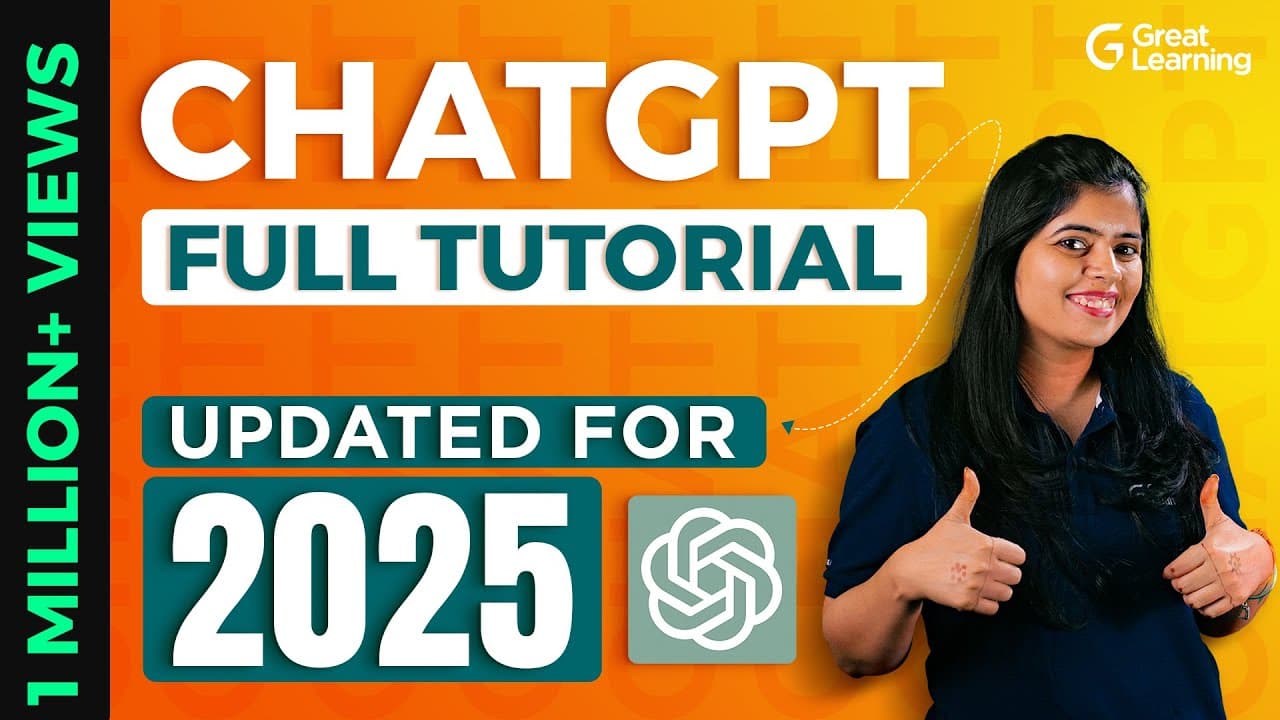
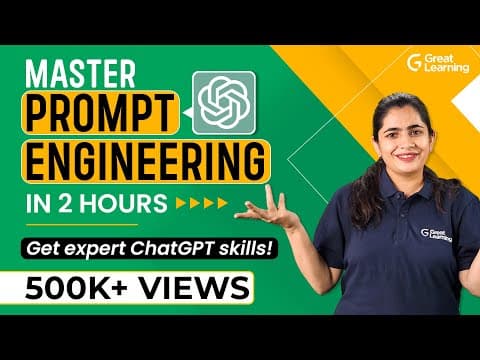
ChatGPT is a generative AI tool that can assist with coding, data analysis, content creation, and presentations. The video covers basics, prompt engineering, and practical applications across devices, plus limitations and how to access ChatGPT 4o for free. It also explains creating custom GPTs to tailor tasks.
Transcript
By now, you might already started using ChatGPT. But what if I told you that at the end of this video, you will be a ChatGPT pro. Supercharged with all you need to know to make ChatGPT do everything for you in a fraction of the time that you would spend otherwise. Welcome to our comprehensive ChatGPT Tutorial, where we dive into the basics, followe... Read More
Key Insights
- ChatGPT sits within generative AI and large language models, designed to transform input into useful text, code, and content.
- Prompt engineering is a crucial skill to unlock effective, task specific outputs from ChatGPT across different domains.
- ChatGPT 4o and other versions offer expanded capabilities and accessibility, including free access options discussed in the tutorial.
- The tutorial outlines how ChatGPT can assist with coding tasks, including building Python apps and websites, by following structured prompts.
- Excel automation and data analysis are highlighted as practical, everyday uses that can save time and reduce manual work.
- The guide explains how to create custom GPTs to personalize ChatGPT for specific workflows or business needs.
- Limitations of ChatGPT are addressed, providing a balanced view on accuracy, reliability, and appropriate use cases.
- Future directions include improved language models, more powerful prompts, and broader adoption across industries.
Install to Summarize YouTube Videos and Get Transcripts
Explore YouTube Video Summarizer or Get YouTube Transcript Extractor
Questions & Answers
Q: What is ChatGPT and what makes it a powerful tool for professionals?
ChatGPT is a generative AI model that processes text input to generate human like responses, code, and content. It can assist with tasks such as writing, data analysis, and software development, making work faster and enabling automation of repetitive activities. Its power comes from large language models that understand context and produce relevant outputs.
Q: How does prompt engineering improve results from ChatGPT?
Prompt engineering is the practice of crafting clear, specific prompts to guide ChatGPT toward desired outcomes. By defining goals, constraints, and step by step requirements, users can reduce ambiguity, increase accuracy, and tailor responses for tasks like coding, data summaries, or marketing copy. It acts as a bridge between user intent and model capabilities.
Q: What are some practical uses of ChatGPT in coding and software development?
ChatGPT can assist with coding by generating boilerplate code, debugging, and offering explanations of complex logic. It can help create Python apps or websites by outlining architecture, writing functions, and proposing library choices. This reduces development time, helps learners, and supports rapid prototyping in real world projects.
Q: Can ChatGPT be used for data analysis and Excel tasks?
Yes, ChatGPT can help analyze data by summarizing trends, generating insights, and producing clear explanations. For Excel, it can suggest formulas, automate repetitive steps, and assist with data cleaning. These capabilities save time and enable users to focus on interpretation and decision making.
Q: What is ChatGPT 4o and how does it differ from earlier versions?
ChatGPT 4o refers to an advanced iteration of the model that expands capabilities such as understanding more complex prompts and delivering richer outputs. It provides broader applicability across domains like coding, NLP, and content creation, enabling users to tackle tasks more efficiently while exploring new use cases and integrations.
Q: How can users create their own custom GPTs for personal workflows?
Creating a custom GPT involves defining a specialized prompt, constraints, and a specific scope tailored to a task or workflow. By configuring input expectations and desired outputs, users can deploy a GPT that behaves consistently within a business process, such as drafting reports, generating templates, or automating routine analyses.
Q: What should users watch for when relying on ChatGPT for important tasks?
Users should verify outputs for accuracy, especially in critical domains like finance or healthcare. It is important to cross check data, avoid over relying on generated content for decision making, and use prompts to set boundaries and review stages. Awareness of potential bias and limitations helps ensure responsible use.
Q: What broader trends in AI and LLMs does the video highlight for 2025?
The video highlights rapid evolution of generative AI and large language models, increasing accessibility, and growing integration into professional workflows. It notes the expansion of tools, prompt engineering practices, and opportunities to build custom GPTs, all contributing to higher productivity while requiring careful consideration of limitations and ethical use.
Summary & Key Takeaways
-
The video introduces ChatGPT and places it within the broader AI landscape, highlighting its role in productivity and automation. It emphasizes practical usage across coding, data analysis, and office tasks, guiding viewers through fundamentals and advanced capabilities.
-
A focus on prompt engineering and real world applications demonstrates how to maximize efficiency, including Excel automation, website and app building with ChatGPT 4o, and creating custom GPT models.
-
The tutorial closes with guidance on exploring tools, common limitations, and future trends in large language models to help professionals stay ahead in a rapidly evolving field.
Read in Other Languages (beta)
Share This Summary 📚
Summarize YouTube Videos and Get Video Transcripts with 1-Click
Try YouTube Summary with ChatGPT & Claude or YouTube Transcript Generator
Explore More Summaries from Great Learning 📚

Summarize YouTube Videos and Get Video Transcripts with 1-Click
Try YouTube Summary with ChatGPT & Claude or YouTube Transcript Generator