Which Video Editor Is Best for Beginners and Pros?
TL;DR
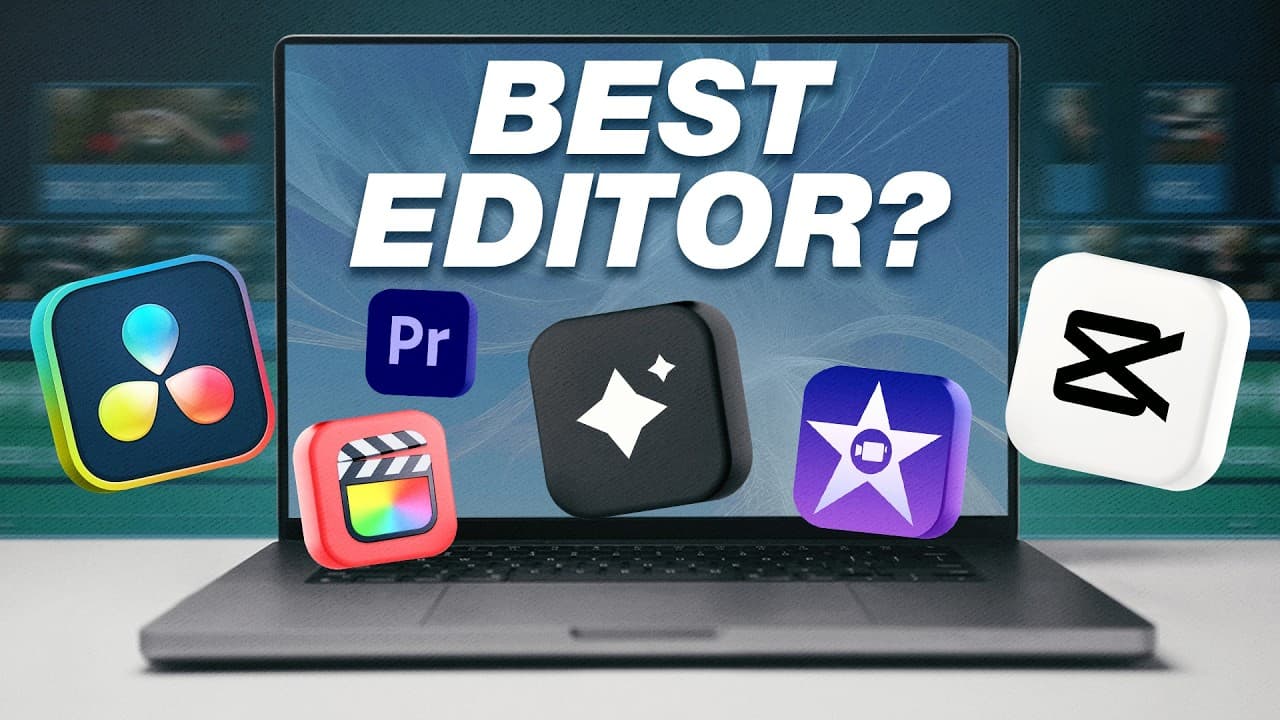
Start with iMovie on a Mac for the simplest free introduction, or choose CapCut for beginner-friendly editing with more built-in effects. Final Cut Pro suits Mac creators seeking speed, simplicity, and professional features, while Premiere Pro and DaVinci Resolve are presented as alternatives for editors who want greater control.
Transcript
What is the best video editing software if you're either a complete beginner or you want to know what the best video editor is overall? Well, today I'm joined by Craig, creator here at Think Media, and you've been editing with Premiere Pro for nearly a decade. I made the switch from Premiere to Da Vinci Resolve, and I want to break down the pros an... Read More
Key Insights
- Editing fundamentals are more important than the initial software choice. New editors should first practice removing mistakes, trimming footage, rearranging clips, adding B-roll overlays, and inserting text graphics before worrying about which application will serve them over the long term.
- iMovie is a free starting point for Mac users who have never edited before. Its simple design runs well even on older computers and provides the essential tools needed to cut mistakes, arrange footage, and add B-roll without presenting an overwhelming collection of controls.
- The magnetic timeline in iMovie automatically closes gaps as clips are deleted or reordered. This behavior can accelerate straightforward editing, but people accustomed to timelines where clips remain in place may find the automatic snapping restrictive or inconvenient for their preferred workflow.
- CapCut is a beginner-friendly editor with mobile and desktop versions for Mac and Windows. It offers more features than iMovie, including automatic background removal, captions, and built-in effects, while keeping its interface simple enough for inexperienced editors to understand.
- CapCut is useful beyond short-form social content because its desktop version can edit long-form YouTube videos and podcasts. Professional freelance editors also use it, although some advanced effects require a paid subscription and its customization and multicamera capabilities have limitations.
- Final Cut Pro is designed for Mac creators who want professional features without giving up speed and simplicity. It supports multicamera workflows, better color correction, effects, and transitions, while its optimization for Mac helps the application feel fast and responsive during editing.
- Final Cut Pro 11 added magnetic masking and automatic captioning. Magnetic masking uses AI-assisted detection to isolate subjects such as a moving vehicle, allowing editors to apply effects or color adjustments without manually outlining the selected object throughout the scene.
- Gling AI is presented as a rough-cut assistant for talking-head footage. It transcribes uploaded A-roll, identifies bad takes, long pauses, and filler words, allows transcript-based deletion, and exports the resulting edit to Final Cut Pro, DaVinci Resolve, or Premiere Pro for refinement.
Install to Summarize YouTube Videos and Get Transcripts
Explore YouTube Video Summarizer or Get YouTube Transcript Extractor
Questions & Answers
Q: What should a beginner learn first in video editing?
A beginner should first learn the core mechanics of editing rather than obsessing over a permanent software choice. The essential skills are trimming mistakes, removing unwanted takes, rearranging clips, adding B-roll overlays, and inserting text graphics. These principles transfer across editing applications, so learning them in a simple program can create a foundation for moving into more advanced software later.
Q: Is iMovie a good video editor for complete beginners?
iMovie is a strong starting option for complete beginners who own a Mac. It is already available on the computer, costs nothing, and allows footage to be imported through a straightforward drag-and-drop process. Its simple tools cover basic cutting, mistake removal, clip organization, and B-roll, while its modest system demands help it run well on older computers.
Q: What are the limitations of editing with iMovie?
iMovie can become limiting after an editor masters the basics and wants greater creative control. It offers a restricted selection of effects and relatively basic transitions. Its color tools mainly support adjustments such as contrast and exposure rather than extensive development of a distinctive visual look. Its magnetic timeline may also feel restrictive to editors who prefer clips to remain independently positioned.
Q: Why should a beginner consider CapCut instead of iMovie?
CapCut offers more built-in power than iMovie while maintaining an intuitive interface suited to beginners. It includes accessible features such as background removal, captions, and effects that can be applied with minimal setup. CapCut also works on Mac and Windows, offers mobile and desktop versions, and can handle long-form YouTube videos and podcasts in addition to short social content.
Q: What are the disadvantages of using CapCut for professional editing?
CapCut has several limitations for editors who need detailed professional control. Some advanced effects are available only through the paid subscription, and its effects are not as customizable as those in more professional applications. Its color-grading controls are less extensive, and its multicamera workflow is not presented as being as capable when an editor needs to switch efficiently between several recorded angles.
Q: Who should choose Final Cut Pro for video editing?
Final Cut Pro is suited to Mac creators who value speed, simplicity, and professional capabilities. It is positioned as a natural step beyond iMovie for editors who need multicamera workflows, improved color correction, additional effects, and more transitions. Because it is optimized for Mac, the interface feels responsive, while its relatively simple design reduces the complexity associated with some professional editing applications.
Q: How much does Final Cut Pro cost according to the video?
Final Cut Pro is described as costing a one-time fee of $300 rather than requiring a subscription. The education price is stated as $200, and a 90-day free trial is also available. This structure lets Mac users test the editor for three months before deciding whether its speed, interface, magnetic timeline, and professional features justify purchasing the software.
Q: How does Gling AI help edit talking-head videos?
Gling AI is described as automating the rough cut of talking-head footage. After raw A-roll is uploaded, it transcribes the recording and identifies bad takes, long pauses, and filler words such as ums. Editors can remove a sentence by deleting it from the transcript, then export the rough cut to Final Cut Pro, DaVinci Resolve, or Premiere Pro for further refinement.
Summary & Key Takeaways
-
Beginners should focus first on fundamental editing skills rather than finding a permanent software platform. Cutting mistakes, rearranging clips, adding B-roll, and placing text are foundational tasks. iMovie offers a free and approachable way for Mac users to practice these skills without facing a complex professional interface.
-
CapCut provides more effects and capabilities than iMovie while retaining a clear, beginner-friendly design. It supports Mac, Windows, mobile editing, captions, and background removal. Its limitations include paid access to some advanced effects, less customization than professional editors, and weaker multicamera workflows for switching between recorded angles.
-
Final Cut Pro combines a simple interface and magnetic timeline with professional capabilities such as multicamera editing, stronger color correction, effects, transitions, automatic captions, and magnetic masking. It is optimized for Mac and sold for a one-time price, but demanding editors may need plugins or prefer the greater control of Premiere Pro or DaVinci Resolve.
Read in Other Languages (beta)
Share This Summary 📚
Summarize YouTube Videos and Get Video Transcripts with 1-Click
Try YouTube Summary with ChatGPT & Claude or YouTube Transcript Generator
Explore More Summaries from Think Media 📚
Summarize YouTube Videos and Get Video Transcripts with 1-Click
Try YouTube Summary with ChatGPT & Claude or YouTube Transcript Generator