How to Animate Your Child's Drawings Quickly Online
TL;DR
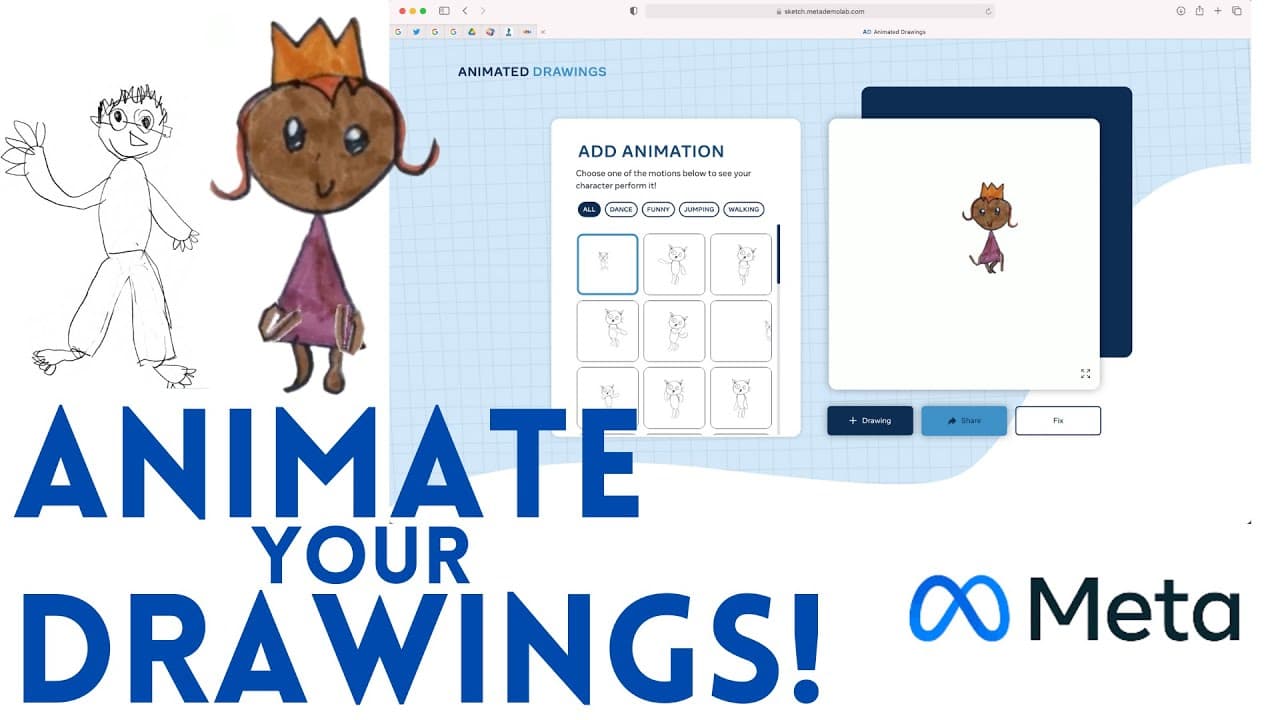
To animate your child's drawings, use the Sketch.met website, which allows you to upload images without needing a Facebook account. Ensure the drawing is well-lit, has no overlapping limbs, and is on a plain white background. After cropping and editing, you can bring the artwork to life with various animations and share them online.
Transcript
we all know that students love to draw and love animation so this is a really cool website that i found on twitter that's going to allow you to animate student drawing it's called animated drawings the website is sketch.met and what you can do is take a drawing by your child or your students upload it and then actually animate it and have their dra... Read More
Key Insights
- 👻 Sketch.met allows users to animate drawings without the need for a Facebook account.
- 🙂 Uploaded drawings should be well-lit, without identifiable information or offensive content.
- 🧘 The website offers easy cropping and editing tools to prepare drawings for animation.
- ❓ Animations created on Sketch.met can feature various poses and movements.
- 👤 Users can share their animated drawings on different platforms.
- 🎁 The site is presented by Meta AI Research, the company behind Facebook.
- 💨 Sketch.met is a fun and creative way for children and students to see their drawings come to life.
Install to Summarize YouTube Videos and Get Transcripts
Explore YouTube Video Summarizer or Get YouTube Transcript Extractor
Questions & Answers
Q: How can users upload drawings to Sketch.met for animation?
Users can upload drawings of characters on a white background with no identifiable information, then use the editing tools on Sketch.met to animate them.
Q: What are the key features of Sketch.met for animating drawings?
Sketch.met allows users to crop and edit drawings, separate characters from the background, and create animations with different poses and movements.
Q: Does Sketch.met require a Facebook account for access?
No, Sketch.met does not require a Facebook account for access, and all uploaded content is not personally identifiable, ensuring user privacy.
Q: How can users share the animated drawings created on Sketch.met?
Users can share their animated drawings created on Sketch.met on various platforms, but downloading video or gif copies may require a screen recording.
Summary & Key Takeaways
-
Sketch.met allows users to animate drawings without personally identifiable information.
-
Instructions include preparing a character drawing without overlapping parts and on a white background.
-
The website offers easy editing tools to animate drawings with various poses and options.
Read in Other Languages (beta)
Share This Summary 📚
Summarize YouTube Videos and Get Video Transcripts with 1-Click
Try YouTube Summary with ChatGPT & Claude or YouTube Transcript Generator
Explore More Summaries from EdTech Hustle 📚


![Keynote: Remove The Background of Any Photo [Using Instant Alpha] thumbnail](/_next/image?url=https%3A%2F%2Fi.ytimg.com%2Fvi%2F0Ji-uTffzJE%2Fhqdefault.jpg&w=750&q=75)



Summarize YouTube Videos and Get Video Transcripts with 1-Click
Try YouTube Summary with ChatGPT & Claude or YouTube Transcript Generator