How to Play Windows Games on Android with Win Later
TL;DR
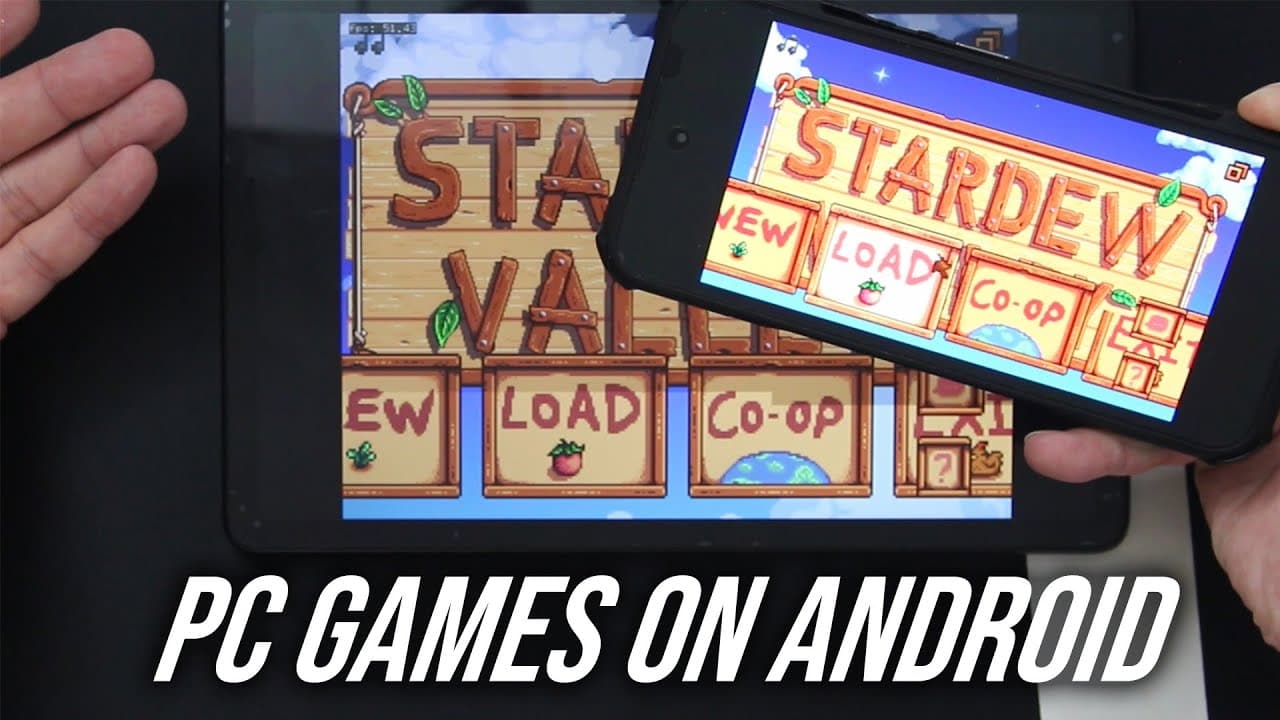
You can play Windows games on Android using the Win Later app, which utilizes Wine and Box86 technologies. Users need to create game containers and configure graphic settings based on their device's capabilities, as performance and compatibility can vary widely. For optimal gameplay, especially with graphics-intensive titles, it's essential to adjust settings and possibly use external controls.
Transcript
hey guys what's going on it's Don here from Nova Spirit Tech and welcome back to the channel and today I'm going to be showing you a really cool app called win later which allows you to play Windows games on Android so let's check it out now this has been on my radar for the past two weeks I just haven't had a chance to test it out but it is pretty... Read More
Key Insights
- 👤 Win Later effectively bridges the gap between Windows gaming and Android devices, making it easier for users to access their favorite titles on mobile.
- 👾 Creating game containers in the app is crucial for tailoring performance, allowing adjustments based on each game's requirements and device specifications.
- 🎮 Graphic settings play a vital role in determining game performance; users must be aware of their device's capabilities to choose suitable options.
- 🎮 Input controls can be an issue, with touchscreen settings being limited. Users may prefer connecting external devices for better gameplay experiences.
- 😀 Regular updates and adjustments to the app will be essential to improve compatibility and user experience, especially for high-performance titles.
- 😀 Installing the app involves straightforward steps, but users need to follow specific procedures for transferring necessary files.
- 👤 User feedback may significantly influence enhancements to features like keyboard and joystick support, which are under development.
Install to Summarize YouTube Videos and Get Transcripts
Explore YouTube Video Summarizer or Get YouTube Transcript Extractor
Questions & Answers
Q: What is the primary function of the Win Later app?
The Win Later app is designed to allow users to play Windows games on Android devices by utilizing Wine and Box86 technologies. It creates a user-friendly interface for launching and managing games, accommodating different settings to optimize performance based on the hardware of the Android device.
Q: How do users set up games in Win Later?
Users first create a container by specifying names, resolution sizes, and graphic drivers suited for their device's GPU. Through this setup, they can configure properties like CPU affinity and video memory, ensuring compatibility for their desired games before launching them through the app.
Q: Why do some games perform better on different devices when using Win Later?
Performance varies among devices due to differences in hardware capabilities, particularly graphic processing units (GPUs). Games may require specific drivers to run optimally. Users might experience better gameplay on devices with Snapdragon processors compared to those with Mali GPUs, impacting graphic rendering and overall performance.
Q: Can users run any Windows game with Win Later?
While Win Later supports a variety of Windows games, compatibility depends on the specific game requirements, especially concerning DirectX versions. Generally, games designed for DirectX 9 or earlier work better, while newer titles may require specific hardware and configurations, which could lead to some games being unplayable.
Summary & Key Takeaways
-
The Win Later application enables Android users to play many Windows games using an intuitive interface based on Wine and Box86 technologies, facilitating access to gameplay on mobile devices.
-
Users must create containers for different games, adjusting graphic drivers and settings based on the performance capabilities of their devices, influencing compatibility and playability.
-
Performance can greatly vary depending on the Android device used; settings and optimizations may be required for different games, particularly for graphics-intensive titles.
Read in Other Languages (beta)
Share This Summary 📚
Summarize YouTube Videos and Get Video Transcripts with 1-Click
Try YouTube Summary with ChatGPT & Claude or YouTube Transcript Generator
Explore More Summaries from Novaspirit Tech 📚






Summarize YouTube Videos and Get Video Transcripts with 1-Click
Try YouTube Summary with ChatGPT & Claude or YouTube Transcript Generator