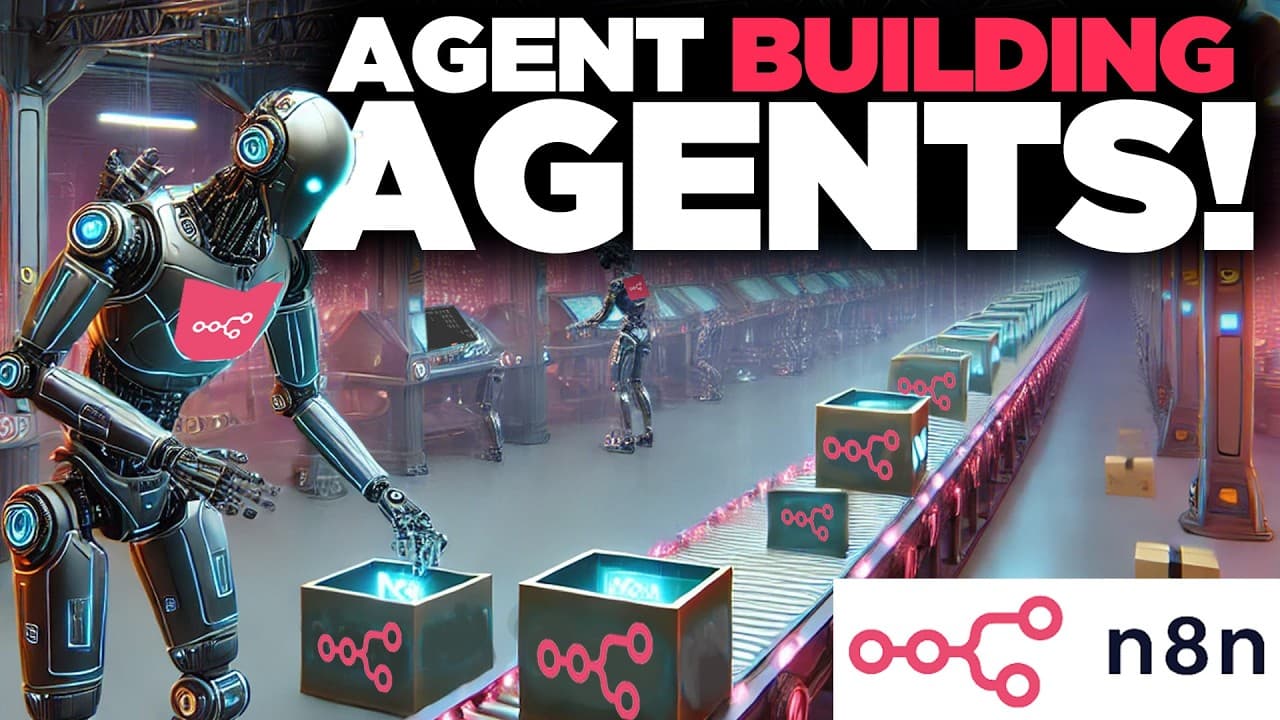
How to Build an n8n Agent That Creates Other Agents
TL;DR
One vague prompt can generate a ready-to-use n8n workflow through a two-part system: a minimal chat agent that invokes a sub-workflow, which searches a vector database of automations, researches n8n documentation with perplexity, and outputs a clickable import link. It is not perfect, but it turns a minute or two of AI assembly into a working draft.
Transcript
I just built an NN agent that with just one prompt generates new agents for you on demand first scans a database with hundreds of automations and then researches the latest documentation so that the AI can take the heavy lifting and assemble the workflow and instead of you importing or copying over the code it provides you a hyperlink that you can ... Read More
Key Insights
- The system is built from one minimalistic main workflow containing a chat node and an AI agent module, which is smart enough to invoke a more complex sub-workflow when a build request is sent.
- The end result is a hyperlink delivered directly in the chat that you click to open a brand-new draft workflow, avoiding manual JSON copying or importing into your workspace.
- The AI agent module distinguishes an ordinary workflow from an AI agent module workflow by detecting the word 'agent' in the request, so naming intent matters when prompting.
- OpenAI is used to refine the user's vague chat prompt into a more well-categorized request before the sub-workflow acts, and this refinement step can be tweaked if it adds too many components.
- Perplexity functions as an internet search on steroids that scours the web for n8n documentation, gathering hints on how to assemble workflows using JSON syntax.
- JSON, which stands for JavaScript Object Notation, is the programmatic representation of the bubbles and nodes seen on the n8n canvas, and the large language model assembles this file to construct the workflow.
- A vector database tags every stored automation with a descriptive keyword title like 'Agent_slack_AI agent_Google sheet' so similarity search can find the closest matching workflow as a cheat-sheet reference.
- The search deliberately favors 'AI' and 'AI agent' keywords because LLMs skew toward older standard workflows, since the AI agent module was a relatively newer addition from the end of last year.
Install to Summarize YouTube Videos and Get Transcripts
Explore YouTube Video Summarizer or Get YouTube Transcript Extractor
Questions & Answers
Q: How does the n8n agent that builds other agents work?
The system uses one minimalistic main workflow with a chat and an AI agent module. When you send a request to build an agent, the AI agent is smart enough to invoke a next sub-workflow. That sub-workflow refines the prompt with OpenAI, talks to a knowledge base, runs perplexity searches for n8n documentation, and falls back to the large language model to assemble the JSON workflow, ultimately delivering a clickable import link in the chat.
Q: What do you receive at the end of the process?
Instead of importing or copying over code manually, the system provides a hyperlink directly in the chat that you can click to open your brand-new workflow in your workspace and start using right away. This works whether it is a normal workflow or an AI agent module workflow. The result is a put-together draft in literally a minute or two, though the creator notes it is not perfect and serves as a starting point.
Q: Why does the system use perplexity in the workflow?
Perplexity is described as a tool that helps you search the internet on steroids. In this workflow it scours the internet to look for n8n documentation to see how to assemble different workflows using JSON. Once it has enough hints on how to actually build the JSON file, the process falls back to the large language model to put everything together and create the n8n workflow that can be imported directly into the workspace.
Q: What is JSON and why does it matter in n8n?
JSON stands for JavaScript Object Notation, and it is the way things appear on screen in n8n. All the different bubbles and nodes are represented in a very syntactical and programmatic way through JSON. The system researches how to construct this JSON, then uses the large language model to assemble the file so the workflow can be created and imported. These automation files can be thousands of lines long.
Q: How does the vector database of automations help build new workflows?
The system references hundreds of automations openly available on the n8n marketplace, especially in the AI category, like a book in a library. Each automation is tagged with what it does verbally plus a descriptive keyword title, for example 'Agent_slack_AI agent_Google sheet'. When a new workflow is requested, the system searches this library for the closest match and uses its syntax as an extra cheat sheet to build with more confidence, even for workflows it has not seen before.
Q: Why does the search favor the keywords 'AI' and 'AI agent'?
A language model will skew toward finding workflows that do not have the AI agent module, because that module is a relatively newer addition from the end of last year. To counter this, the search prompt specifically mixes in the AI and AI agent keywords so there is an extra layer of confidence in finding those newer workflows, versus retrieving only standard cookie-cutter end-to-end workflows that lack the agent component.
Q: What if the refined prompt adds too many components you did not ask for?
OpenAI takes your vague prompt and refines it, sometimes adding a few more steps than originally requested. For example, it expanded a Slack-to-Google-Sheet request to capture channel, user, and message content and append data to a designated sheet. If you see the prompt not meeting your standards or being too proactive, you can go back to that OpenAI chat module and iterate on it to your heart's content until it says exactly what you want.
Q: Why does the system pull multiple chunks of an automation from the database?
Automations are contained in JSON files that can be thousands of lines long. Embedding, which converts words or JSON into numbers a language model can understand, sometimes cannot handle a file all at once, so it is done piecemeal in different chunks. The first node looks for one main match, and a second node has a limit of five to capture the remaining related chunks, giving a holistic look at the entire automation.
Summary & Key Takeaways
-
The project is an n8n agent that builds other agents on demand from a single prompt. A minimal main workflow runs a chat and an AI agent module; when you request a build, the module invokes a more complex sub-workflow that handles the heavy assembly and returns a clickable import link.
-
OpenAI first refines the user's vague prompt into a clearer, well-categorized request. The sub-workflow then queries a knowledge base of automations and runs perplexity steps to scour the internet for n8n documentation, gathering enough JSON syntax hints for the language model to assemble the workflow.
-
An extra step references hundreds of automations openly available on the n8n marketplace, especially the AI category, stored in a vector database as a cheat sheet. Automations are tagged with keyword-rich titles and embedded in chunks, and the system pulls the closest match plus related chunks for a holistic view.
Read in Other Languages (beta)
Share This Summary 📚
Summarize YouTube Videos and Get Video Transcripts with 1-Click
Try YouTube Summary with ChatGPT & Claude or YouTube Transcript Generator
Explore More Summaries from Mark Kashef 📚





Summarize YouTube Videos and Get Video Transcripts with 1-Click
Try YouTube Summary with ChatGPT & Claude or YouTube Transcript Generator