How to build an MCP server with Claude Code?
TL;DR
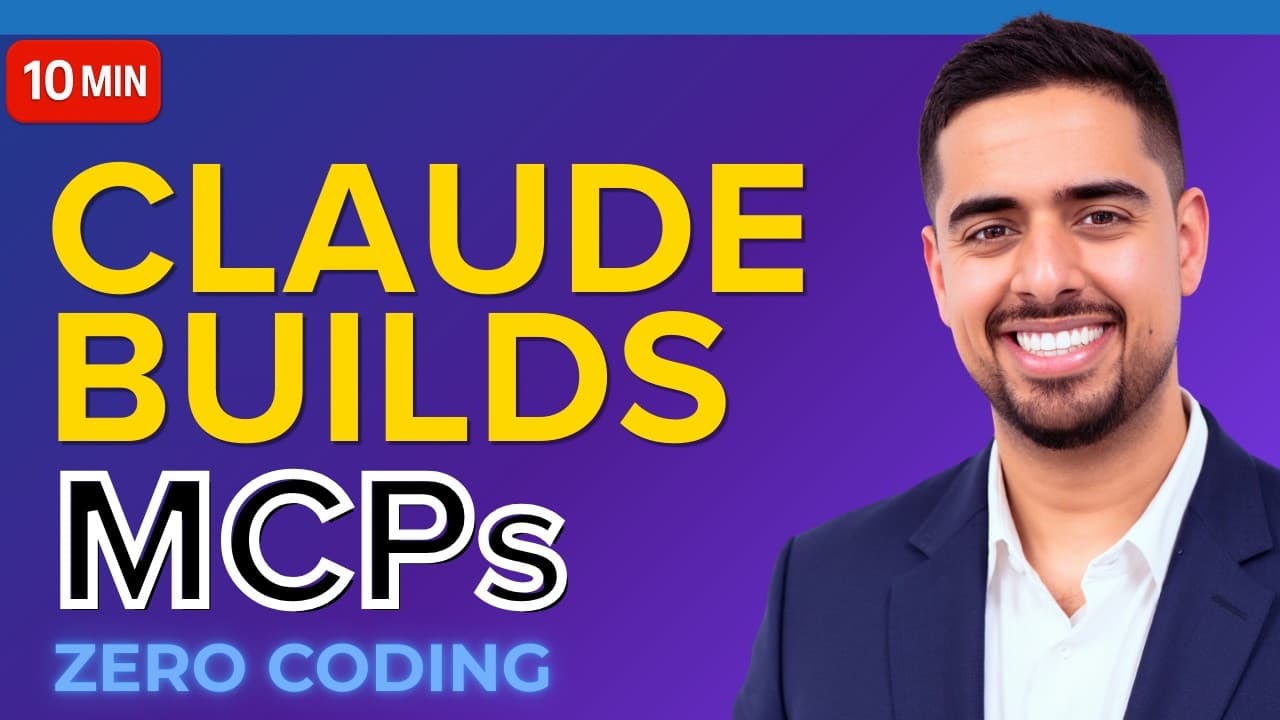
You can bootstrap an MCP server fast by seeding Claude with an MCP 101 cheat sheet and a complete implementation guide, then initializing a claude.md brain file. Use Plan Mode to outline a Prompt Assistant that upgrades prompts with GPT-5 Nano and verify the setup through a log driven feedback loop. This yields a reusable template.
Transcript
If you've always wanted to build your own MCP server, but were intimidated at the idea of doing it, this video is for you. I'm going to show you how we can spin up an MCP server that you can generate using Claude code that you can import and use in Claw Desktop immediately. In my last video, I walked through conceptually the three ways that you can... Read More
Key Insights
- X is the MCP server is defined and organized using three starter files in a new project folder.
- The key to success is seeding Claude with an MCP 101 cheat sheet and a complete implementation guide.
- The MCP 101 file acts as a primer for model context and help text that guides the Claude Code workflow.
- Complete implementation guide aggregates docs, videos, transcripts to provide a single reference for the agent.
- A claude.md file created by initialize acts as a command center brain for operating the MCP project.
- Plan Mode is used to structure the workflow before coding, enabling systematic prompt engineering.
- A Prompt Assistant is designed to take a given prompt, upgrade it using GPT-5 Nano, and return a polished prompt in Markdown.
- The setup employs a log driven feedback loop to run Claude tests, detect errors, and fix issues automatically.
- More videos from this channel:
- More from this channel: Mark Kashef
Install to Summarize YouTube Videos and Get Transcripts
Explore YouTube Video Summarizer or Get YouTube Transcript Extractor
Questions & Answers
Q: How can you start building an MCP server using Claude Code quickly
Begin by creating a folder named my MCP and three starter files: MCP 101, MCP complete implementation guide, and lazy calculator. Use MCP 101 as a cheat sheet for model context and capabilities. Then initialize a claude.md brain with /initialize to centralize resources, enabling faster subsequent builds and standardized prompts.
Q: What is the purpose of the MCP 101 cheat sheet
The MCP 101 cheat sheet provides a language model resource about MCPs, including what you can and cannot do with MCP servers, the contexts and client types, and examples. It serves as a primer that guides Claude Code through the workflow and helps set expectations for capabilities and limitations.
Q: How does the complete implementation guide help during development
The complete implementation guide compiles documentation, videos, transcripts, and ratings into a single reference that outlines MCP concepts, pillars, and methods. It allows the agent to refer back to a consolidated source instead of performing web searches, speeding up problem solving and consistency across projects.
Q: What is the role of the lazy calculator in the workflow
The lazy calculator provides a simple, reusable artifact that can stand in as a basic example for additional MCP servers. It helps demonstrate how to structure inputs and outputs and can be expanded into more complex modules while remaining a reliable reference point during development.
Q: What does initialize do in Claude Code
Initialize processes prompt Claude Code to become familiar with the project resources by generating a claude.md file that acts as a central brain. This file references the project structure and guide materials, ensuring future runs can locate and reuse the established resources rather than rebuilding from scratch.
Q: How is Plan Mode used in the video workflow
Plan Mode is used to outline the specific goals for the next steps, including what tools and prompts will be used and how the prompts will be tested. This structured planning helps break complex tasks into manageable steps and creates a clear roadmap for building the Prompt Assistant.
Q: What is the function of the Prompt Assistant in this workflow
The Prompt Assistant is a tool designed to take an incoming prompt, audit and upgrade it, and produce a robust, enhanced prompt using GPT-5 Nano. It acts as an automated prompt engineer, enabling higher quality prompts to be generated consistently and efficiently within the MCP server environment.
Q: How does the video suggest validating the MCP server setup
Validation is done through a log driven feedback loop. Claude tests and runs the MCP server, checks logs for errors, and iterates fixes until the system runs without errors. This approach helps ensure reliability and reduces the need for manual debugging across setups.
Summary & Key Takeaways
-
Summaries describe a practical workflow to create an MCP server using Claude Code, including preparing starter files, initializing a centralized brain file, and planning prompts in advance for a faster build.
-
The video shows an end to end process starting from a folder structure through to testing the server with a feedback loop to fix errors.
-
A reusable, template driven approach is demonstrated to ship new MCP servers in minutes rather than hours.
Read in Other Languages (beta)
Share This Summary 📚
Summarize YouTube Videos and Get Video Transcripts with 1-Click
Try YouTube Summary with ChatGPT & Claude or YouTube Transcript Generator
Explore More Summaries from Mark Kashef 📚





Summarize YouTube Videos and Get Video Transcripts with 1-Click
Try YouTube Summary with ChatGPT & Claude or YouTube Transcript Generator