How to Build Reusable Prompts for Coding Agents
TL;DR
Build agentic prompts as reusable, composable workflows designed for three audiences: you, your team, and your agents. Strong prompts combine clear purpose, sequential workflow steps, variables, instructions, metadata, and a defined report format, allowing repeated engineering tasks to be understood, executed, and adapted consistently while reducing duplicated prompt maintenance.
Transcript
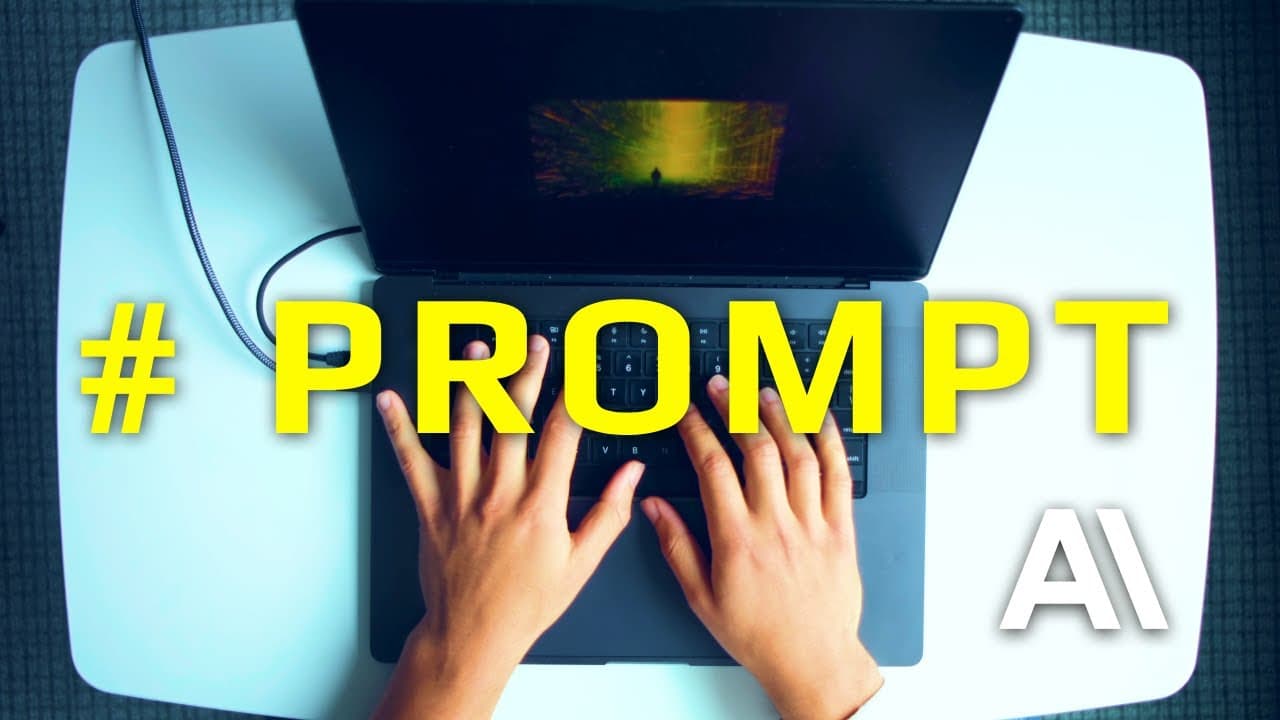
The prompt is now the fundamental unit of engineering. And with agents, every prompt you create becomes a force multiplier. One well-crafted prompt can generate tens and hundreds of hours of productive work. One bad prompt compounds failure at the same rate. So, how do you consistently create prompts that deliver 2, 5, 10, 100x returns on your time... Read More
Key Insights
- The prompt is a fundamental unit of engineering because an agent can turn one instruction into many tool calls and minutes or hours of work. Prompt quality therefore compounds across agent activity, producing either valuable execution or repeated failure at increasing scale.
- Agentic prompts serve three audiences: the prompt author, the engineering team, and the agents executing the work. Clear structure must help each audience understand the prompt's purpose, inputs, process, capabilities, and expected output without requiring private knowledge from its original author.
- Reusable prompt libraries are built from battle-tested, composable sections that function like interchangeable blocks. Sections can be added, removed, or replaced as task requirements change, allowing engineers to reuse proven structures instead of rewriting complete prompts for every recurring workflow.
- The workflow section is a sequential list of tasks that tells an agent how to complete a job. It maps naturally to the plans and concrete task lists used by modern coding agents, making complex, multi-tool work explicit while remaining relatively straightforward to operate.
- The report section controls how an agent responds after executing its workflow. It can require JSON, YAML, a specific structure, or particular information, making it the prompt's output and formatting layer rather than another description of the work itself.
- Metadata provides agent-specific configuration such as a description, permitted tools, an argument hint, or a selected model. Its usefulness is narrower than the workflow or report sections, but it can constrain execution and communicate the prompt's available capabilities before the detailed instructions are examined.
- Variables make repeated workflows adaptable without duplicating or manually rewriting instructions. A dynamic variable receives changing input, such as a plan path or user request, while a static variable stores a stable value, such as the directory where generated implementation plans should be written.
- Instructions provide surrounding guidance for individual workflow steps rather than replacing their sequence. The workflow describes the play-by-play actions, while instructions add auxiliary information about how those actions should be performed, interpreted, or constrained during execution.
Install to Summarize YouTube Videos and Get Transcripts
Explore YouTube Video Summarizer or Get YouTube Transcript Extractor
Questions & Answers
Q: What is agentic prompt engineering?
Agentic prompt engineering is the practice of designing prompts that can direct agents through substantial sequences of work, including many tool calls that may continue for minutes or hours. It treats prompts as reusable engineering assets rather than disposable messages. Effective prompts communicate to three audiences, the author, the team, and the agents, through clear purposes, workflows, variables, instructions, metadata, and report requirements.
Q: How do you build a reusable prompt for a coding agent?
Build a reusable coding-agent prompt by separating it into composable sections. State the title and purpose, define dynamic and static variables, list the workflow as sequential tasks, add supporting instructions, configure relevant metadata, and specify the required report. Consistent variable references and direct language help the prompt remain understandable and adaptable for the author, other engineers, future maintainers, and the executing agent.
Q: Why is the workflow section important in an agentic prompt?
The workflow section is important because it gives the agent a sequential, concrete list of tasks required to finish the job. A capable coding agent can translate that sequence into its internal plan or task list and then execute the steps with the necessary tools. This section provides the operational backbone of a workflow prompt and can support increasingly complex processes without hiding the intended order of work.
Q: What is the difference between workflow and instruction sections?
A workflow section defines the play-by-play sequence of actions the agent should execute. An instruction section supplies surrounding information about individual workflow steps, including guidance on how those steps should be handled. Keeping them separate makes the process easier to inspect: readers can first understand what will happen in order, then expand the instructions when they need more detailed operational guidance.
Q: How do dynamic and static variables differ in prompts?
Dynamic variables receive values that change when a prompt runs, such as a user's request or the path to an implementation plan. Static variables are written directly into the prompt and remain fixed unless someone edits the prompt itself, such as a designated output directory. Both types can be referenced consistently throughout the prompt, reducing repeated text and making later changes easier to apply.
Q: What should the report section of an agentic prompt contain?
The report section should define how the agent returns its results. It can require a particular output structure, identify information that must be included, or specify a machine-readable format such as JSON or YAML. This section is distinct from the workflow because it governs the final response rather than the execution sequence, helping users and teams receive predictable outputs from repeated runs.
Q: What role does metadata play in Claude Code prompts?
Metadata provides configuration and descriptive information associated with the prompt and the agent environment. Examples in the source include a description, an argument hint, a model choice, and a list of allowed tools such as read, write, and bash. Metadata is less central than the workflow, but it can clarify capabilities and place useful constraints on how the prompt is invoked and executed.
Q: Why should agentic prompts be written for three audiences?
Agentic prompts should serve the author, the engineering team, and the executing agents because each depends on the same artifact for a different reason. The author needs repeatability, the team needs shared understanding and maintainability, and the agent needs precise operational direction. Dry, direct language and clearly labeled sections let all three audiences quickly identify the prompt's purpose, inputs, workflow, constraints, and expected output.
Summary & Key Takeaways
-
Agentic prompt engineering treats the prompt as a fundamental engineering unit and a force multiplier. Because one prompt can initiate many tool calls and extended agent work, its quality affects every downstream action. Prompts should therefore communicate clearly to the creator, other engineers, future maintainers, and the agents responsible for execution.
-
The workflow prompt organizes agent work into a sequential list of tasks. Its core sections include metadata, title, purpose, workflow, and report. The workflow tells the agent what to do step by step, while the report defines how results should be returned, including required information, structure, or formats such as JSON or YAML.
-
Variables make prompts reusable by separating changing inputs from repeated instructions. Dynamic variables accept values such as a user request or plan path, while static variables define stable settings such as an output directory. Referencing each variable consistently throughout a prompt makes behavior easier to modify and understand without updating every individual instruction.
Read in Other Languages (beta)
Share This Summary 📚
Summarize YouTube Videos and Get Video Transcripts with 1-Click
Try YouTube Summary with ChatGPT & Claude or YouTube Transcript Generator
Explore More Summaries from IndyDevDan 📚



Summarize YouTube Videos and Get Video Transcripts with 1-Click
Try YouTube Summary with ChatGPT & Claude or YouTube Transcript Generator