Creality Ender 5 Review: Should You Upgrade Your 3D Printer?
TL;DR
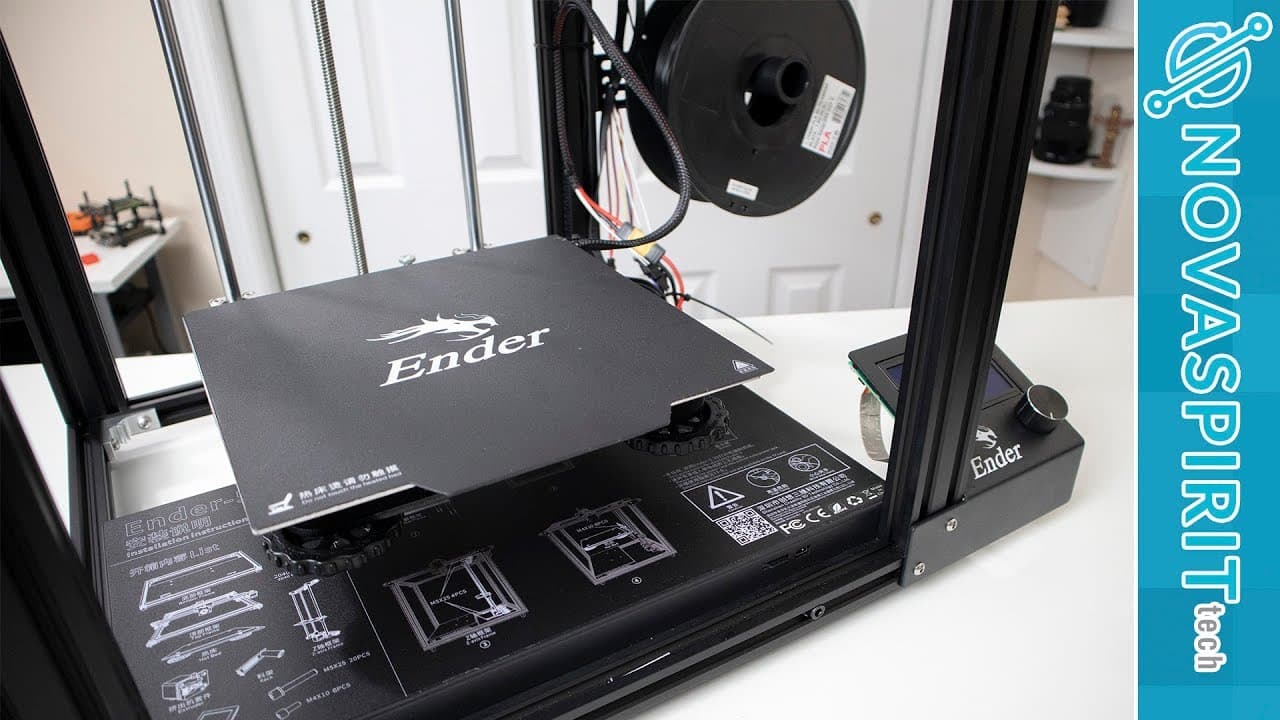
The Creality Ender 5 is a solid upgrade with a larger print size and stable aluminum construction, enhancing print quality and ease of use. While initial calibration is necessary to resolve extrusion issues, the overall performance makes it a worthwhile choice for those looking to upgrade from older models. However, be cautious with temperature limitations for certain materials.
Transcript
hey guys what's going on it's on here from Nova spirit Tech and today we are gonna be taking a look at the end or 5 bike reality so let's get started so I want to thank reality for sending the ender 5 over to me for review I've been actually looking for an upgrade to my printer which is currently a Prusa i3 clone and I've been using that since 2014... Read More
Key Insights
- 🥶 The Ender 5 presents an attractive upgrade for users of older models due to its larger print capacity and stability.
- 👣 Calibration is crucial for improving print quality, particularly when using different filament types.
- 👤 Assembly is user-friendly, but attention to detail is essential to address initial setup issues like voltage configuration and endstop alignment.
- 👷 The frame's solid construction contributes to the printer's stability, making it easier to reposition without recalibration.
- 🥶 Printing materials like ABS may be limited by the bed's maximum temperature, necessitating reliance on older models for certain materials.
- 👻 The extruder design allows for better print quality but may slow down the printing of flexible materials like Ninjaflex.
- 👣 Humidity can impact filament quality and print results, emphasizing the need for controlled storage conditions.
Install to Summarize YouTube Videos and Get Transcripts
Explore YouTube Video Summarizer or Get YouTube Transcript Extractor
Questions & Answers
Q: What are the standout features of the Ender 5 compared to the Ender 3?
The Ender 5 offers a larger print volume, measuring 220 by 220 by 300 mm, which allows for bigger prints compared to the Ender 3. It also features a solid aluminum framework that enhances stability, ultimately reducing the likelihood of print defects associated with movement during operation. While both printers share several components, the Ender 5's enhancements make it a preferable choice for users seeking more substantial results from their 3D printing.
Q: What challenges did the reviewer face while assembling the Ender 5?
The assembly of the Ender 5 was straightforward, taking about half an hour with easy-to-follow instructions. However, the reviewer encountered issues with the Y-axis endstop not making proper contact and voltage settings being configured for 220 volts by default instead of the necessary 110 volts. Both of these issues required adjustment after the printer was powered on, highlighting the importance of checking configurations before use.
Q: How did the reviewer handle initial print quality issues?
The reviewer struggled with poor print quality due to under-extrusion and stringing in initial prints. To resolve these issues, they calibrated the printer settings, specifically adjusting the extrusion rate and flow rate. With these modifications, subsequent prints showed significant improvement, illustrating the importance of calibration in achieving optimal print quality.
Q: Why is the printing speed limited on the Ender 5, according to the reviewer?
The reviewer noted that as the printing speed increased beyond 70 mm/s, print quality began to deteriorate, resulting in artifacts on the finished piece. This limitation suggests that while the Ender 5 can operate at higher speeds, maintaining quality at those speeds requires careful calibration and perhaps staying within lower speed ranges for more detailed prints.
Summary & Key Takeaways
-
The Ender 5 boasts a larger print size than the Ender 3, providing better value for upgrading, although it has similarities to its predecessor.
-
Initial setup was easy but required calibration due to extrusion issues; adjustments improved print quality significantly after initial tests.
-
Stable aluminum construction is highlighted as a key benefit, reducing the need for frequent bed-level adjustments compared to earlier models.
Read in Other Languages (beta)
Share This Summary 📚
Summarize YouTube Videos and Get Video Transcripts with 1-Click
Try YouTube Summary with ChatGPT & Claude or YouTube Transcript Generator
Explore More Summaries from Novaspirit Tech 📚






Summarize YouTube Videos and Get Video Transcripts with 1-Click
Try YouTube Summary with ChatGPT & Claude or YouTube Transcript Generator