How to Set Up a Personal Cloud with Raspberry Pi and Nextcloud
TL;DR
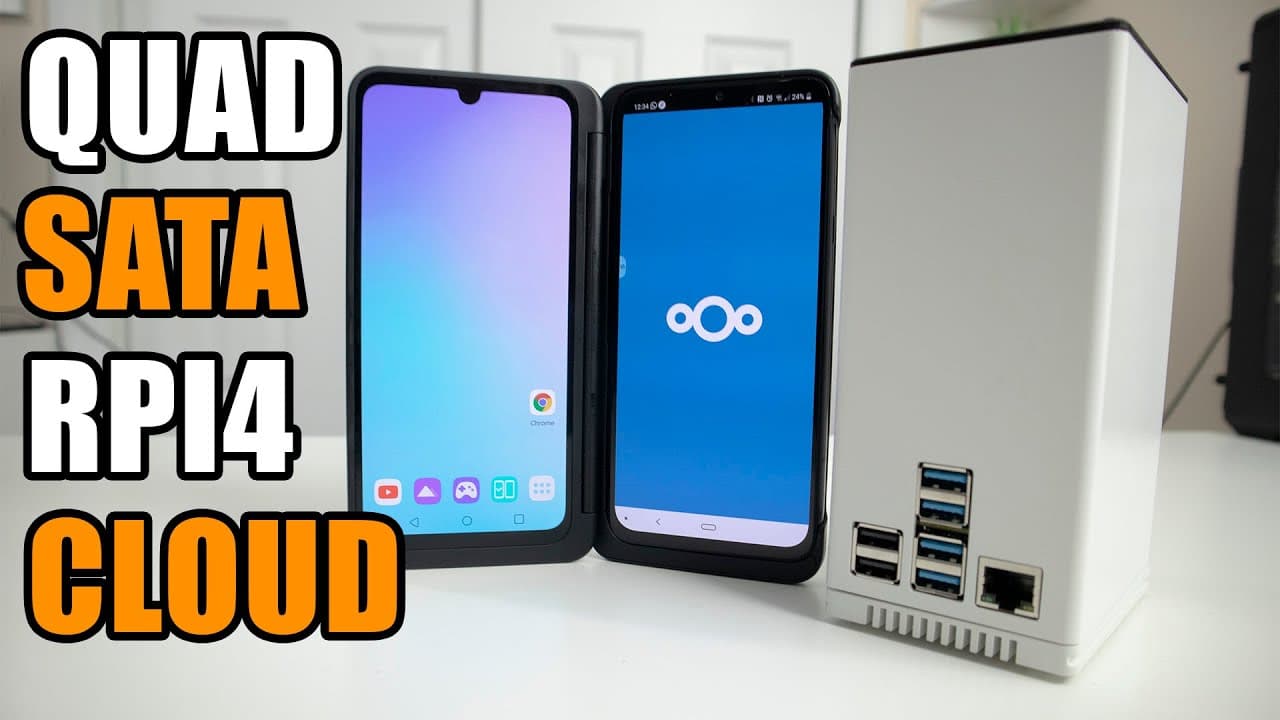
To create a personal cloud using Raspberry Pi and Nextcloud, start by downloading DietPi and configuring a RAID setup for storage. Install Nextcloud to enable efficient file sharing and management without the limitations of services like Google Drive, and ensure secure access by using a VPN to protect against potential risks.
Transcript
hey guys what's going on it's down here from Nova spirit Tech and welcome back to the channel and today we are gonna be making our own cloud using the quad satan as for raspberry pi so let's get started now if you guys are interested in picking up this product which is the quad satan as i will leave all the links down in the description below along... Read More
Key Insights
- 😶🌫️ Building a personal cloud enables users to eliminate file-sharing limitations associated with traditional cloud services, particularly in gaming collaborations.
- 🛟 DietPi serves as an efficient operating system for Raspberry Pi, designed specifically to maximize performance while utilizing minimal resources.
- 🔒 The step-by-step process of configuring RAID enhances data security, with the possibility of data recovery in the event of a drive failure.
- 😤 Nextcloud's array of collaborative tools, including task management features, supports team efficiency and communication, making it more than a simple storage service.
- 😶🌫️ Proper permissions and mounting configurations are critical for ensuring that Nextcloud can effectively manage the data stored on the cloud.
- 😶🌫️ Utilizing tools like SSH for remote configuration allows for greater flexibility in managing the Raspberry Pi cloud setup.
- 😑 The video highlights the practical challenges of file sharing among friends and the pressing need for solutions tailored to high data demands.
Install to Summarize YouTube Videos and Get Transcripts
Explore YouTube Video Summarizer or Get YouTube Transcript Extractor
Questions & Answers
Q: What are the primary reasons for building a personal cloud using Raspberry Pi?
The creator's main reasons for building a personal cloud include the inability to share large files conveniently due to Google Drive's 15 GB limit, as well as the desire for a more customizable and secure file-sharing solution. With the growing size of game footage, a personal cloud would eliminate the hassle of managing cloud storage limits, making collaborative gaming sessions smoother and more efficient.
Q: What software is used to set up the Raspberry Pi for the cloud?
The setup utilizes DietPi, a lightweight operating system optimized for Raspberry Pi. Following the installation of DietPi, the cloud services are managed through Nextcloud, which offers a user-friendly interface for file storage and sharing. The creator also employs specific scripts to ensure proper configuration of the Raspberry Pi's RAID setup, enhancing data security and accessibility.
Q: How does one ensure their Raspberry Pi cloud setup is secure?
The video emphasizes the importance of setting up a VPN for secure access to the Raspberry Pi cloud. By connecting through a VPN, users can safely access their cloud storage without exposing it to public internet risks. This practice removes the need for complex static IP configurations and SSL setups while ensuring that only authorized connections can access sensitive data.
Q: What is the benefit of using Nextcloud in this setup?
Nextcloud provides a robust platform for file management, allowing users to upload, download, and share files seamlessly. It includes additional features like collaborative tools which enhance productivity, providing options for calendars, notes, and various integrations that cater to team projects. This versatility makes Nextcloud preferable for users requiring more than just a basic storage service.
Summary & Key Takeaways
-
The video demonstrates setting up a personal cloud using a Raspberry Pi and DietPi, aiming to solve limitations faced with services like Google Drive, particularly the 15 GB storage limit.
-
It involves downloading the DietPi software, configuring a RAID setup, and installing Nextcloud to facilitate easy file uploads and storage management for gaming and collaboration.
-
Safety measures, such as using a VPN for secure access, are suggested to avoid potential risks associated with publicly hosting the cloud service.
Read in Other Languages (beta)
Share This Summary 📚
Summarize YouTube Videos and Get Video Transcripts with 1-Click
Try YouTube Summary with ChatGPT & Claude or YouTube Transcript Generator
Explore More Summaries from Novaspirit Tech 📚






Summarize YouTube Videos and Get Video Transcripts with 1-Click
Try YouTube Summary with ChatGPT & Claude or YouTube Transcript Generator